
If you are just getting started
Start with local text-to-speech and creating an AI voice from a text description. This helps you understand voice quality, phrasing, prompts and spoken-language writing before you build bigger projects.
Practical articles for creators, YouTubers and teams who want to use AI voices, video translation and local audio production in a clean, reliable way.
Authorized voices, update-ready lessons and localization: a practical workflow for e-learning.
Pick the entry point that matches what you want to build. This turns the blog into a practical map for local AI voices, voice cloning and dubbing workflows.
For your own or authorized voices, recurring speakers and creator productions.
Video Dubbing Translate and dub videos locallyFor YouTube, courses, product videos and multilingual content with speaker structure.
YouTube Translate videos into more languagesBuild multilingual versions for tutorials, reviews, courses and creator content.
Hardware GPU for voice cloning and dubbingWhich RTX GPU makes sense for local AI voices, TTS and video dubbing.
All VANIV guides for local AI voices, voice cloning, video dubbing, YouTube workflows and creator hardware in one clean overview.

Apple, Microsoft, and Google are moving AI onto devices. These 7 signals show why local and hybrid AI are going mainstream in 2026—including the real limits.
Read guide →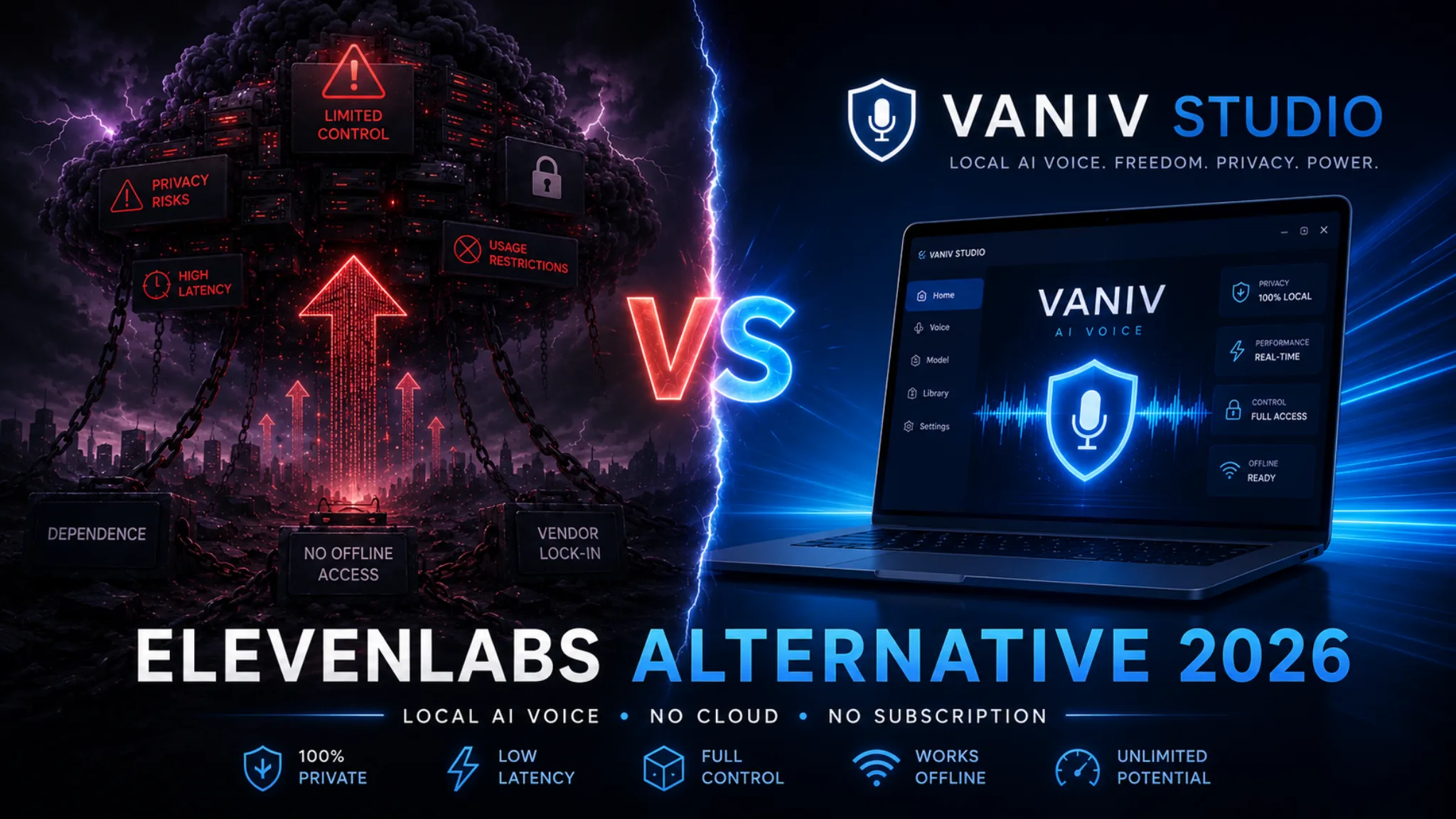
Honest comparison: ElevenLabs vs VANIV Studio. Cloud TTS, local voice cloning, video dubbing, privacy, costs and creator workflow.
Read guide →
Faceless YouTube with AI in 2026: niches, channel ideas, AI voiceovers, local voice cloning, monetization, hardware and a realistic VANIV workflow.
Read guide →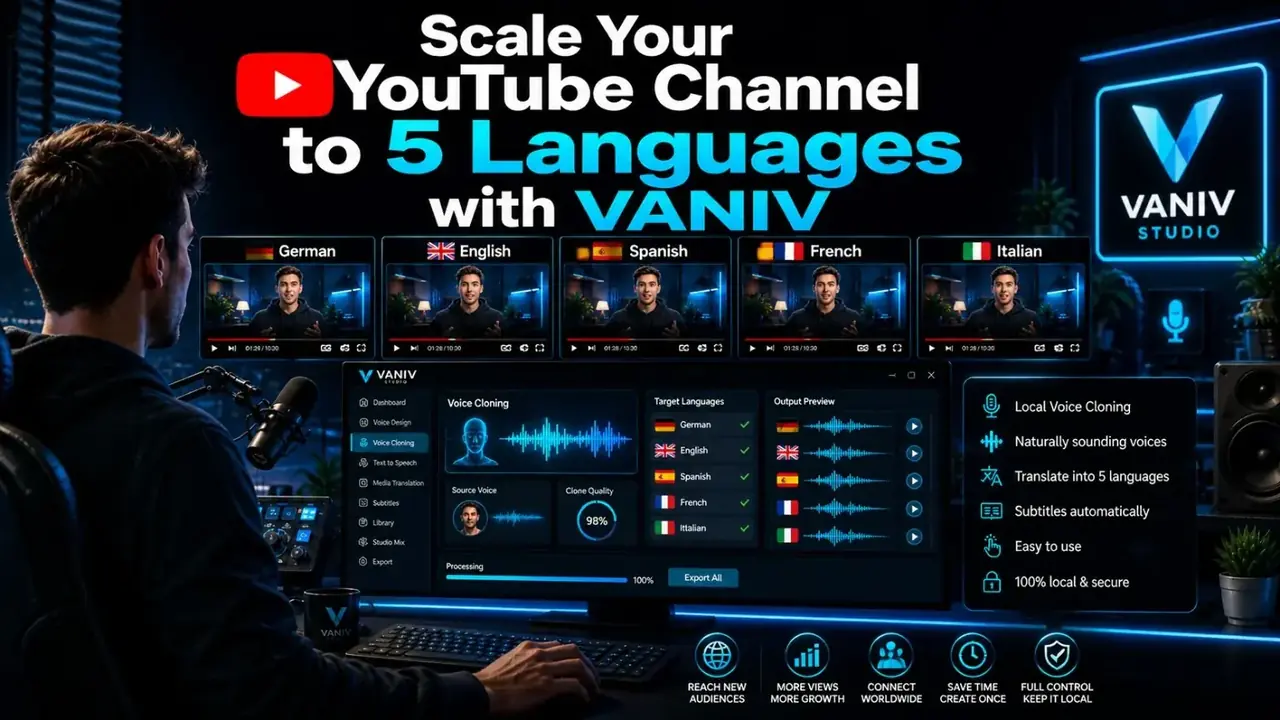
Learn how to scale YouTube videos into English, German, Spanish, French and Italian using local voice cloning, dubbing and VANIV Studio.
Read guide →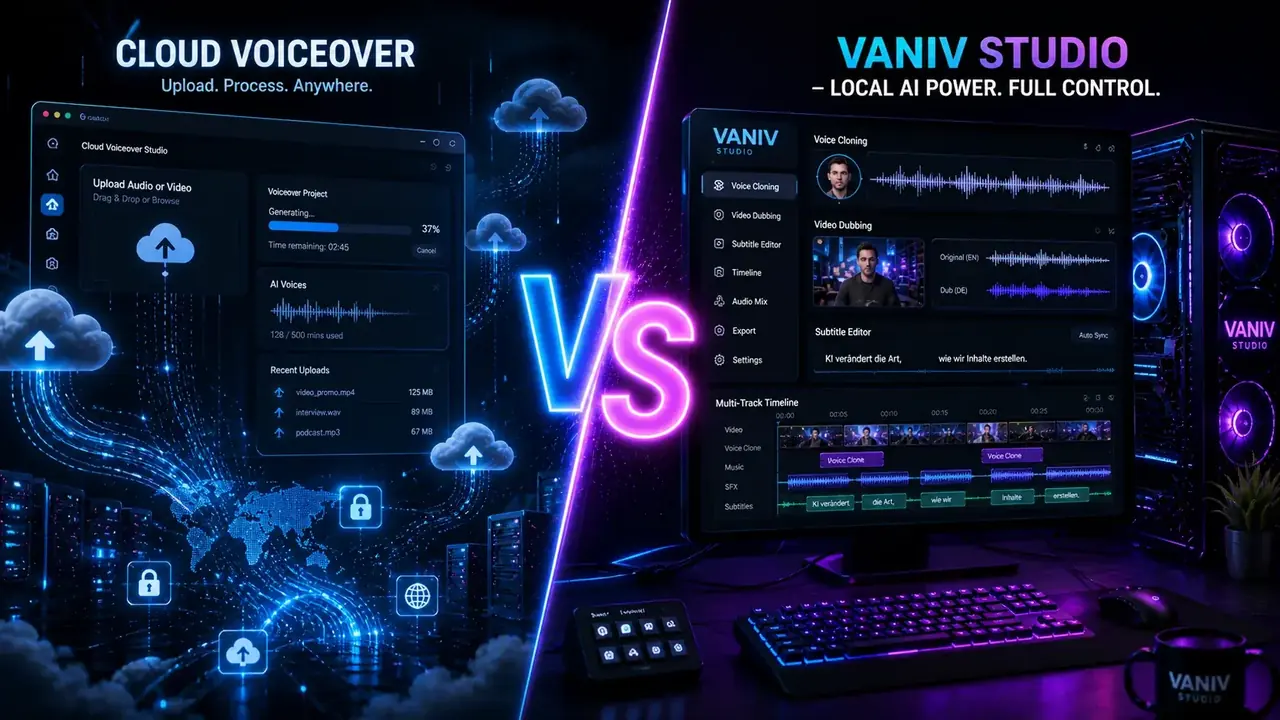
An honest comparison of VANIV and Murf AI: cloud TTS, local voice cloning, video dubbing, privacy, costs and creator workflow.
Read guide →
Local text-to-speech in 2026: cloud vs local AI voices, VANIV workflow, voice cloning, YouTube, courses, dubbing, privacy, hardware and cost decisions.
Read guide →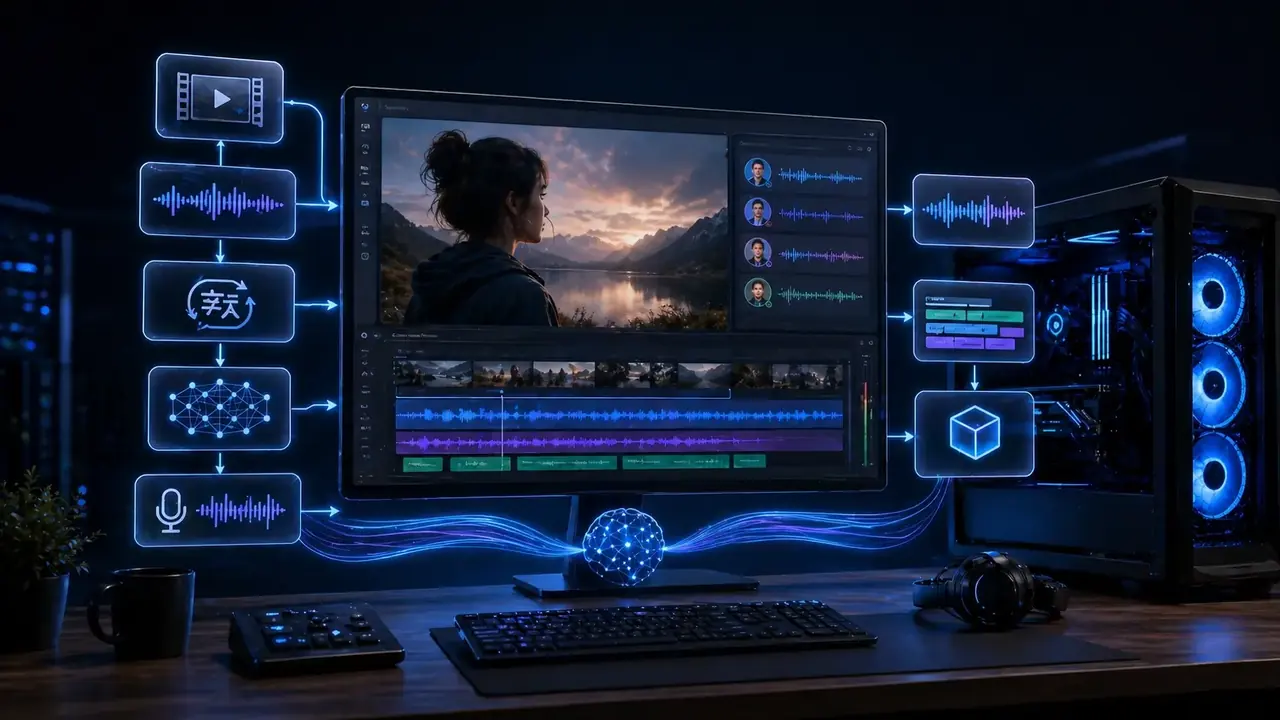
Local AI video translation workflow for creators: transcription, voice cloning, dubbing, subtitles, timing, mix and export with VANIV Studio.
Read guide →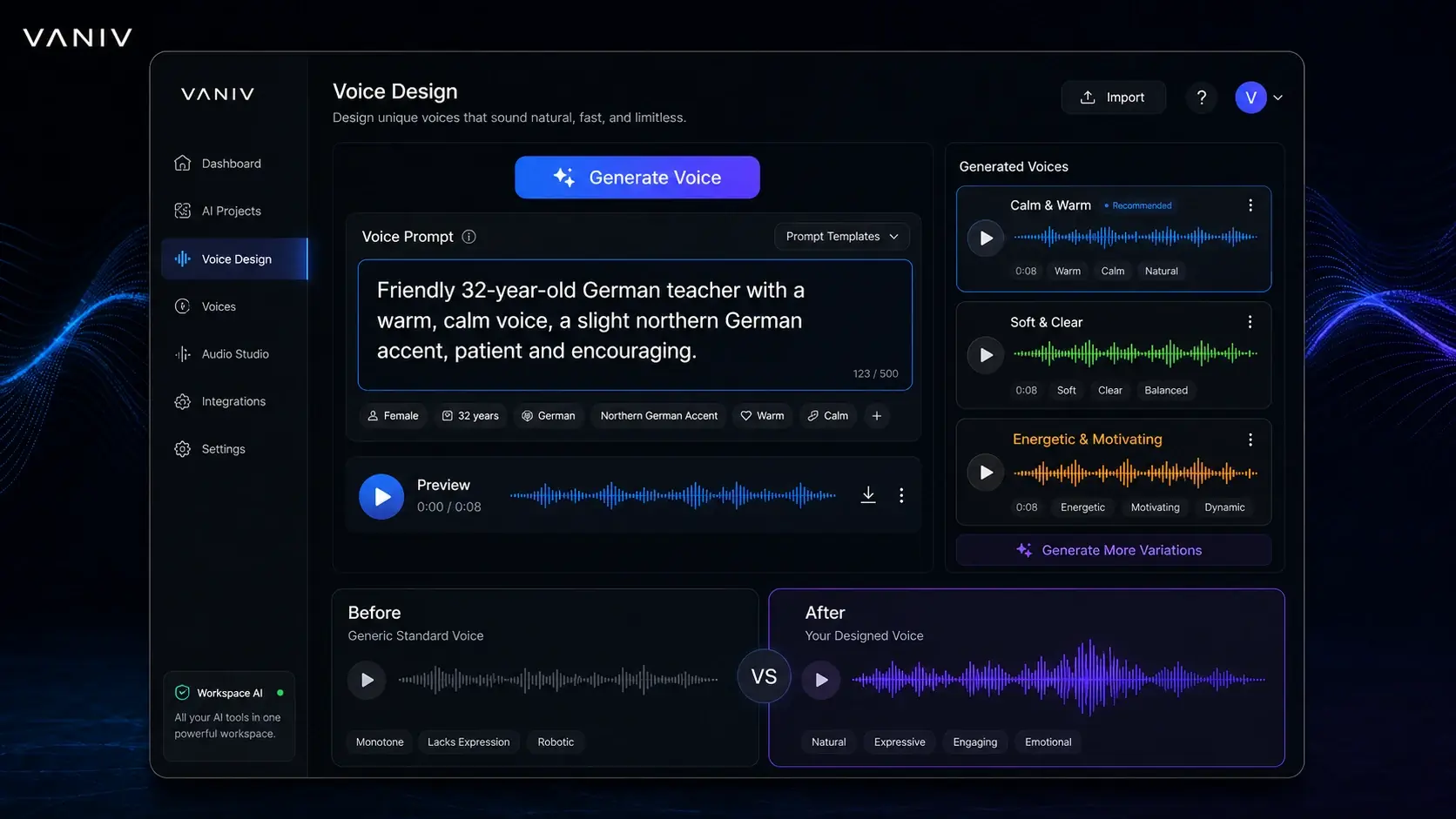
Create an AI voice from a text description: voice design prompts, examples, troubleshooting, local VANIV workflows and voice cloning comparison.
Read guide →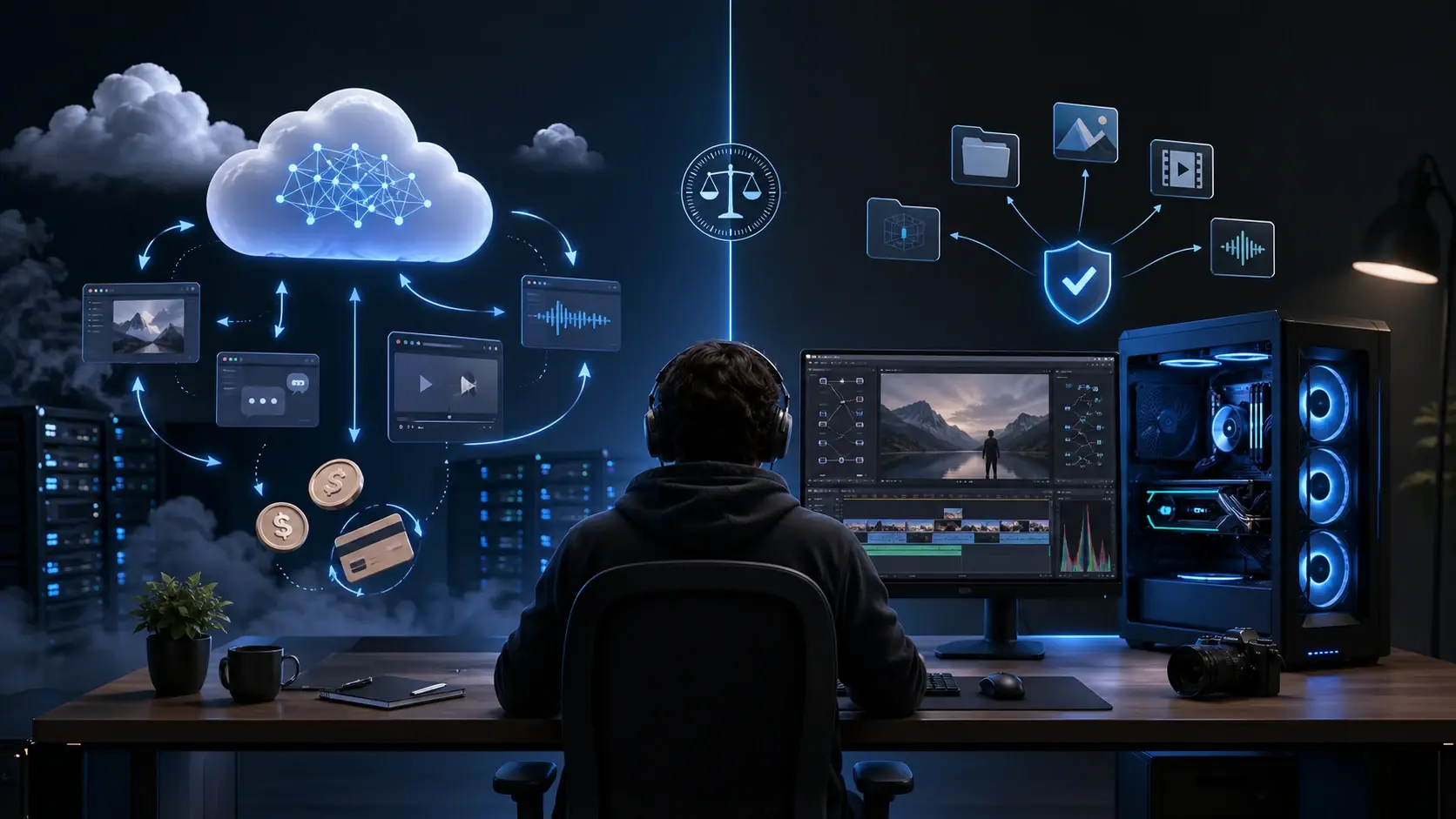
Cloud AI vs local AI cost comparison for creators: subscriptions, credits, hardware, privacy, break-even, creator scenarios and VANIV local workflow decisions.
Read guide →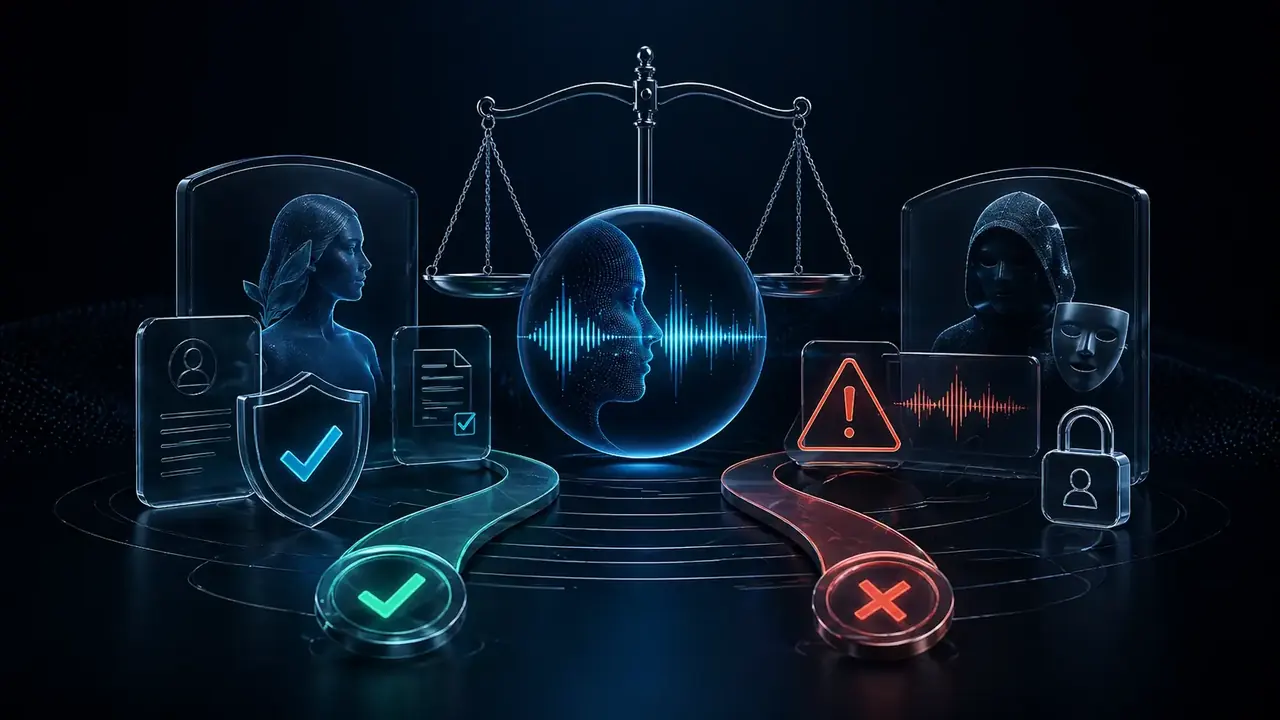
Voice cloning law and ethics in 2026: consent, disclosure, deepfake risks, client projects, voice rights, local-first privacy and responsible creator workflows.
Read guide →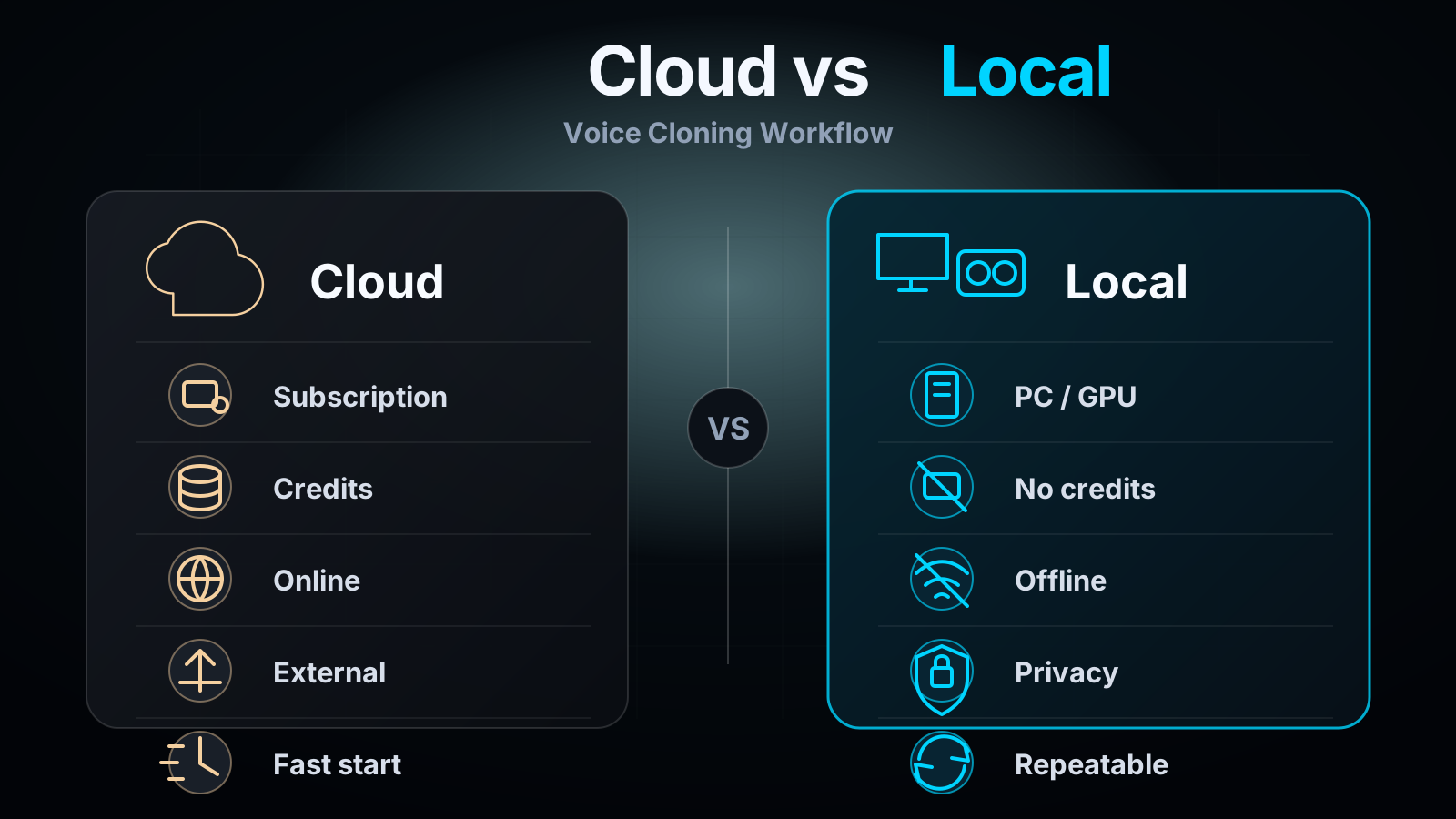
Local voice cloning without monthly pressure: when cloud tools feel limiting and why local workflows can make sense.
Read guide →
Local multi-voice dubbing for videos with multiple speakers: speaker mapping, dialogue cues, subtitles, timing, final mix and VANIV Studio workflow.
Read guide →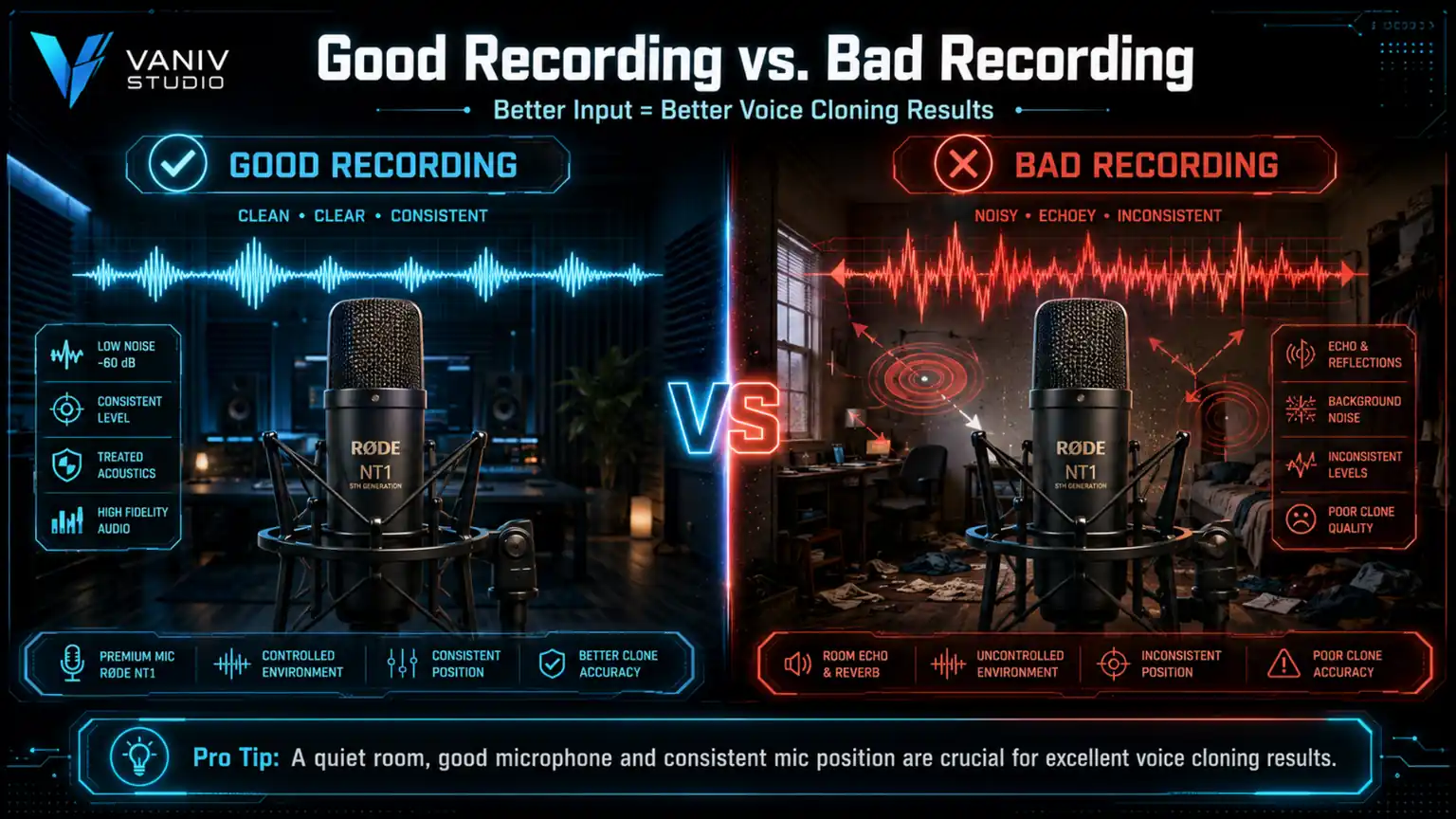
Clone your own voice locally in 2026: recording setup, consent, AI voice testing, troubleshooting, hardware and a practical VANIV workflow for creators.
Read guide →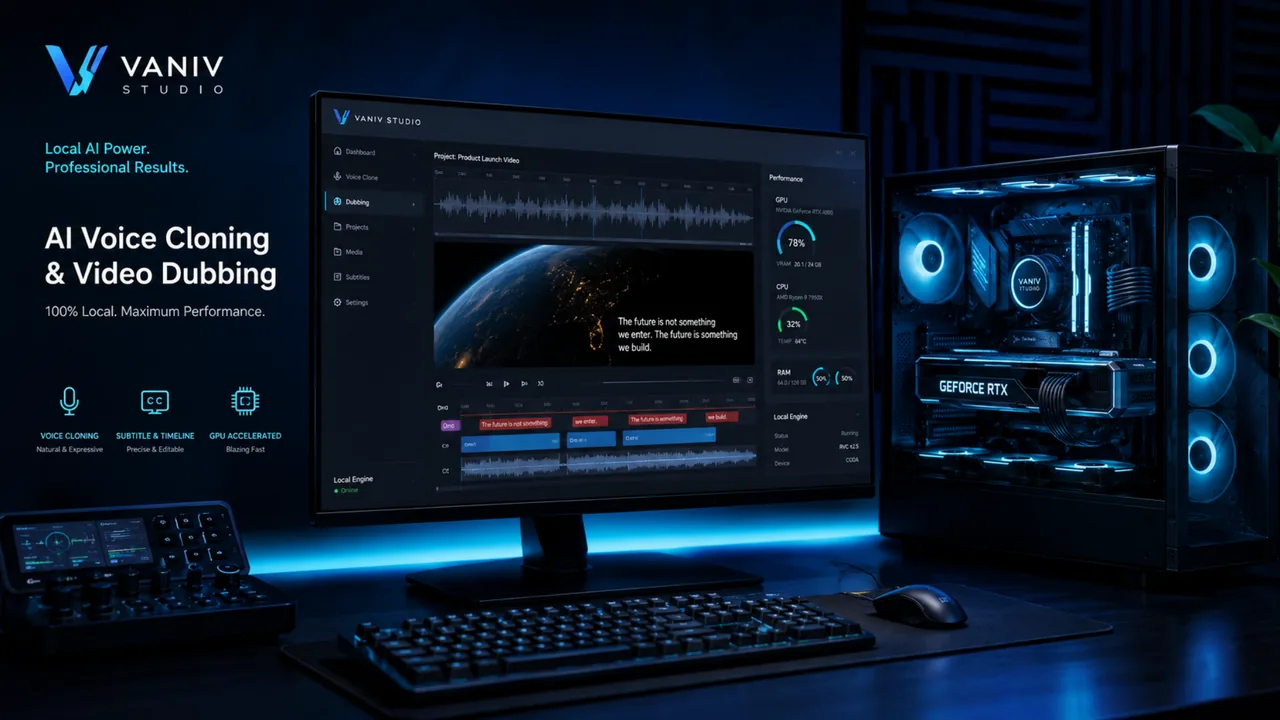
Which GPU do you need for voice cloning, local TTS and video dubbing? Honest RTX recommendations, a PC check and VANIV hardware guidance for creators.
Read guide →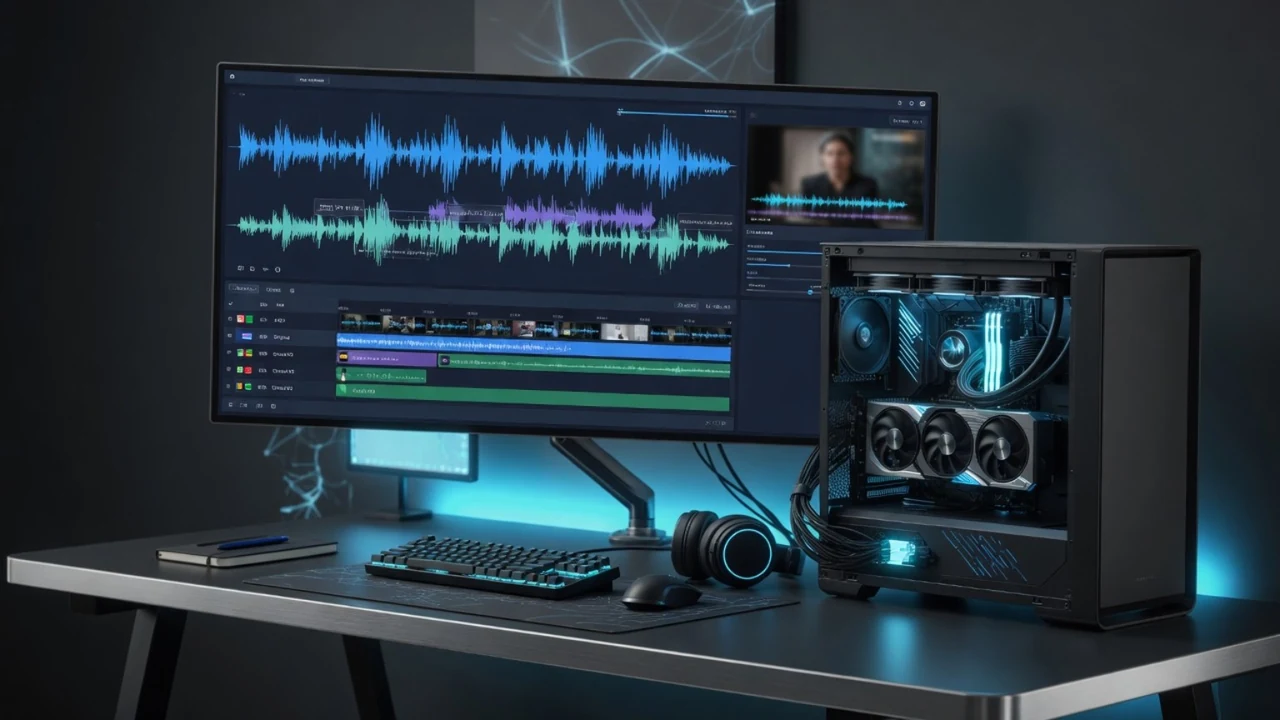
Can a 12GB GPU run local YouTube dubbing with voice cloning? Practical RTX 5070-class experience, VANIV model loading, VRAM limits and hardware advice.
Read guide →Create AI voices, test voice cloning, build dubbing workflows and prepare multilingual creator content.
Try VANIV StudioThese guides connect VANIV's local voice cloning, video dubbing and multilingual creator workflows.