RAM Guide 2026

RAM for Local AI: How Much Memory Do You Need for Voice Cloning and Video Dubbing?

RAM is not as flashy as a new RTX GPU, but for local AI workflows it matters more than many creators expect. Voice cloning, text-to-speech, voice design, video dubbing, browser tabs, editing software, project files and long audio sessions often run at the same time. If your system runs out of memory, your workflow does not just slow down. It becomes unstable, frustrating and hard to trust.

Short version: 16GB is tight for local AI. 32GB is a usable starting point. 64GB is the best sweet spot for most creators. 128GB makes sense for long video dubbing projects, agency work and heavy multitasking.

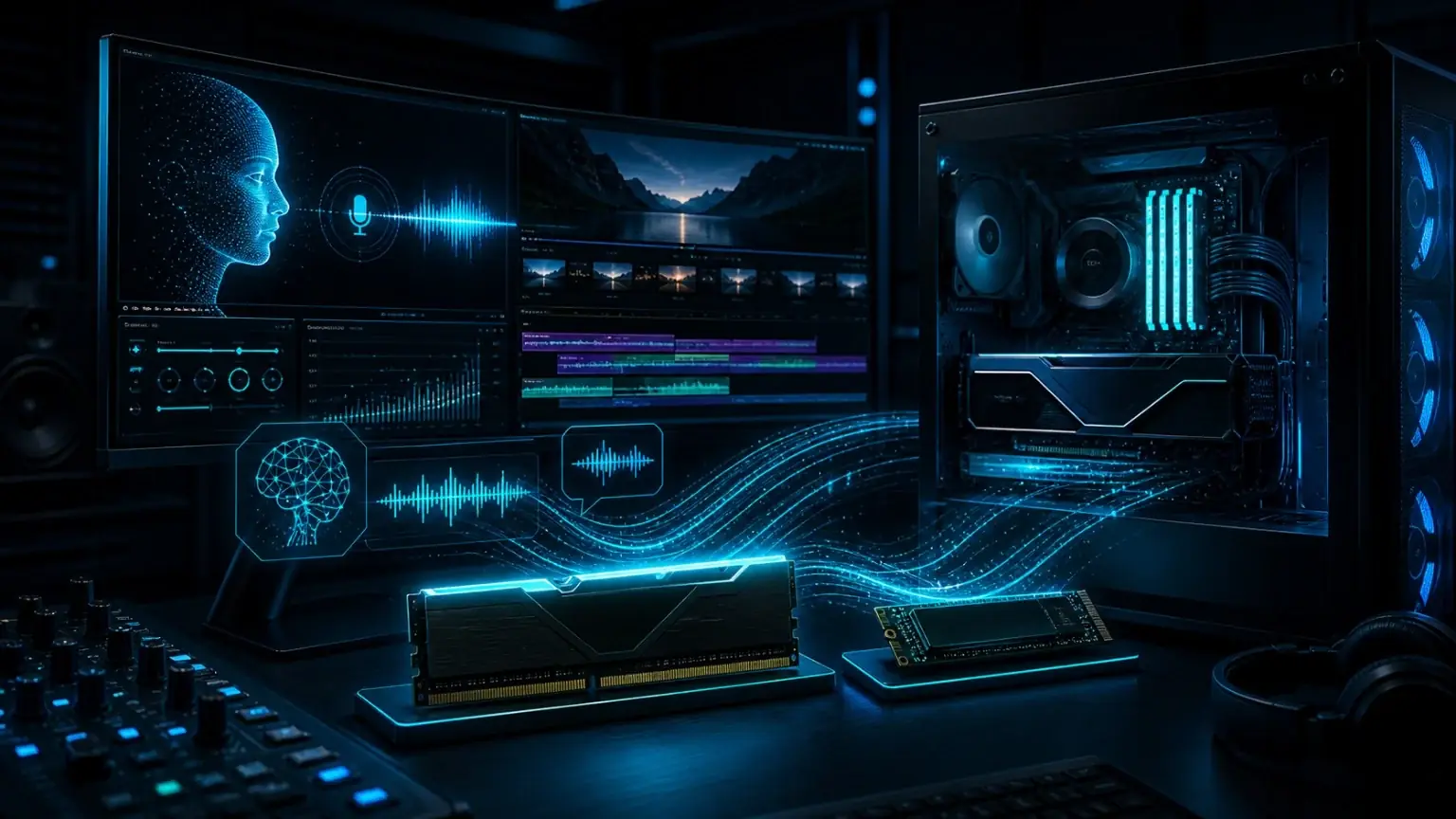
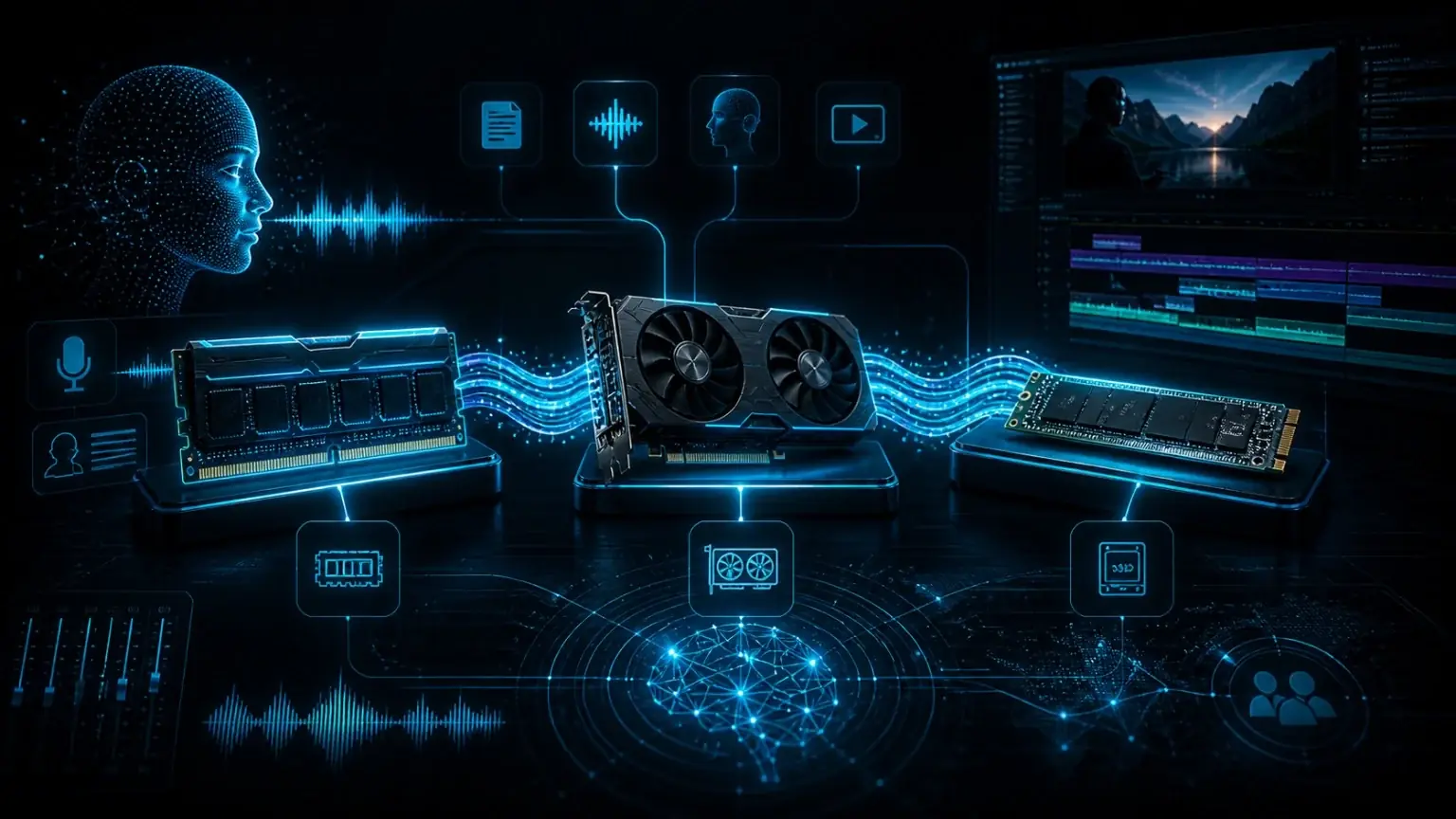
RAM for local AI workstation with DDR5 memory, GPU, VRAM and SSD for voice cloning and video dubbing
Quick answer

32GB, 64GB or 128GB RAM for local AI?

The honest answer depends on how seriously you use local AI. For quick tests, 32GB can work. For a real creator workstation, 64GB is the comfortable baseline. 128GB is not required for everyone, but it becomes valuable when you work with long videos, multiple tools and large media projects.

32GB RAM

Usable for short text-to-speech jobs, simple voiceovers and first voice cloning tests. It is the entry point, not the ideal long-term setup for local AI production.

64GB RAM

The best sweet spot for most creators using VANIV Studio, browser tabs, audio files, subtitles, editing software and video dubbing workflows in parallel.

128GB RAM

For agencies, heavy multitasking, long video dubbing projects, large media folders and workstation-style local AI production. Powerful, but often overkill for short voiceovers.

Buying recommendation

Recommended RAM kits for local AI

Three clear RAM classes for VANIV Studio: entry, creator sweet spot and professional workstation. The key point: for most creators, 64GB DDR5 is the most sensible choice.

Entry32GB
32GB DDR5 RAM for local AI entry workflows, voice cloning and text-to-speech

CORSAIR VENGEANCE RGB DDR5 RAM 32GB

For first local AI tests and short voiceovers.

A solid starting point for text-to-speech, simple voice cloning tests and smaller VANIV projects. It is not ideal if you regularly run long dubbing workflows or several creative applications at the same time.

  • 2x16GB kit
  • Good for short TTS and test workflows
  • Budget-friendly, but limited headroom
View on Amazon
Pro128GB
128GB DDR5 RAM for professional local AI workstations, agencies and long video dubbing projects

Crucial Pro DDR5 RAM 128GB Kit

For workstations, agencies and long projects.

Lots of headroom for long videos, large media projects, agency work and heavy multitasking. Strong setup, but for normal short voiceovers it is usually more than you need.

  • 2x64GB kit
  • For long video dubbing projects
  • Professional headroom, not a must-buy
View on Amazon

Affiliate note: These links point to Amazon.de. If you buy through them, VANIV Studio may earn a commission. Your price does not change. Please check current price and availability directly on Amazon.

Why RAM matters more for local AI than many people think

Local AI is not a single clean task. A real workflow usually includes a model, project files, browser tabs, audio previews, a video timeline, subtitles, export tools and sometimes several AI steps in one session. Even if the GPU does the heavy model work, system RAM keeps the rest of the workstation responsive.

With too little RAM, the operating system starts pushing data to the SSD. That is called swapping or paging. It works, but it feels bad. The app becomes less responsive, exports feel unpredictable and switching between tools becomes annoying. For creators, this is where hardware stops being an abstract spec and becomes a workflow problem.

For VANIV Studio, the goal is not just to generate one short clip. The goal is a stable local workflow for voice cloning, text-to-speech, voice design, subtitle handling and video dubbing. That is why 64GB is such a practical recommendation.

32GB or 64GB RAM for AI? The honest decision

If you are only experimenting, 32GB can be enough. You can test local text-to-speech, generate short voiceovers and explore basic voice cloning workflows. But the moment you add browser research, editing software, long scripts or video dubbing, 32GB starts to feel tight.

64GB RAM is the point where a local AI creator system starts to feel comfortable. You get enough headroom for VANIV Studio, a browser, file management, editing software and longer audio or video projects. It does not magically make every model faster, but it prevents the system from becoming a bottleneck.

128GB RAM is a workstation choice. It makes sense if you often work with long videos, many source files, multiple apps, large local datasets or agency-style production. It is not the first thing beginners should buy, but it is a serious upgrade when your projects become bigger.

RAM for voice cloning: 32GB works, 64GB feels better

Voice cloning is not only about generating audio. You work with reference recordings, prompts, project files, previews and often several takes until the voice feels right. If you also keep a browser, notes and an editor open, memory usage adds up quickly.

For short tests, 32GB is fine. For regular creator work, 64GB is much more pleasant. It gives you enough room to move between voice cloning, text-to-speech, voice design and editing without constantly closing other tools.

This is especially important when you want a workflow that feels professional. Waiting a few extra seconds is acceptable. Random slowdowns, frozen previews and unstable multitasking are not.

RAM for video dubbing: long videos need more headroom

Video dubbing is much heavier than a simple voiceover. A local dubbing workflow can include source video, extracted audio, transcription, translation, speaker references, generated speech, subtitles, preview renders and final export. The longer the video, the more important memory headroom becomes.

For short clips, 64GB is usually a very good target. For long YouTube videos, multi-speaker projects, agency work or repeated exports, 128GB can make the machine feel much more relaxed. It is less about one single peak and more about keeping the entire pipeline stable.

If you want local AI video dubbing to feel like a real production workflow instead of a fragile experiment, do not build the system at the absolute minimum.

RAM for text-to-speech and voice design

Text-to-speech can be lighter than video dubbing, especially for short scripts. But creators rarely run TTS in isolation. You often compare takes, adjust prompts, browse examples, edit audio and organize output files. That is why RAM still matters.

For a simple local text-to-speech setup, 32GB can be enough. For a smoother VANIV Studio workflow with multiple voices, previews, browser tabs and editing tools, 64GB is the safer choice. Voice design benefits from the same headroom because you may iterate through several voice descriptions and variants.

DDR4 or DDR5 for local AI?

If you already own a strong DDR4 system with enough memory and a good GPU, you can start with it. Local AI does not require DDR5 just to work. A well-balanced DDR4 machine with 64GB RAM can still be useful for voice cloning and text-to-speech.

If you are building or buying a new workstation in 2026, DDR5 is the better choice. Modern CPUs and platforms are designed around it, and 2x32GB DDR5 kits are a clean way to reach the 64GB sweet spot without filling all memory slots.

2 RAM modules or 4 RAM modules?

For DDR5 systems, 2 modules are often the cleaner choice. A 2x32GB kit gives you 64GB with good stability and keeps upgrade options open. Four modules can work, but they are more likely to need lower memory speeds or manual tuning.

RAM speed and latency matter, but they should not distract from the main decision. For local AI creators, the first priority is enough capacity. A stable 64GB DDR5 kit is usually more valuable than chasing extreme RAM clocks with too little memory.

RAM, VRAM, GPU and SSD: how to plan a local AI workstation

How RAM, VRAM, GPU and SSD work together for local AI, voice cloning, text-to-speech and video dubbing

RAM is only one part of the system. VRAM sits on your GPU and is critical for AI model processing. The GPU determines much of the speed. The SSD affects loading, caching, project access and export workflows. RAM keeps the operating system, VANIV Studio, media files and other apps stable at the same time.

A strong GPU with too little system RAM is not a smart workstation. The same is true for lots of RAM paired with a weak GPU. For local AI, the best system is balanced: enough VRAM for models, enough RAM for the workflow, a fast SSD for large files and a CPU that does not hold the rest back.

ComponentWhat it doesWhy it matters for local AI
RAMSystem memory for apps, projects and multitaskingKeeps VANIV Studio, browser, editing tools and media files responsive
VRAMMemory on the graphics cardImportant for AI models and GPU-heavy generation tasks
GPUMain accelerator for local AI workloadsOften the biggest speed lever for voice and video AI
SSDFast storage for models, exports and project filesPrevents slow loading, caching and file handling from ruining the workflow

RAM recommendation by VANIV workflow

Use this as a practical planning table, not as a lab benchmark. Real projects vary, but the pattern is clear: short audio workflows can start lower, while video dubbing and agency work need more headroom.

WorkflowMinimumRecommendedComment
Short voiceovers / TTS32GB32–64GBGood entry point for simple scripts and tests
Voice cloning32GB64GBMuch smoother when browser, references and editing tools stay open
Voice design32GB64GBHelpful for testing multiple voice variants and previews
Video dubbing64GB64–128GBLonger videos and multiple tracks need more room
Professional / agency use64GB128GBBest for heavy multitasking and large production projects

Common RAM buying mistakes for local AI

Buying only 16GB because the GPU looks strong: this is a classic trap. The GPU may be powerful, but the whole workstation still feels bad if the system runs out of RAM.

Buying four small modules too early: a clean 2x32GB DDR5 kit is usually better than filling every slot with smaller sticks. It is simpler, often more stable and leaves room for future upgrades.

Ignoring the SSD: if your models, videos and exports sit on a slow or nearly full drive, more RAM alone will not fix the workflow.

FAQ

Frequently asked questions about RAM for local AI

Short and practical answers for creators planning a local AI workstation.

Is 16GB RAM enough for local AI?

For quick experiments, maybe. For serious local AI with VANIV Studio, browser tabs, audio files, voice cloning and editing software, 16GB is too tight. If you buy new hardware, start at 32GB minimum.

Is 32GB RAM enough for voice cloning?

32GB is enough for first voice cloning tests and short voiceovers. For regular creator work, 64GB is much more comfortable.

Is 64GB RAM overkill?

No. For local AI, 64GB is the sweet spot for many creators, especially if you use voice cloning, text-to-speech, voice design and video dubbing.

When do I need 128GB RAM?

128GB makes sense for long video dubbing projects, agency work, large media folders, several AI tools in parallel or a real workstation setup.

What is more important: RAM or GPU?

The GPU is usually the biggest speed lever. RAM keeps the full workflow stable. For local AI, you need both: strong GPU, enough VRAM, enough RAM and a fast SSD.

What is the difference between RAM and VRAM?

RAM is your computer's system memory. VRAM sits on the graphics card and helps with AI models and GPU processing. Both matter, but they solve different problems.

Should I buy DDR4 or DDR5 for local AI?

If you already have a good DDR4 system with 64GB and a strong GPU, you can start with it. If you buy new hardware, DDR5 is the better platform choice.

Is 2x32GB better than 4x16GB?

Usually yes. On DDR5 systems, 2x32GB is often easier to run, more stable and leaves better upgrade options.

Does more RAM make text-to-speech faster?

More RAM does not automatically make the AI model compute faster. But enough RAM prevents swapping and makes the whole workflow feel smoother.

What RAM size is ideal for VANIV Studio?

For most creators: 64GB DDR5. For entry-level testing: 32GB. For agencies, long videos and heavy workstation use: 128GB.