
VANIV vs HeyGen: cloud video platform or local AI creator studio?
HeyGen is a cloud platform for AI avatars, video translation, audio dubbing, lip-synced dubbing and captions. VANIV takes a local-first approach to voice cloning, video translation, subtitles and export on your own Windows PC.
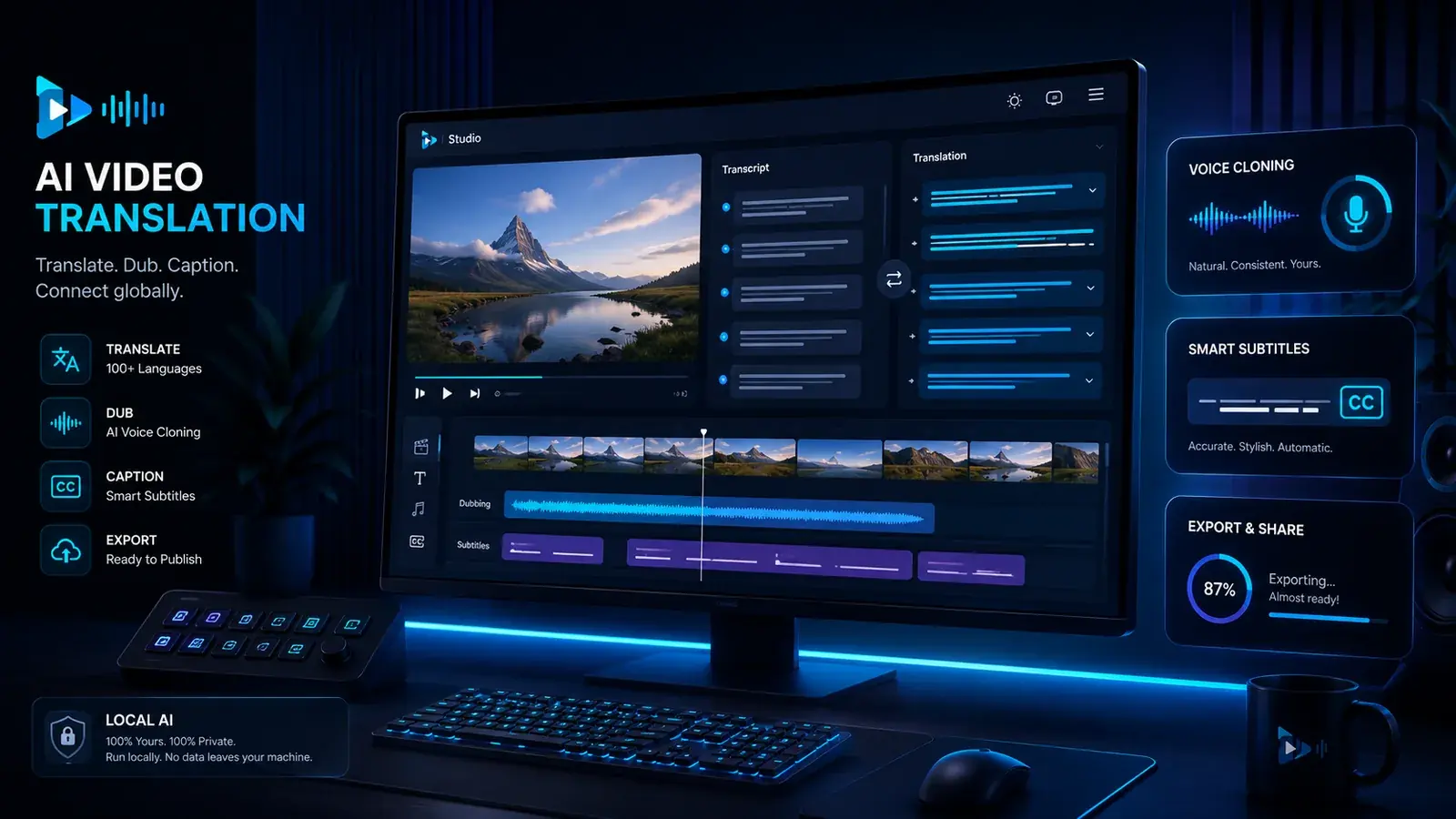
Which workflow fits your video project?
Both tools can support multilingual video work. The practical decision is whether you prefer HeyGen’s managed cloud workflow or VANIV’s local-first production environment.
You want to translate videos
If your main goal is multilingual video, assess translation alongside speaker roles, timing, subtitles, voice cloning and export.
You want dubbing control
VANIV becomes especially interesting when translated voices, local processing and finished clips should become part of a repeatable workflow.
You compare cloud and local
Cloud can be faster. Local can become stronger when rights, privacy, source files and long-term production control matter.
You have multiple speakers
Interviews, podcasts and dialogue videos need more than one generic voice. Multi-speaker dubbing is an important workflow difference.
HeyGen and VANIV in a fair comparison
| Criterion | HeyGen | VANIV Studio |
|---|---|---|
| Core idea | Cloud video platform for AI videos, avatars, translation and browser-based workflows. | Local-first AI creator studio for voice, voice cloning, video dubbing, subtitles and export workflows. |
| Strength | Managed cloud workflows for avatars, video translation, dubbing, captions and lip sync. | More control over local voice and video production, files, speaker profiles, subtitles and export. |
| Video translation | Cloud-based audio or video dubbing, with captions and lip sync available through the relevant workflow and plan. | Local-first translation, voice, subtitles and export organized as a repeatable desktop workflow. |
| Voice cloning | Cloud-based voices and cloning features; translated video can retain the original speaker’s voice. | Authorized voices managed as part of a local creator workflow focused on reuse and production control. |
| Cloud dependency | Typically more connected to online platform, uploads, account and cloud processing. | Local-first by design: less cloud dependency during production, even if setup, updates or licensing may still need internet. |
| Best fit | Teams and creators who want to create AI videos or presentation clips quickly in the browser. | Creators, YouTubers, agencies and local AI users who want more control over voice, video dubbing and export. |
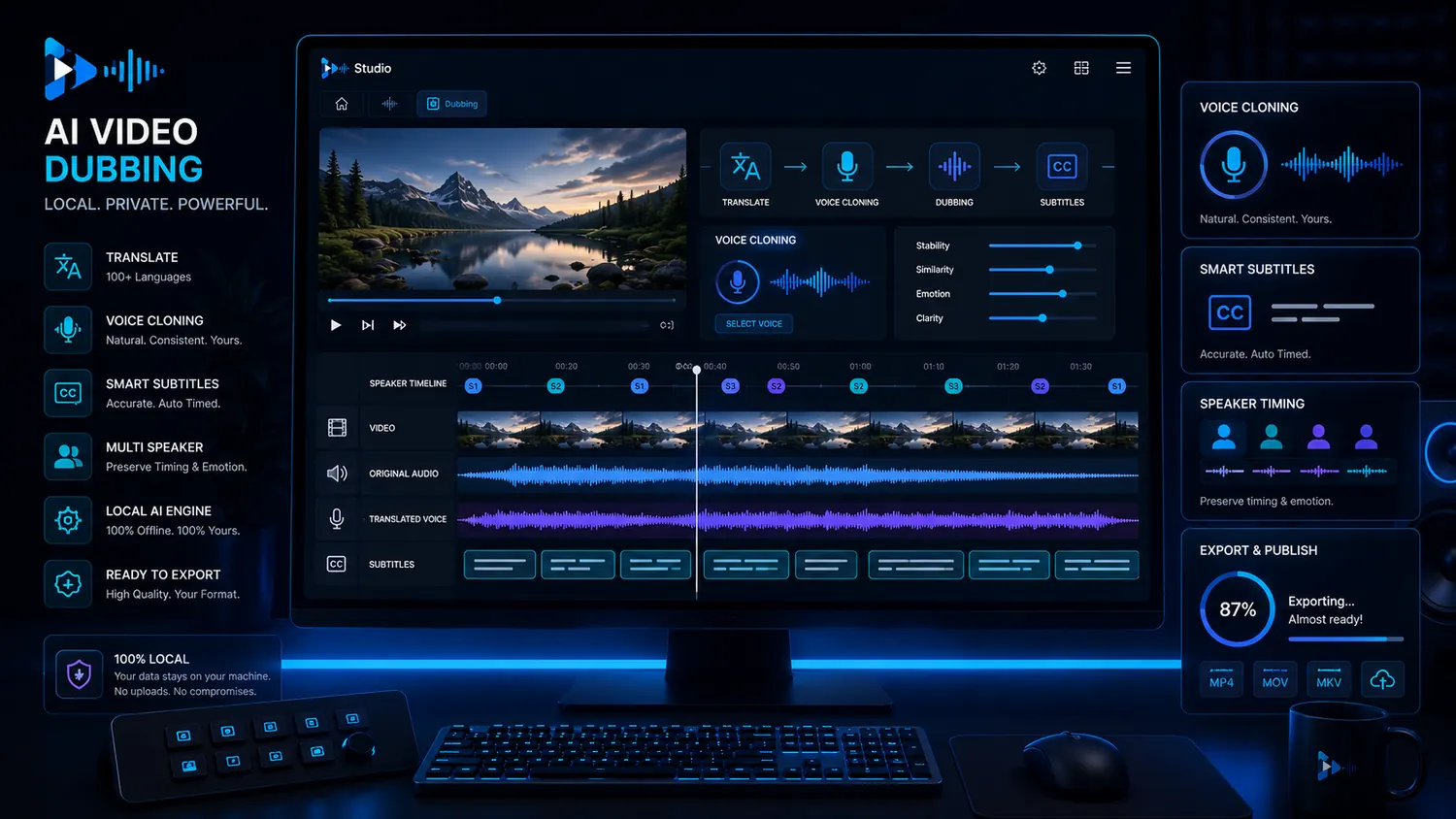
HeyGen now covers more than avatar videos
HeyGen is well known for avatar and presentation videos, but its current platform also includes video translation, audio dubbing, lip-synced video dubbing and captions. A fair comparison therefore has to look beyond avatars.
For an existing YouTube video, tutorial, course or product demo, compare the complete route from source file to translated voice, timing, subtitles and final export.
VANIV does not aim to generate avatars. It provides a local-first creator studio for authorized voices, dubbing, subtitles and repeatable exports on a Windows PC.
- Avatar videos are not the same as video dubbing.
- Translated videos need timing, voice and subtitles.
- Creators need repeatable workflows beyond a single demo clip.
- Local control matters more when material is sensitive.
When VANIV makes sense as a HeyGen alternative
Internationalize a YouTube channel
If one existing video should become several language versions, translation, voice cloning, dubbing, subtitles and export matter much more than one avatar feature.
Localize courses and tutorials
For learning content, consistency matters. The same voice, clean terms, readable subtitles and controlled export formats are more important than one quick clip.
Repeat agency workflows
Agencies often need similar processes for different clients. A local workflow can help keep projects, voices, files and exports more structured.
Handle sensitive material
Product demos, internal training or client material are not always something creators want to upload completely into cloud video tools. Local-first becomes strategically more interesting.
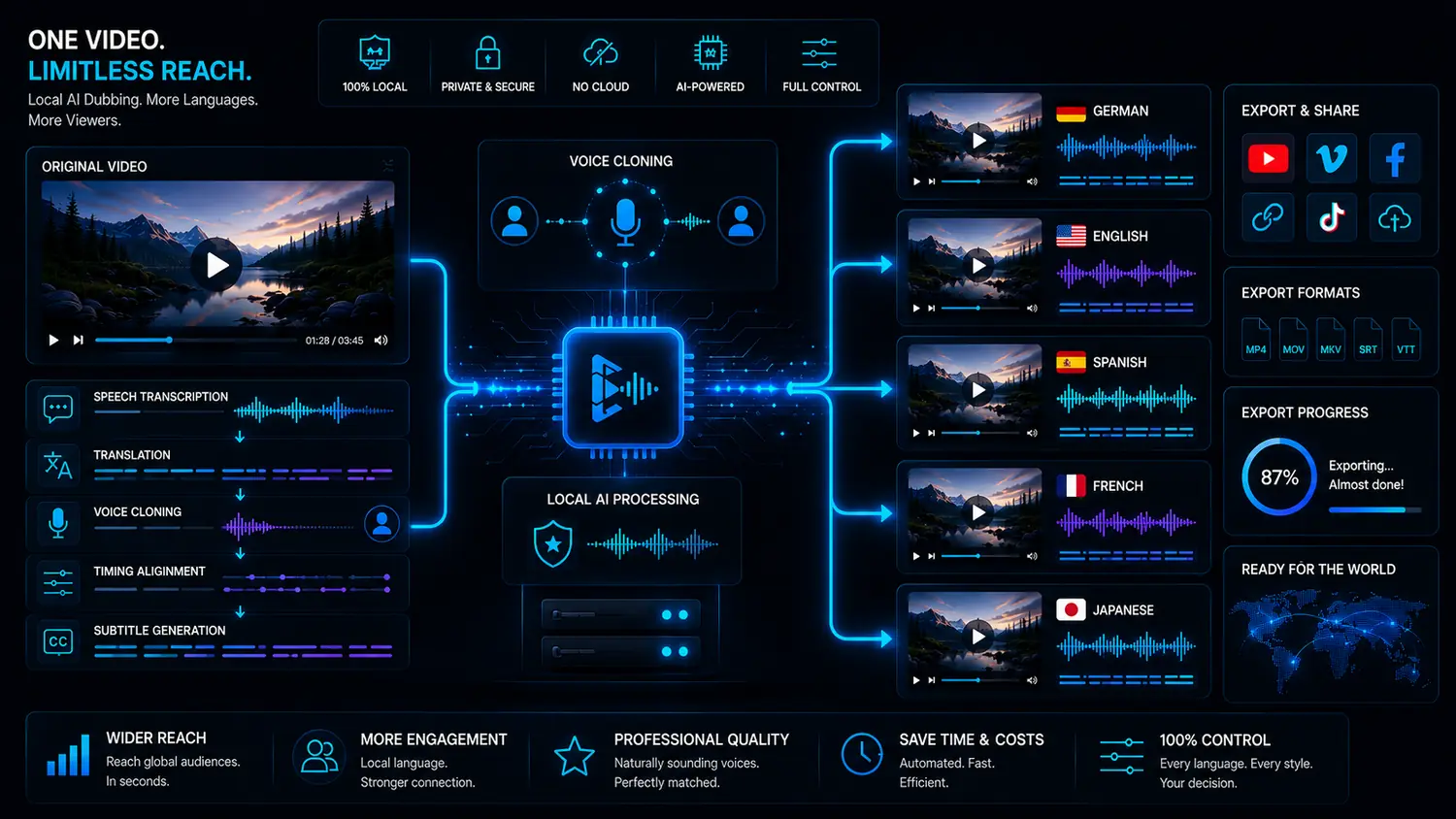
When HeyGen or another cloud video tool may fit better
HeyGen may fit better when you want avatar videos, managed translation or lip-synced dubbing in the browser, prefer minimal setup and are comfortable uploading the source material.
VANIV becomes more relevant when you produce regularly, use your own or authorized voices and want greater control over local files, subtitles and repeatable exports. The trade-off is responsibility for suitable hardware and setup.
Choose cloud
When speed, browser comfort and minimal setup matter more than local control.
Test VANIV
When voice, dubbing, subtitles and export belong together and you produce regularly.
Check workflow
Compare both tools with a real project rather than a sample video.
Respect rights
Voice cloning and video localization need consent, clean usage and responsibility.
HeyGen alternative: what decision are you really making?
People searching for a HeyGen alternative are usually trying to solve a specific production problem: avatar creation, translated video, dubbing, subtitles or greater control over the full workflow.
Avatar presentations
If your main goal is a fast avatar clip, a specialized cloud video tool may remain the obvious choice. The visual presentation is the center of that workflow.
Translating existing videos
If you want to bring existing videos into new languages, the focus changes: transcript, translation, voice, timing, subtitles and export matter more than an avatar.
Local video dubbing
For YouTubers, courses, product demos and agency projects, dubbing is often more valuable than creating a new generic video. This is where VANIV can become stronger.
Repeatable production
If you regularly create similar content, templates, speaker profiles, project files, export formats and repeatability become important.
Both can translate video; deployment and workflow control differ
HeyGen provides a managed cloud environment for avatars, translation, dubbing, captions and sharing. This can be useful for marketing, presentations, training and social content when speed and browser access are priorities.
VANIV starts from a different deployment model. Voice cloning, video translation, dubbing, subtitles and export are organized as a local-first Windows workflow with more direct control over project files.
This distinction matters most when you already have content that must be translated, voiced, reviewed and exported repeatedly. Use the local video-translation workflow for a detailed production example, the law and ethics guide for voice rights and the comparison hub for other tool choices.
- HeyGen is natural for fast cloud video and avatar workflows.
- VANIV is natural for local voice, dubbing, subtitles and export.
- Existing videos often need a strong language version, not an avatar.
- Local control matters more when content is produced regularly.
How to move from a cloud video workflow to a local workflow
You do not have to replace everything immediately. Start with a real project you would produce anyway.
Pick a real video
Do not use only a demo video. Use a YouTube video, tutorial, product video or course lesson that could actually become another language version.
Compare workflow
Assess the final result and the process: transcript, translation, voice, timing, subtitles, corrections and export.
Evaluate control
Ask whether you are comfortable with uploads, platform rules, credits and cloud dependency or want more local control.
Estimate frequency
A local workflow becomes more valuable when you plan many videos, several languages or recurring client projects.
Compare cloud usage costs with local production costs
With cloud video tools, compare more than the entry price. Include several videos, languages, corrections, new exports, client versions and tests when estimating the cost of regular production.
Cloud subscriptions and credit systems are not automatically bad. They can be convenient and reduce technical complexity. But they also influence how freely you experiment. If every new version, test or export feels connected to consumption, that can slow down your production style.
VANIV’s local-first approach is relevant for users who want more control over their production environment over time. Local production is not free: hardware, setup and licensing remain part of the calculation. The potential benefit is a workflow that depends less on per-use platform limits.
Cloud can start cheaper
For individual tests, a cloud tool is often fast and simple. You do not need to plan hardware and can start directly in the browser.
Local can be stronger long term
If you produce regularly, your own hardware, own workflows and repeatable processes can become strategically more valuable.
Corrections count too
Real projects almost always have changes. Names, timing, translation, subtitles and export versions should be part of the decision.
Control has value
Files, speaker profiles, sensitive content and client material are production concerns, not merely technical details.
Quick recommendation: HeyGen or VANIV?
Choose HeyGen if…
you want to create avatar videos or presentation clips quickly in the browser, want minimal setup and are comfortable with cloud processing.
Test VANIV if…
you want to translate existing videos, use local AI voices, control dubbing and build repeatable export workflows.
Compare both if…
you are not yet sure whether your focus is visual cloud generation or local voice and video production.
Do not decide by demo alone
A polished demo video is useful. But your real workflow decides: corrections, variants, rights, languages, subtitles and export.
How to test HeyGen and VANIV with one real video project
The best comparison does not come from demo material. It comes from a project you would actually publish.
Choose a real video
Use an existing YouTube video, tutorial, product video or course lesson. It should be long enough to reveal transcript quality, timing, voice, subtitles and export workflow.
Compare more than output
Check how easily you can make corrections. In real projects, terms, names, timing, pauses, subtitles and export requirements almost always change.
Evaluate control and effort
A cloud tool may feel faster when everything works immediately. A local workflow can become stronger when you need the same production steps repeatedly and want more file control.
Decide by repeatability
After the test, ask yourself: would I want to use this workflow ten times in a row? If yes, it fits real production. If not, it was only a polished demo.
Where VANIV becomes more interesting for creators
VANIV becomes especially relevant when you need a repeatable production process rather than a single generated video. This applies to YouTubers testing several language versions, course creators localizing lessons and agencies standardizing client projects.
In these workflows, speed is only one measure. Also compare file location, speaker-role management, voice consistency, subtitle review, repeat exports and dependence on uploads or platform limits.
HeyGen can be a strong choice when you need fast visible cloud video results. VANIV becomes the more interesting direction when voice, video dubbing, subtitles and export should become part of your own local production environment over time.
- VANIV fits recurring, local-first voice and video workflows.
- HeyGen fits managed cloud creation, avatars and lip-synced translation.
- Make the decision with your own video rather than a demo.
- For international creators, the whole workflow from translation to export matters.
Frequently asked questions about VANIV vs HeyGen
Want to test the local video workflow?
Test VANIV Studio on your Windows PC and see whether local video translation, dubbing, subtitles and export fit your production better.
Join Early Access & save 15%