
Cloud AI: low entry cost, ongoing dependency
- monthly subscriptions
- credits or minute limits
- add-ons when usage grows
- team seats and workspace costs
- export, quality or feature limits depending on the plan
- price changes and platform rules
Cloud AI is usually cheaper and easier for occasional use. Local AI can become more economical and predictable when you create repeatedly, already own suitable hardware or pay for several cloud subscriptions and credits. The real break-even depends on workload, iteration, hardware, electricity and the cloud plans you would otherwise use.
This guide shows when cloud subscriptions are enough, when a local workflow becomes more economical and why VANIV Studio focuses on voice cloning, dubbing, SFX, subtitles and export in one local-first workflow.
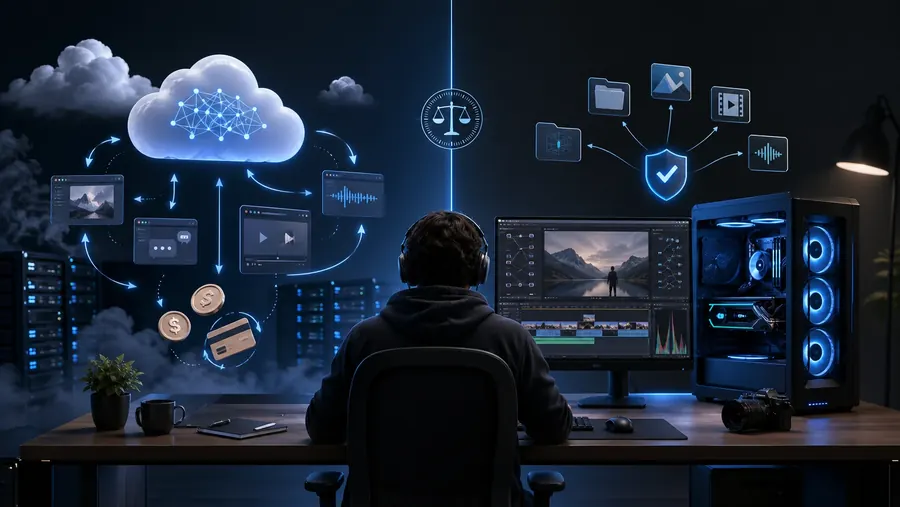
If you only test an occasional voiceover, a cloud tool is often the easiest option. No setup, no hardware questions, just open the browser and start. That is fair, and it should not be dismissed.
But if you create content every week, render many versions, reuse voices, translate videos, generate subtitles, add SFX and need finished exports, the math changes. Then you are not only paying for one subscription. You may be paying for multiple subscriptions, credits, add-ons and the time lost between tools.
Cloud AI sells convenience per month. Local AI requires more setup, but gives you more control over repeatable use.

Cloud plans change. Before comparing costs, open the current provider pages and note the included minutes or credits, overage rules, commercial terms and the features your workflow actually needs. Record the date of the comparison so the calculation remains auditable.
Not every row is just money. Creators also pay with friction: uploads, tool switching, limits, export chaos and lost iteration.
This is where the theory becomes useful. Not everyone needs local AI. But some creators pay too much friction with cloud-only workflows.
You create a few voiceovers per month, test AI voices and do not need a full production workflow.
Likely fit: cloud is often enoughYou create scripts, voiceovers, translations, shorts, subtitles and multiple versions every week.
Likely fit: local becomes interestingYou work with client material, sensitive scripts, recurring voices, versions and delivery obligations.
Likely fit: evaluate local-firstLocal AI requires suitable hardware, setup time and responsibility for maintenance.

There is no serious universal answer like “local AI pays off after month X”. Usage, hardware, electricity costs, quality expectations and team size vary too much. But the direction is clear: the more regularly you produce, the more you iterate and the more sensitive your material is, the stronger the local argument becomes.
VANIV is designed as a local creator studio rather than an isolated browser tool. The value lies in the connected workflow.
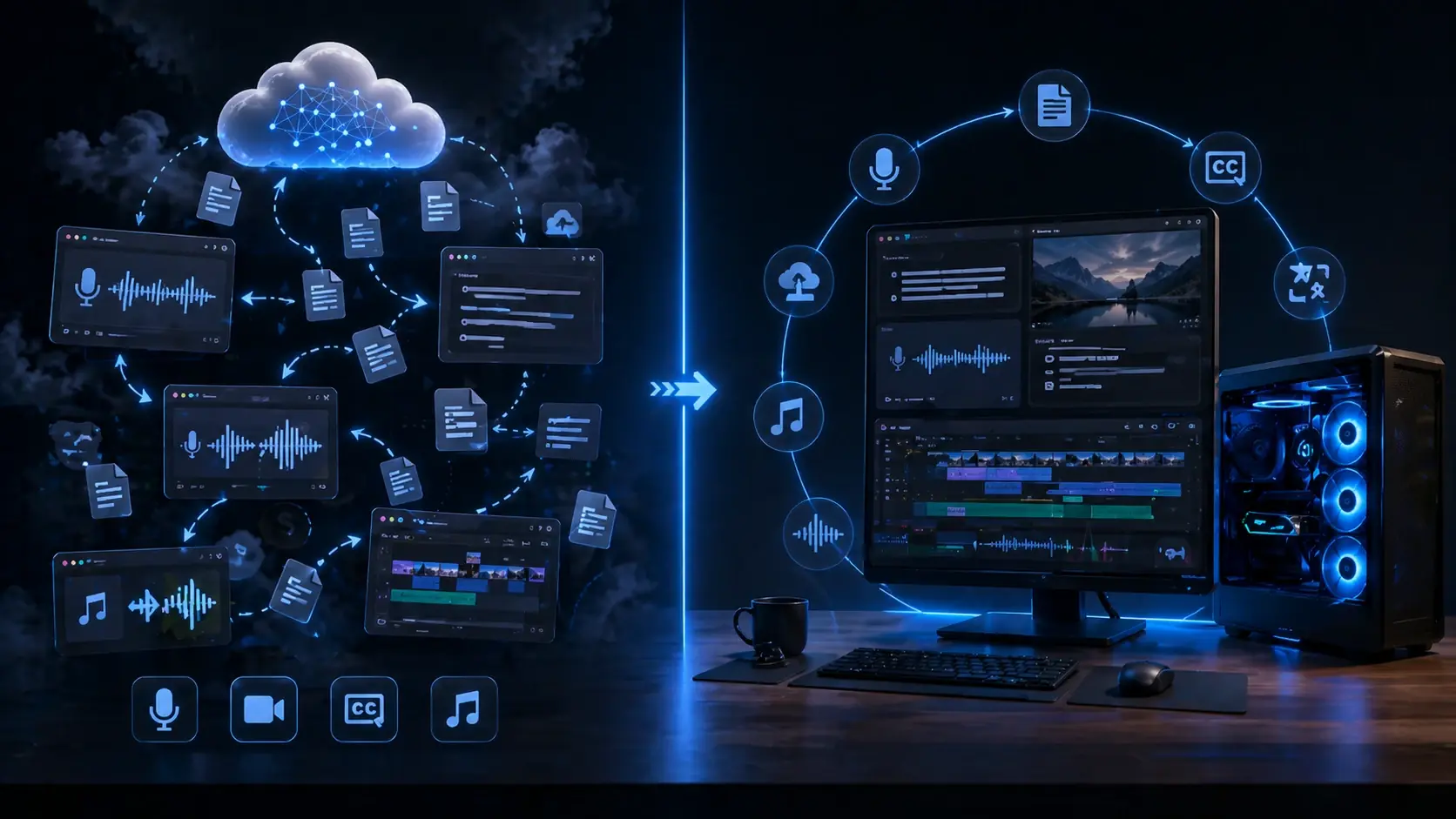
Your own or authorized voices should remain project-ready, instead of being treated as a new cloud job every time.
Translating video, detecting speakers and creating a new audio track belongs in one workflow, not in five separate tools.
Creators need more than a voice. They need subtitles, SFX, mixing and export without starting over in a new tool.
Simple rule: do not decide based on hype. Decide based on usage.
VANIV Studio is currently in Early Access. Request a personal Early Access and check on your own Windows PC whether local voice, dubbing and export workflows fit your content process.
The break-even point is not only about the monthly subscription price. It depends on how often you publish, how many variants you test, whether you reuse voices and how much time you lose moving files between tools. Comparing monthly plan prices alone misses much of the real production cost.
Cloud AI is often the better first step for a creator who only needs a few short tests. Local AI becomes more interesting when production becomes repeatable: YouTube videos, shorts, online courses, product videos, multilingual versions or client projects. At that point, workflow control matters as much as raw price.
| Monthly usage | Cloud tendency | Local AI / VANIV tendency | Practical comment |
|---|---|---|---|
| under 30 minutes of audio | usually cheaper and easier | often overkill | For light testing, cloud is honestly fine. |
| 1–3 hours of audio | still workable, but limits start to matter | worth checking | Many tests and revisions make local production more attractive. |
| 4–10 hours of audio | higher plans, credits and extra tools become relevant | often economically sensible | Especially for voice cloning, dubbing and subtitles. |
| 10+ hours of audio | can become expensive and messy | strong candidate | Agencies, courses and serial content benefit most. |
A good local PC is an investment, but it does not only serve VANIV. GPU, RAM and fast NVMe storage also help with editing, rendering, local models, batch jobs and general creator production. That is why hardware should be treated as production equipment, not as a single-purpose subscription replacement.
Good AI voice results rarely happen on the first render. You test pacing, emotion, pronunciation, sentence length, pauses and different script versions. That iteration is what turns a demo into a usable production asset. But when every retry consumes credits or monthly minutes, creators often stop too early.
This is one of the hidden costs of cloud AI. The expensive part is not always the first export. It is the dozens of small corrections: a sentence sounds rushed, a technical term needs a better pronunciation, a paragraph needs a different tone, or a video has to be prepared for another language.
Every additional variant may consume credits, minutes or export quota. That can make creators optimize less than they should.
The workload runs on your own hardware. You think less in credits and more in quality, project structure and reuse.
Voice, dubbing, subtitles, SFX and export belong together. The goal is to reduce tool-hopping, not create another isolated browser step.
The right answer depends on the production profile. A faceless YouTube channel has different needs than an online course. A small agency has different risks than a solo creator. So the useful question is not “cloud or local forever?” but “which workflow matches the output?”
A channel with weekly videos, shorts and occasional translations needs many small iterations. Voiceover, subtitles, script versions, SFX and export all matter. See also the guide on making money with faceless YouTube.
Courses are about repeatability. New modules, updates, international versions and a consistent voice matter more than a single cheap export. Local voice management and project structure become valuable quickly.
Agencies deal with client material, approvals, versions and often sensitive files. A local-first workflow can improve privacy, version control and cost predictability.
If you only test one short text-to-speech clip, a browser tool can be enough. If you combine voices, dubbing, subtitles, SFX, export and multiple language versions, a local studio workflow becomes much more compelling.
Local AI needs suitable hardware, and that cost belongs in the comparison. The same system is also your production base: a strong GPU speeds up local AI workflows, enough RAM helps with real projects, and fast NVMe storage keeps media, models and exports from becoming a daily bottleneck.
For local voice, dubbing and AI workflows, compatible GPU acceleration is often the most important speed lever. VANIV uses ONNX-based support for suitable NVIDIA, AMD and Intel hardware; longer jobs and repeated tests quickly make GPU performance a comfort factor.
Open GPU guide →More RAM is not magic, but it helps when video, browsers, local models, audio projects and several tools are open at the same time.
Open RAM guide →Projects, model files, video sources and exports benefit from fast NVMe storage. It is less flashy than a GPU, but it matters every day.
Open SSD guide →| Hardware | Why it matters | Common buying mistake |
|---|---|---|
| Compatible GPU acceleration | accelerates local AI, voice workflows and longer jobs | only looking at the model name and ignoring VRAM/workflow needs |
| RAM | helps with multitasking, projects, browser, video and local tools | buying too little and working at the limit all the time |
| NVMe SSD | keeps project files, models, cache and exports responsive | using old hard drives as the main project drive |
| Microphone / room | crucial for voice cloning and professional results | buying an expensive microphone while ignoring echo and fan noise |
Many creators compare cloud and local AI only in month one. That is where cloud often has its clearest advantage: you can start with a modest plan, test in the browser and avoid an immediate hardware decision. A useful comparison also looks further ahead, because channels, courses and agency workflows run for months or years.
Over twelve months, the calculation changes. Cloud subscriptions keep recurring. Additional credits, higher plans or extra tools may appear. A local workflow has more setup cost in the beginning, but every repeated project makes the system more valuable, especially when you reuse voices, project structures and export routines.
| 12-month view | Cloud workflow | Local workflow with VANIV |
|---|---|---|
| Month 1 | cheap entry, quick tests | setup, hardware check, workflow preparation |
| Month 3 | first limits, more credits, multiple tools may appear | voices, projects and routines become reusable |
| Month 6 | subscription stack and export friction become noticeable | local workflow pays off more with regular use |
| Month 12 | recurring costs keep running | hardware becomes part of the production base |
For tests, beginners and irregular projects, cloud tools can be perfectly reasonable. You should not buy hardware just to create two short voiceovers per month.
If you publish regularly, reuse becomes decisive: saved voices, repeatable projects, fewer tool switches and more control over exports and versions.
The point is not simply “one tool is cheaper than another.” The point is a connected workflow for voice, dubbing, subtitles, SFX and export.
The right answer is not ideological. Cloud is not bad. Local is not automatically better. The real question is what makes sense for your output, data, time and budget.
you produce rarely, do not want setup, only test ideas, do not handle sensitive files and can live with credits or monthly limits.
you regularly produce videos, voiceovers, dubbing, subtitles or multilingual content and want less tool-hopping.
you use cloud for quick special cases but keep repeatable production, your own voices and sensitive projects local.
| Mistake | Why it is misleading | Better calculation |
|---|---|---|
| comparing only monthly plans | credits, extra tools and time are ignored | calculate the full workflow |
| assigning all hardware costs to one tool | GPU and SSD also help with editing, rendering and other local tools | treat hardware as production equipment |
| ignoring failed attempts | professional results need iteration | include tests and variants |
| treating privacy as free | sensitive files can be a real risk | evaluate upload dependency consciously |
| underestimating the tool stack | TTS, dubbing, subtitles, SFX and export often live in separate tools | count workflow friction as a cost |

Once you understand the cost question, these guides are the logical next step.
Why credits, limits and subscription stacks can become annoying for voice AI production.
Read the guide →A direct comparison between cloud voice tools and VANIV Studio.
Read the comparison →Which hardware makes sense for local AI workflows.
Read the hardware guide →