GPU Guide 2026

Best GPU for voice cloning and video dubbing 2026

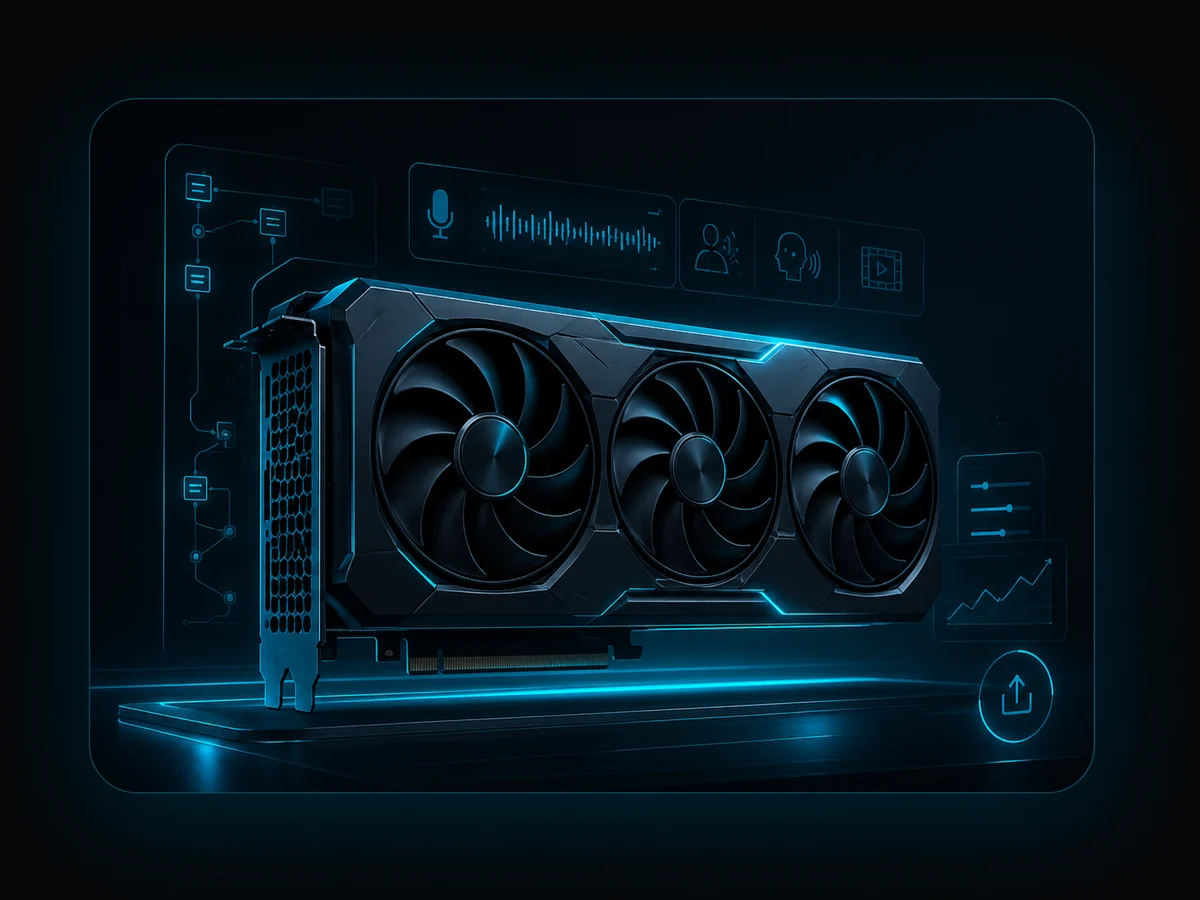
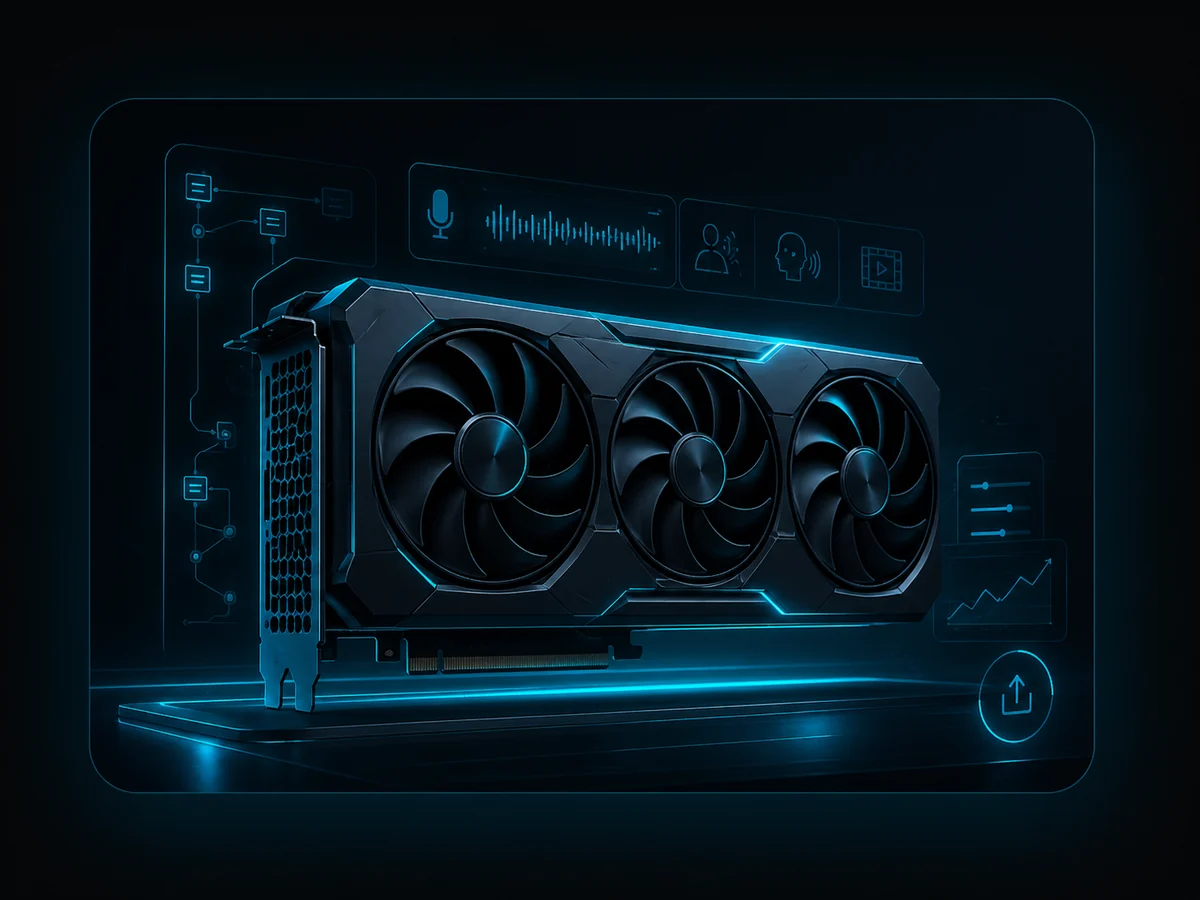
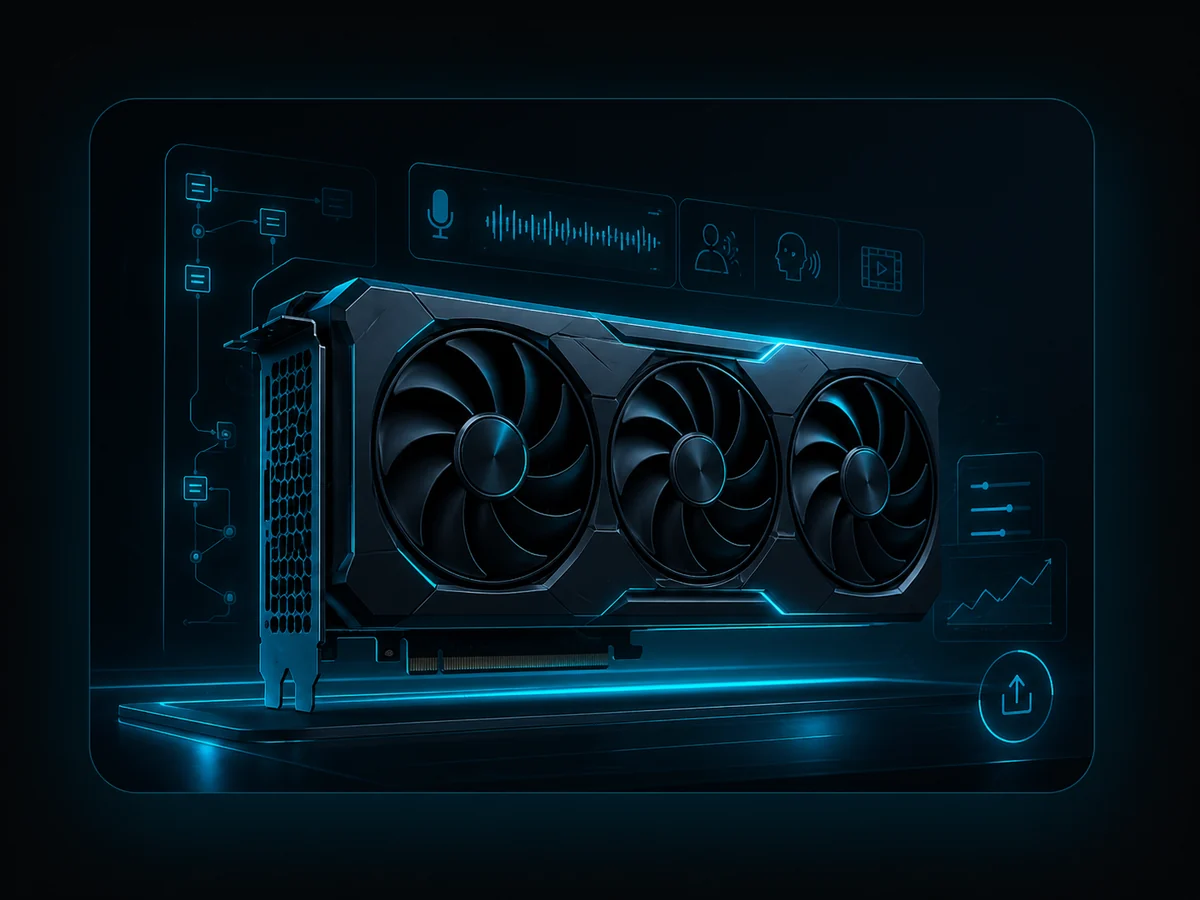
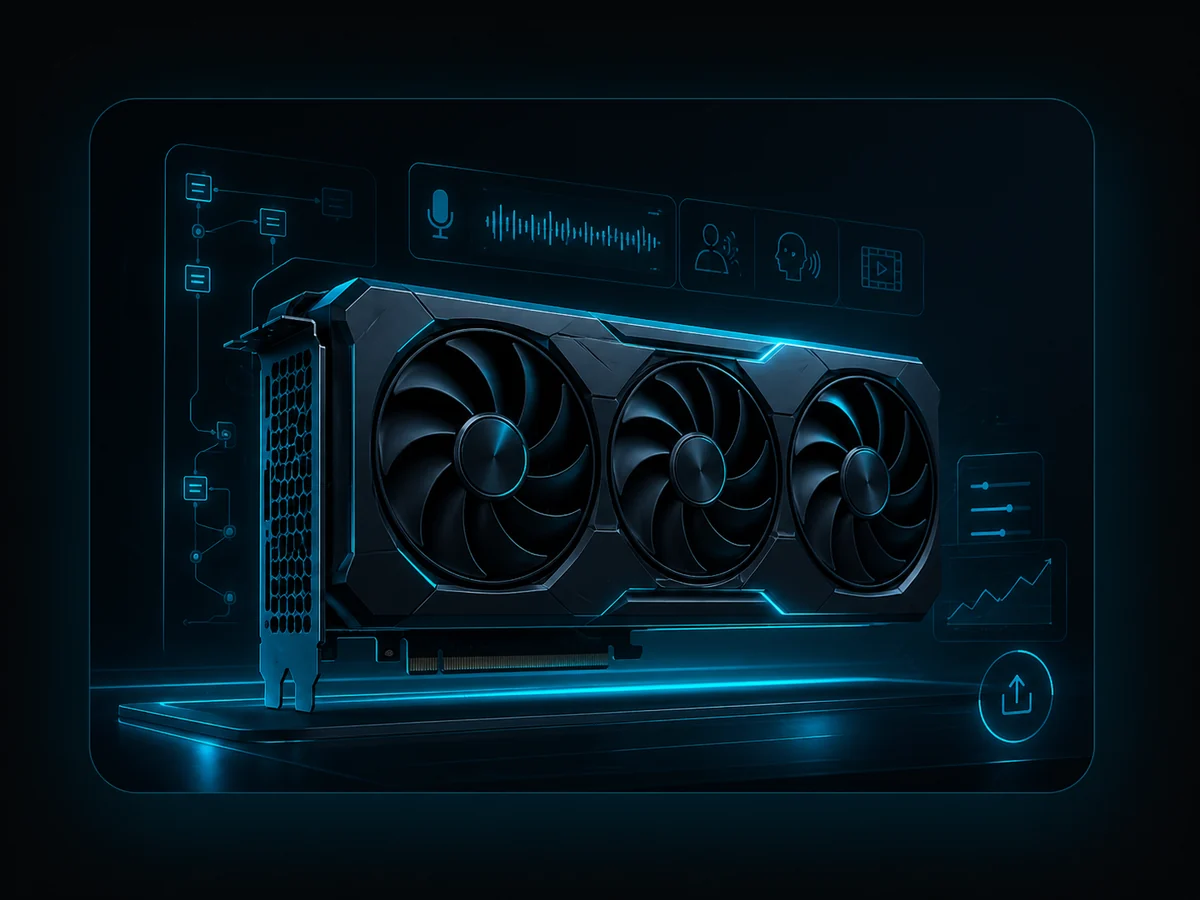
If you want to use voice cloning, AI voices from text descriptions, voice design or local video dubbing professionally, the GPU quickly becomes the bottleneck. It is the biggest performance lever for local artificial intelligence. This guide helps you choose the right RTX class for VANIV Studio and similar local AI workflows.

Local voice cloningAI voices & voice designLocal video dubbingRTX GPU recommendations

Transparency: Some links on this page are affiliate links. If you buy through them, I may earn a commission at no extra cost to you. Always check current prices, availability, power supply, case fit, warranty and retailer terms before buying.

Fast recommendation

Which GPU should you buy?

For most creators, the most expensive card is not automatically the smartest choice. The right GPU depends on your workflow: short AI voiceovers, regular YouTube production or large multi-voice dubbing projects.

Entry / testing

RTX 5070. Good for first AI voices, TTS, short voiceovers and VANIV tests.

Sweet spot

RTX 5070 Ti or RTX 5080. The best balance of speed, price and headroom for most creators.

High-end / professional

RTX 5090. Maximum reserves for long projects, multi-voice dubbing and future headroom.

Comparison

The best GPUs for voice cloning, AI voices and dubbing

VRAM matters for local AI, but it is not the whole story. For VANIV, real waiting time, project length, stability and whether you produce regularly matter just as much.

GPU VRAM Best for Local AI assessment Recommendation
RTX 5070 12 GB GDDR7 Tests, short clips, first voiceovers Good entry point Entry & testing
RTX 5070 Ti 16 GB GDDR7 Regular production, voice design, medium projects Very strong balance Sweet spot
RTX 5080 16 GB GDDR7 Longer dubbing projects, creator production Fast and comfortable Creator favorite
RTX 5090 32 GB GDDR7 Large projects, maximum reserves, future-proofing Maximum, but expensive Pro & power user
Recommendations

Detailed GPU recommendations for local AI

These four classes cover most VANIV workflows — from the first AI voiceover to regular video dubbing.

Entry
RTX 5070
RTX 5070 GPU for voice cloning, AI voices and short local AI workflows

RTX 5070 — the reasonable starting point

Ideal if you want to test local AI first.

The RTX 5070 is enough for short voiceovers, TTS, first voice-cloning tests and smaller dubbing projects. It is not the card for huge batch projects, but it is a practical place to start.

  • Best for: beginners, short clips, tests
  • Less ideal for: long multi-voice projects
  • VANIV tip: test the workflow first
View on Amazon
Maximum
RTX 5090
High-end RTX GPU for maximum local AI performance and large dubbing projects

RTX 5090 — maximum reserves

Powerful, but luxury for many creators.

The RTX 5090 makes sense if you want long projects, multiple speakers, heavier local AI models or maximum future headroom. For first voiceover tests, it is overkill.

  • Best for: pro workstations
  • Strong for: large projects and future reserve
  • Advice: buy only with real need
View on Amazon
Workflow matching

Which GPU fits which voice-cloning workflow?

Testing or short content

RTX 5070 is usually enough. You can test VANIV and generate short AI voices or voiceovers without buying the most expensive hardware first.

Regular creator production

RTX 5070 Ti or RTX 5080. This is where higher speed in voice design, dubbing and export starts to pay off.

Professional multi-voice dubbing

RTX 5080 or stronger. Longer videos with multiple speakers, timing, subtitles and export benefit heavily from more performance.

Before buying

Important GPU buying tips

VRAM matters

For local artificial intelligence, 12 GB is an entry point. 16 GB or more feels much more comfortable for longer projects.

Cooling matters

AI jobs often run longer than short gaming sessions. Check case airflow, cooling quality and realistic noise levels.

Check the power supply

High-end cards need the right wattage and connectors. Do not find out after buying that your system is not ready.

Used RTX 4090 cards can be interesting if price, condition, warranty and cooling are right. Still, used hardware always carries risk. For a production creator workstation, warranty can be worth more than a small discount.

GPU guide for local AI

Which GPU is best for voice cloning, text-to-speech and video dubbing?

For local AI, raw gaming performance is only part of the story. The real decision depends on VRAM, stable NVIDIA drivers, cooling, project length, waiting time and whether you only test AI voices or produce videos, voiceovers and dubbing projects regularly.

Why the GPU matters so much for local AI

When you generate AI voices locally, clone a voice or dub a video into another language, the GPU handles a large part of the workload. It accelerates model inference, audio processing, voice generation and, depending on the workflow, steps around transcription, translation, separation and export.

A stronger GPU does not automatically create a better voice. But it strongly affects how usable the workflow feels. There is a big practical difference between testing a short voice sample and producing long YouTube videos, training material, product demos or multi-speaker dubbing projects every week.

VRAM is often more important than the model name

VRAM is the dedicated memory where AI models, temporary data and audio/video processing tasks live while the system is working. If VRAM becomes tight, the workflow can slow down, become unstable or fail on longer projects.

Smaller cards can be fine for short text-to-speech tests. But for voice cloning, longer audio, multiple speakers, offline video dubbing or future local AI workflows, more VRAM gives you much more breathing room. That is why the RTX 5070 Ti and RTX 5080 are especially interesting for many creators.

RTX 5070, 5070 Ti, 5080 or 5090: which GPU fits your VANIV workflow?

The best GPU is not automatically the most expensive one. The right choice depends on your real workload. A creator who only tests short AI voiceovers does not need an RTX 5090. But if you regularly translate videos, clone voices, generate subtitles and want to keep AI production local instead of paying for cloud credits, stronger hardware quickly becomes a productivity factor.

RTX 5070: local AI entry point

The RTX 5070 makes sense if you want to test AI voices, generate text-to-speech and work on shorter clips. It is a solid starting point for local AI voice workflows, but not the most comfortable option for long dubbing projects.

RTX 5070 Ti: the creator sweet spot

The RTX 5070 Ti is often the more balanced choice. It gives you more room for voice cloning, longer audio projects and regular production without jumping straight into the most expensive class.

RTX 5080: strong for video dubbing

The RTX 5080 is the better option if VANIV is part of your real production workflow. It is especially attractive for longer videos, repeated voice generation, local video translation and creator workloads.

RTX 5090: maximum headroom

The RTX 5090 is powerful, but for many creators it is luxury. It makes sense for heavy local AI workstations, large projects, multiple speakers, demanding models and maximum future-proofing.

GPU for voice cloning: what really matters

Voice cloning is not just a simple playback task. A local voice cloning workflow may need to analyze reference audio, generate a consistent speaker style, render new speech and keep the voice stable across multiple segments. For short samples, this can work on modest hardware. For real projects, waiting time becomes the hidden cost.

If you create recurring content with the same voice, a better GPU saves time every week. It also makes experimentation easier: you can test different voice styles, pacing, prompts and languages without feeling punished by long render times. That is especially important for YouTubers, course creators, agencies and anyone building a repeatable local AI workflow.

GPU for text-to-speech: when is a smaller card enough?

For pure text-to-speech, you can often start smaller. If you only generate short voiceovers, intros, product clips or test samples, an entry-level RTX card can be enough. The problem starts when text-to-speech becomes part of a bigger pipeline: voice cloning, subtitles, translation, video dubbing, exports and repeated revisions.

In that case, the GPU is no longer just a nice upgrade. It becomes the difference between a workflow you actually use and a workflow you avoid because every correction takes too long. For serious creator work, the RTX 5070 Ti and RTX 5080 are much more comfortable than the cheapest possible option.

Local AI instead of cloud tools: why hardware is a strategic decision

Cloud voice tools can be convenient, but they often come with monthly subscriptions, credit limits, upload requirements and less control over your production pipeline. Local AI changes that equation. You invest into your own hardware, keep more control over your files and can generate, test and revise without counting every credit.

This does not mean everyone should buy the biggest GPU immediately. The smart move is to match hardware to your real work. Test VANIV Studio first, understand your bottlenecks and then decide whether your next upgrade should be GPU, VRAM, RAM, SSD speed or a stronger full workstation.

Practical buying advice

GPU buying guide for local AI: how to choose the right card

Buying a GPU for local AI is different from buying a pure gaming GPU. For VANIV Studio, voice cloning, text-to-speech, voice design and offline video dubbing, you should care about VRAM, NVIDIA support, cooling, driver stability and your real production schedule.

1. Start with your workflow, not the GPU name

If you only generate short AI voiceovers, you can start with a smaller RTX card. If you produce long videos, translate YouTube content or work with several voices, the GPU has to handle longer sessions and more demanding tasks.

2. Treat VRAM as creative headroom

VRAM gives your local AI workflow space to breathe. More VRAM helps with longer projects, bigger models, multiple processing steps and future workflows. It is not only about speed, but about stability and comfort.

3. Do not overspend before testing

The RTX 5090 is impressive, but it is not automatically the best value. Many creators will get a better balance from an RTX 5070 Ti or RTX 5080. Test your real VANIV workflow first, then upgrade based on actual bottlenecks.

4. Think about the full workstation

A strong GPU needs a balanced system. RAM, SSD speed, cooling and power supply matter too. If the rest of the PC is weak, the best graphics card will not magically create a professional local AI studio.

  • Best entry choice: RTX 5070 for testing AI voices, short text-to-speech and first local workflows.
  • Best value area: RTX 5070 Ti or RTX 5080 for regular creators, YouTubers and video dubbing.
  • Best high-end choice: RTX 5090 for heavy local AI workstations and maximum future headroom.
  • Best strategy: test VANIV first, measure your waiting times, then upgrade the real bottleneck.
Creator use cases

Which GPU fits your local AI use case?

The right GPU depends on what you actually want to produce. A small voiceover workflow has different requirements than a full video translation pipeline with cloned voices, subtitles, timing corrections and repeated exports.

YouTube voiceovers and shorts

For short AI voiceovers, explainers, shorts and product clips, an RTX 5070 can already be a useful starting point. It keeps the barrier low and lets you test local text-to-speech and voice design without buying a high-end workstation.

Regular creator production

If you publish weekly videos, courses or tutorials, the RTX 5070 Ti and RTX 5080 become much more interesting. They reduce waiting time and make it easier to revise voices, pacing and subtitles without slowing down your workflow.

Offline video dubbing

Video dubbing is heavier than simple voice generation. It can involve transcription, translation, voice cloning, timing, subtitles and export. For this type of local AI workflow, stronger GPUs with more headroom are clearly more comfortable.

Agency and professional workflows

Agencies, freelancers and production teams should think less about the cheapest card and more about throughput. If a faster GPU saves hours every week, the upgrade can pay for itself through smoother production and faster delivery.

VANIV Studio hardware advice

Why the right NVIDIA graphics card matters for VANIV Studio

VANIV Studio is built around local AI workflows for creators who want more control over voice cloning, AI voice generation, voice design and video dubbing. That local-first approach gives you more privacy and fewer cloud limitations, but it also means your graphics card becomes an important part of the workflow.

VANIV Studio benefits from strong local hardware

With VANIV Studio, the goal is not to upload every project to a cloud service and wait for credits to run out. The goal is to create, test and revise locally. A stronger NVIDIA GPU helps make that workflow feel practical, especially when you generate multiple voice versions, test different voice designs or work on longer video dubbing projects.

A graphics card is part of your production setup

For creators, the graphics card is no longer only a gaming component. In a local AI studio, it becomes a production tool. The right GPU can reduce waiting time, make previews more comfortable and help you stay in the creative flow instead of constantly stopping because rendering or voice generation takes too long.

NVIDIA is usually the safest choice for local AI

For most local AI voice and video workflows, NVIDIA graphics cards are the most practical option because many AI tools, libraries and acceleration paths are optimized around NVIDIA GPUs. That does not mean every creator needs the most expensive card, but it does mean an RTX card is usually the safer path for VANIV Studio and similar local AI workflows.

Do not buy only for today

If you plan to use VANIV Studio regularly, think beyond your first test. Today you may only generate short AI voice samples. Tomorrow you may translate videos, clone a consistent voice, create subtitles, export longer projects and test several revisions. A slightly stronger graphics card gives you more room to grow.

Our practical recommendation is simple: use the RTX 5070 as the entry point, look at the RTX 5070 Ti or RTX 5080 as the more balanced creator range, and only choose the RTX 5090 if you really need maximum local AI headroom. VANIV Studio should help you test your real workflow first, so the graphics card upgrade is based on actual production needs instead of hype.

Buying mistakes

Common GPU buying mistakes for local AI creators

The best graphics card for local AI is not always the card with the highest benchmark score. For VANIV Studio, voice cloning, text-to-speech and video dubbing, the smarter choice is usually the GPU that gives you enough VRAM, stable NVIDIA support and comfortable performance for your real workflow.

Buying too small because the first test works

A short AI voice sample may run fine on a smaller GPU, but that does not mean the same setup feels good with longer videos, repeated revisions, subtitles, multiple voices and larger local AI projects. If VANIV Studio becomes part of your weekly production workflow, extra GPU headroom quickly becomes valuable.

Buying the most expensive card too early

The RTX 5090 is powerful, but it is not the automatic best choice for every creator. Many users will get a better balance from an RTX 5070 Ti or RTX 5080, especially when the goal is practical local AI production instead of maximum benchmark numbers.

Ignoring cooling, power and noise

A graphics card for voice design and video dubbing may run for longer periods than a quick gaming session. Good cooling, a reliable power supply and reasonable noise levels matter if your PC is also your creative workstation.

Forgetting the full system

The GPU is important, but it is not the only part of a local AI setup. RAM, NVMe storage, CPU performance and a clean driver setup can also affect how smooth VANIV Studio feels when you work with voice cloning, local AI audio generation and video dubbing projects.

FAQ

Frequently asked questions about GPUs for voice cloning and video dubbing

For good speed in local AI, an NVIDIA RTX GPU is highly useful. Without a strong GPU, voice cloning, dubbing and export can become much slower.
Yes, for entry, short voiceovers, TTS and first tests. For regular use, RTX 5070 Ti or RTX 5080 is usually more comfortable.
12 GB is a sensible entry point. For longer projects and more comfortable production, 16 GB or more is noticeably better.
For serious local AI work, a desktop is usually better because cooling, power delivery and upgradeability are stronger.
Test VANIV first. Then you can see whether GPU, RAM or SSD is the actual bottleneck in your real workflow.

Test the workflow first, then buy the GPU.

The right GPU is the biggest performance lever for local AI production. But VANIV is the workflow behind it. Test your real waiting times on your current hardware and then upgrade with purpose.

Request 48-hour trial license

No payment. No commitment. Test first, buy later.