
Cloud vs Local AI: Which Is Better for Your Workflow?
Cloud AI is easier to start; local AI gives you more control over data, hardware and repeatable workflows. Neither is automatically better. The right choice depends on privacy, setup effort, workload, hardware, model capability and how often you need voice, dubbing, translation, subtitles and export.
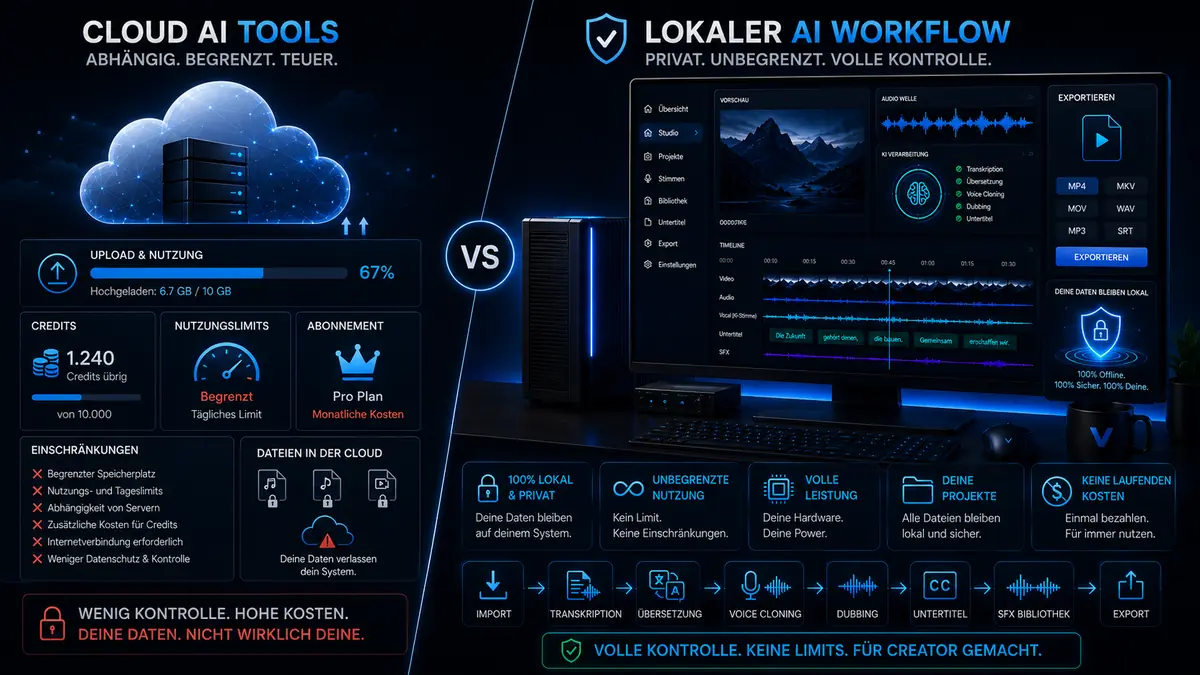
Cloud is not bad. Local is not automatically better.
The honest answer is nuanced. For some users, cloud is the better choice. For others, local AI is the more logical next step.
Why cloud AI tools are so popular
Cloud AI is popular because it reduces friction. No local setup, no GPU purchase, little hardware thinking. For first tests, short voiceovers or occasional one-off tasks, that is attractive. Many users simply want to see if a workflow works before they invest more time or money.
Why local AI keeps gaining relevance
Local AI becomes interesting when production becomes repeatable. At that point, the first five minutes matter less than the whole production path: managing voices, controlling projects, keeping files local, connecting subtitles to dubbing and making exports predictable. That is where VANIV fits much better as a local AI studio than a loose collection of isolated tools.
Situations where cloud tools can be the right choice
Cloud removes setup friction and can be the right choice for short, isolated work.
When you simply want to try something
If you are testing a voice for the first time, generating a quick voiceover or checking a spontaneous idea, cloud is often the simplest path. No setup, no local installation and no hardware learning curve.
When you want to avoid hardware entirely
Not everyone wants to think about GPU, VRAM, SSDs or local models. If you only want to solve a small task, cloud can be more convenient and economically sensible.
When the workflow does not need to stay connected
If you only need to generate a short audio file or a one-off result, you often do not need a complete production path. In those cases, a cloud tool may be perfectly enough.
When you do not want to build a system
Local AI becomes most valuable when you want to build a repeatable workflow. If you explicitly do not want that and only need a short-term result, cloud may be the better option.
When local AI becomes the stronger choice
As soon as you produce more often, handle sensitive content or need a real workflow, the advantage often shifts toward local.
When you create content regularly
A single cloud demo can be impressive. But a real creator needs a repeatable workflow. If you publish videos, tutorials, product demos or language versions every week, you do not want to rebuild the process each time. That is where local AI becomes much more attractive. Video translation, video dubbing, voice cloning and subtitles should be designed together.
When project ownership matters
Local AI becomes especially interesting when you want more control over voices, files, models, intermediate steps and exports. This does not mean cloud is automatically unsafe. It means local processing reduces the number of external stations in the workflow.
When material should not be uploaded everywhere
Your own voice, client projects, internal demos or unreleased content all require trust. Local AI is not a magic trick, but it helps keep important production steps closer to your own system.
When credits and limits become annoying
Cloud platforms often come with credits, minute packages, upload limits or subscription tiers. For occasional use, that may be fine. For ongoing production, it becomes another management problem. Local AI shifts the logic toward more upfront responsibility but greater long-term freedom.
Cloud-only, mixed workflow or local AI studio?
In practice the answer is not always black and white. Hybrid approaches exist too. A clear positioning still helps.
Best for quick isolated tasks
- fast to start
- no local setup
- good for quick experiments
- weaker for complex repeatable workflows
Practical, but often messy
- one tool for voice, another for translation
- yet another for subtitles
- many exports and re-imports
- tool chaos grows quickly
Stronger for connected production
- local AI studio instead of isolated tools
- clear focus on creator workflow
- stronger for dubbing, subtitles and export
- more aligned with hardware and workflow logic
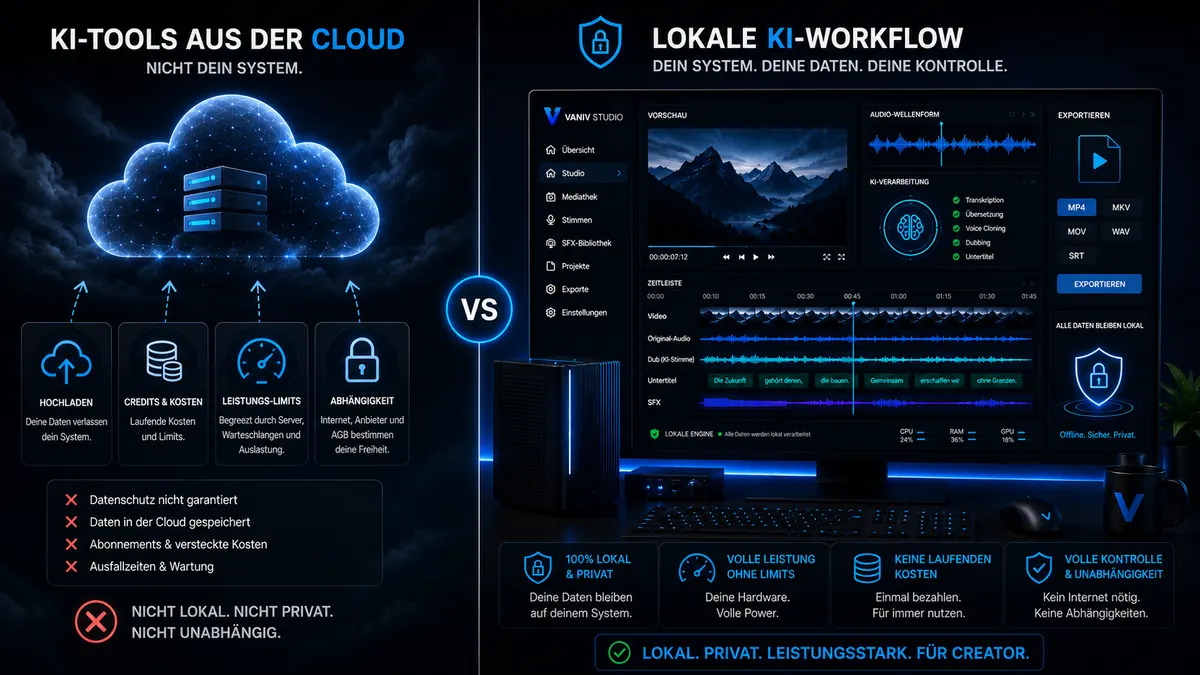
Typical situations where the difference becomes obvious
Evergreen content in multiple languages
A creator has a strong tutorial that keeps getting searched. With cloud, they can test quickly. With local AI, they can build a repeatable process for new language versions, subtitles and exports. That is what makes local more valuable in the long run.
Handle client material more deliberately
An agency creates demos, explainer videos or ad content. If internal variants need to be prepared without pushing every step through several cloud services, local AI becomes much more appealing.
Reuse product videos internationally
Product demos, onboarding clips and help videos often need more than one language. Teams that do this repeatedly gain much more from a local system than from isolated one-purpose tools.
Keep multiple speakers organized
Dialog formats, interviews and podcasts create more complex workflows. Multi-speaker dubbing, subtitles and export benefit strongly from a connected system.
Compare cost structures and hardware expectations
Local AI is not automatically cheaper. It moves more of the cost toward hardware and setup instead of recurring usage.
Low entry friction, ongoing dependence
With cloud, you often pay less up front but more continuously through subscriptions, credits or limits. The more you produce, the more relevant that ongoing structure becomes. Use the detailed cost comparison to calculate with your own workload.
More initial investment, more ownership
Local AI needs suitable hardware. GPU, RAM and SSD are not side notes. In return, you build a foundation that fits repeatable production much better.
Local is not a magic button
Even the best local workflow will not turn broken source material into perfect results automatically. Clean recordings, strong process design and realistic expectations still matter.
When VANIV fits the decision
If control, connected workflows and long-term ownership matter to you, inspect VANIV as a local AI studio and test it with representative material before changing your production setup.
Why local AI deserves a different look for sensitive voices and projects
For normal text generation, cloud may feel less critical. For voices, video material and client data, the decision becomes more serious.
Voice cloning is more personal than normal content
A voice is not just another asset. When you work with your own voice, client voices or speaker recordings, responsibility increases. Cloud tools can be practical, but you should understand where material is uploaded, what rights apply and how data is processed. Local AI does not solve every legal question, but it fits a more controlled workflow.
Agencies need more than fast uploads
For client projects, convenience is not the only metric. Unreleased product videos, internal demos, interviews or campaign material should not casually move through several external tools. A local workflow reduces platform switching and makes intermediate steps easier to keep under control.
Local workflows help keep projects traceable
If you translate or dub videos regularly, files multiply quickly: original video, transcript, translation, voice tracks, subtitles, SFX, exports and variants. When each step happens in another web tool, project structure becomes messy fast. VANIV is built as a local AI studio, not just one more generator.
More control also means more responsibility
Local AI is not a free pass. You still have to handle rights, permissions and client data properly. But local processing gives you more direct control over material and workflow. That matters when voice cloning, video dubbing and multilingual exports become part of production.
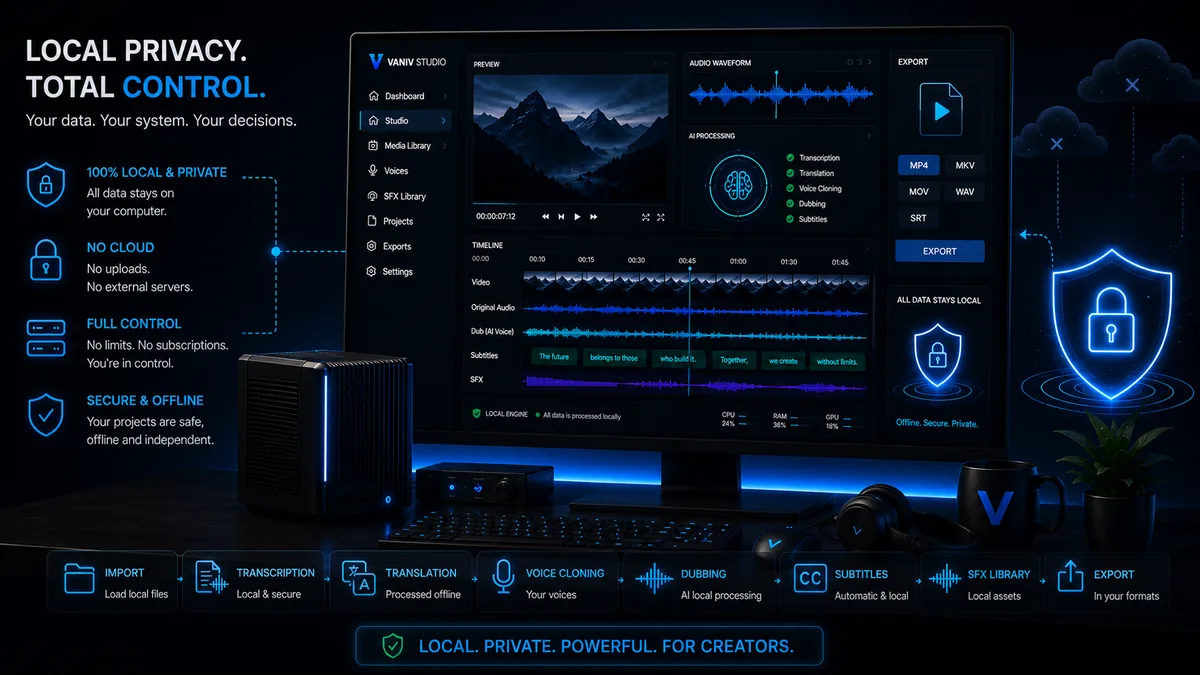
Cloud vs local for voice cloning, dubbing, subtitles and export
The difference becomes clearest when you look at real production steps.
Cloud is fast, local gives more control
For a quick voice test, cloud may be enough. But if you want to use a voice across multiple projects, control matters more: reference material, project assignment, repeatable settings and authorized use. That is where a local approach is stronger than a single voice generator.
Dubbing needs more context
Video dubbing is not just creating a new audio file. Language, timing, subtitles, speaker roles and export have to work together. Cloud tools may solve individual steps well, but the overall process can fall apart. A local studio like VANIV is designed to connect those steps.
Subtitles are workflow, not decoration
Subtitles support clarity, social media, multilingual publishing and later editing. But if they are separated from transcript, translation and dubbing, errors and duplicate work appear. Local-first means fewer scattered steps and stronger project logic.
The usable result is what matters
An AI tool only feels professional when the export fits the goal. For YouTube, client delivery, social clips or internal product videos, you need more than a demo result. You need a usable file. That is why export is not a side topic inside VANIV.
Which option fits which user?
Not everyone needs local AI immediately. But some user groups benefit from it much earlier.
Cloud is often enough
If you only rarely need a short voice, a test or a single file, a cloud tool may be sufficient. You avoid local setup and do not have to think about hardware.
Local becomes interesting when repetition starts
If you regularly produce videos, tutorials, shorts, voiceovers or language versions, the workflow matters more than the first quick test. Then it makes sense to think of local AI as a studio.
Control becomes a selling point
Agencies, software teams and professional creators benefit especially from local AI when they work with client material, internal demos, multiple languages or repeatable projects. In that context, control is not luxury. It is part of professional work.
Cloud vs local AI: the right choice depends on repetition
If you only need one small task, cloud is often faster. If you regularly produce voices, videos, subtitles, translations and exports, local AI becomes much more interesting.
Cloud is convenient at the start
For first experiments, short voiceovers or one-off tasks, cloud is often the easier entry point. You do not need to install anything and can quickly see whether an idea works.
Local AI wins in real workflows
Once you translate videos regularly, manage voices, export subtitles or handle client material, the first click matters less. Control, project structure, privacy and predictable production become more important.
The smart next step is testing
You do not need to buy hardware immediately or replace every cloud tool overnight. The better path is a real test with your own material. Use the VANIV trial and the demo workflow to test the decision with your own material.
Which VANIV page should you read next?
Use these detail pages to move from the strategic decision to the workflow you actually need.
The core page explaining how VANIV works as a local production hub.
VoiceLocal voice cloningIf you mainly want to understand how local voices fit creator workflows.
DubbingVideo dubbingFor complete language versions with timing, subtitles and export.
TranslateVideo translationFor YouTube, demos and multilingual content strategies.
HardwareHardware overviewIf you want to build a serious local AI setup and need the right foundation.
SolutionsAll solutionsThe full overview for voice, dubbing, translation, hardware and local workflows.
CompareAll VANIV comparisonsCompare VANIV with specific cloud voice, video and editing platforms.
Frequently asked questions about cloud vs local AI
Is local AI always better than cloud?
No. For quick tests and small isolated tasks, cloud may be more practical. Local becomes stronger when control, repeatability and real workflow design matter more.
Is cloud unsafe?
Not automatically. Reputable cloud tools can be secure, but local AI reduces the number of external processing steps and gives you more direct control over sensitive material.
When does local AI become especially worthwhile?
When you produce regularly, plan multiple language versions, work with client material or do not want to depend on credits and limits forever.
Is local AI automatically cheaper?
Not automatically. The cost moves more toward hardware and setup. Long term, that can still fit repeatable production much better.
Which VANIV page matters most after this?
The best next pages are Local AI Studio, Video Dubbing and Local Voice Cloning.
Is VANIV anti-cloud?
No. VANIV is local-first, not dogmatic. The point is to help users choose the path that matches their workflow honestly.
Do I need strong hardware?
For serious local AI workflows, yes. GPU and VRAM matter a lot. That is why the website includes dedicated hardware guides.
Who benefits most from the local-first approach?
Creators, YouTubers, agencies, software teams and users who care strongly about privacy, control and repeatable workflow design.
You do not have to blindly believe “cloud good” or “local good”.
Compare honestly how you actually work. If you want repeatable creator production, more control and a local workflow, the most logical next step leads to VANIV Studio.
Join Early Access & save 15%