
In this article
Many local AI applications appear to depend on one particular GPU brand. In practice, execution depends not only on the model itself, but also on how that model connects to the hardware available in your computer. This is where ONNX, ONNX Runtime, and Execution Providers come in.
ONNX provides a standardized foundation for AI models. ONNX Runtime loads and executes those models. Execution Providers connect the runtime to an available CPU, GPU, or NPU. This allows local AI software to use different execution paths across AMD, Intel, and NVIDIA systems.
VANIV uses this architecture for local audio, speech, and video processing. This guide explains what ONNX is, how hardware acceleration works, and why hardware flexibility does not mean that every computer delivers the same performance.
What Is ONNX? An Open Format for AI Models
A common format for trained AI models
A simple way to think about ONNX is as a common file format for trained AI models. MP3 helps audio files work across many different applications. JPEG plays a similar role for images. ONNX follows the same broad idea for trained models—although the underlying technology is far more complex.
ONNX stands for Open Neural Network Exchange. The format defines a model’s computational graph, operations, data types, and stored parameters. A model can be developed in a framework such as PyTorch and exported to ONNX. It can then be loaded by an ONNX-compatible runtime.
The MP3 and JPEG analogy is useful, but it is not a technical equivalence. An AI model is not simply a media file. It contains a graph of calculations, defined inputs and outputs, and learned weights.
A simple speech-recognition example
Imagine a speech-recognition model trained in a specific development framework. Without a suitable exchange format, the finished application would remain more tightly coupled to that framework and its runtime.
After export, the model is stored as an ONNX file. A runtime such as ONNX Runtime can load the file, accept prepared audio data as input, and return recognized text or another output that the application can process.
The advantage is not that ONNX removes every technical limitation. Its value lies in creating a cleaner separation between model development and model execution.
Who is behind ONNX?
Microsoft and Facebook, now Meta, introduced ONNX together in 2017. What began as an exchange format has developed into an openly governed community project under LF AI & Data.
That matters because ONNX is not a closed model format owned by a single hardware vendor. It provides a shared technical foundation that can be used across frameworks, runtimes, and hardware ecosystems.
ONNX compared with native model formats
PyTorch, TensorFlow, and other development environments have their own model formats and tools. Those formats are important for training, experimentation, and framework-specific workflows.
ONNX was designed as an exchange format. A model is trained in its original framework, exported to ONNX, and then executed in an ONNX-compatible runtime.
ONNX does not completely replace the original framework. It adds a portable execution layer to the development process.
Does ONNX have limitations?
Yes. Not every model can be exported to ONNX without adjustments. Dynamic control flow, custom operators, or framework-specific behavior can make export and later execution more difficult. The chosen Execution Provider must also support the required operators, or the runtime needs a suitable alternative path.
ONNX does not automatically make a model faster. The ONNX opset version, runtime version, and supported operators also need to be compatible. ONNX provides the basis for portable execution; actual performance comes from model optimization, the runtime, the hardware, and the Execution Provider.
This is not a weakness in the idea behind ONNX. It simply means that a common model format cannot solve every implementation detail on its own.
What ONNX is—and what it is not
| ONNX is not | ONNX is |
|---|---|
| a graphics card or another piece of hardware | an open format for AI models |
| a cloud platform | a bridge between development and execution |
| a finished AI application | a foundation for portable model inference |
| automatically a speech, image, or video model | an important building block for hardware-flexible AI |
| a guarantee of high performance | a shared foundation for multiple runtimes |
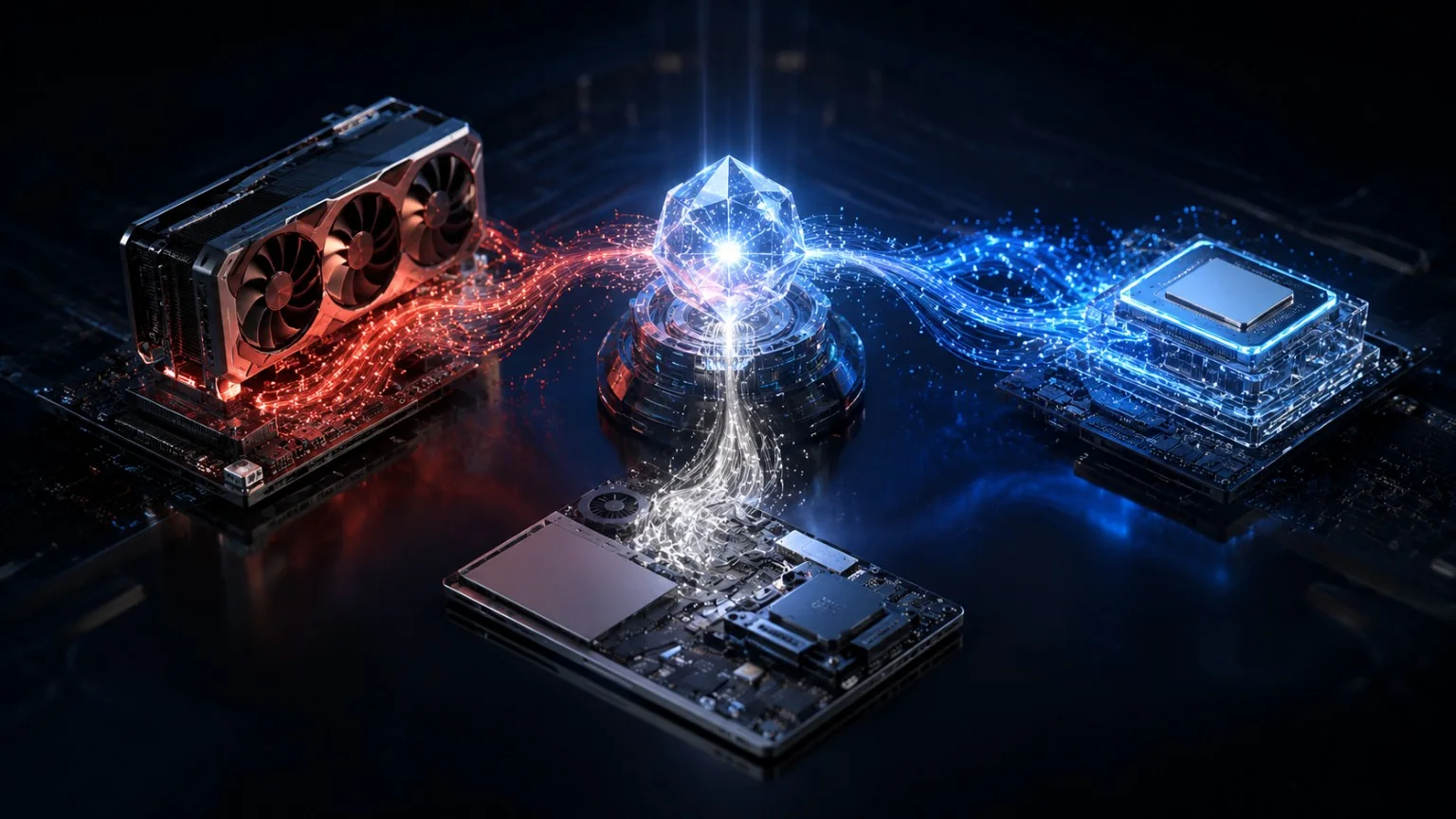
ONNX alone does not make an AI model executable. A runtime is still required—and that is the next layer.
What Is ONNX Runtime? How AI Models Run on Your Hardware
The model and the runtime are not the same thing
The ONNX file contains the model. ONNX Runtime is the execution environment that loads that model and performs the calculations.
A simple analogy is:
The ONNX model is the blueprint. ONNX Runtime is the machine that reads the blueprint and carries out the work.
ONNX Runtime analyzes and optimizes the model graph. It then executes the calculations using the available Execution Providers. The application supplies input data and continues processing the output.
A speech-recognition model, step by step
What does this look like with a real audio file?
- Load the model: ONNX Runtime loads the ONNX file containing the trained speech-recognition model.
- Prepare the audio: The application reads an audio file and converts it into the input format expected by the model.
- Run inference: ONNX Runtime calculates the model output with support from the available Execution Providers.
- Produce text: The model returns recognized text or an intermediate output from which the application creates the final transcript.
- Continue the workflow: The application uses the result for subtitles, translation, or another speech-processing stage.
It is important to separate these steps. Audio import, preprocessing, model inference, and later text handling are different tasks. They may use different models, libraries, and compute units.
Why this separation matters
The model, runtime, hardware integration, and user interface remain separate layers. This makes it possible to:
- update models independently of the interface
- integrate different Execution Providers
- use the same application logic across multiple hardware platforms
- optimize preprocessing and post-processing separately from inference
ONNX Runtime can load and execute a model. But how does the workload reach the appropriate hardware? That is the job of Execution Providers.
What Is an Execution Provider? The Link Between ONNX and CPU, GPU, or NPU
What an Execution Provider does
An Execution Provider connects ONNX Runtime to a specific hardware platform or acceleration technology.
ONNX Runtime analyzes the model graph. Registered Execution Providers report which nodes or subgraphs they can execute. The runtime assigns supported sections to them. Remaining operations can be handled by another provider or by the default CPU Execution Provider.
An Execution Provider is therefore more than a name in a configuration file. It links the runtime to optimized compute kernels, memory management, and the target hardware.
The universal-adapter analogy
Think of ONNX Runtime as a universal adapter. The model remains broadly the same, but the connection to the hardware changes:
- CUDA or TensorRT for NVIDIA
- MIGraphX for AMD
- OpenVINO for Intel
- DirectML as a cross-vendor Windows path
- CPU execution as a broad baseline
This analogy explains the basic principle. It does not mean that every provider offers the same feature set or the same performance.
What happens when an operation is not supported?
If an Execution Provider cannot handle a particular model operation, ONNX Runtime can assign supported parts to another provider or continue the remaining work on the CPU path.
Which providers are available and the order in which they are registered are part of the application’s technical configuration. As a VANIV user, you work with the resulting workflow while provider assignment happens in the background.
CPU, GPU, and NPU compared
| Compute unit | Typical strength | Common local-AI use | Important limitation |
|---|---|---|---|
| CPU | broad compatibility and flexible workloads | smaller models, preprocessing, post-processing, unaccelerated model sections | often slower for large parallel workloads |
| GPU | high parallel processing performance | audio, speech, image, and video models | VRAM, drivers, and provider support |
| NPU | energy-efficient AI inference | laptops, compact systems, background tasks | model and operator support varies |
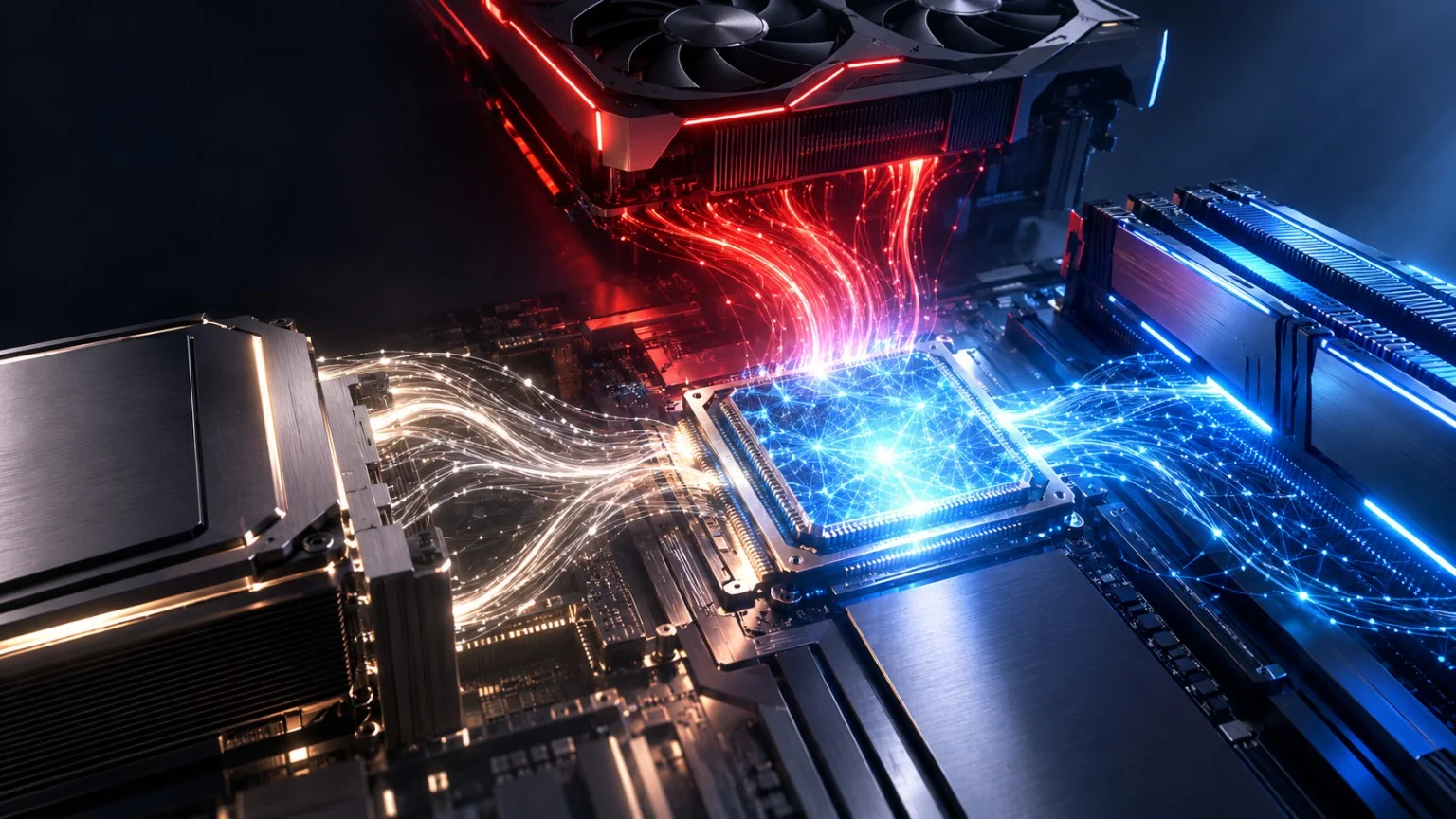
Execution Providers establish the foundation for hardware-flexible AI. We can now look at how that works with NVIDIA, AMD, and Intel.
ONNX on NVIDIA: CUDA and TensorRT for Local AI
CUDA as an established execution path
The CUDA Execution Provider connects ONNX Runtime to NVIDIA GPUs. CUDA is widely used across the AI ecosystem, which is why many models and applications are optimized for this path early in development.
For users with NVIDIA hardware, this provides a mature execution path backed by a large software and developer ecosystem.
TensorRT as an additional optimization layer
The TensorRT Execution Provider uses NVIDIA’s inference engine to accelerate suitable ONNX models on NVIDIA GPUs. TensorRT is an additional execution layer and should not be confused with the ONNX format itself.
Whether TensorRT is useful depends on the model, supported operators, precision requirements, and the amount of optimization work involved.
What this means for you
If you own an NVIDIA graphics card, you have access to a widely supported ONNX path. ONNX Runtime is not limited to CUDA, however. That openness is what makes cross-vendor applications possible.
ONNX on AMD: DirectML, ROCm, and MIGraphX
DirectML on Windows
DirectML is a cross-vendor Windows execution path for DirectX 12-capable hardware. It can therefore be relevant to AMD, Intel, and NVIDIA graphics.
DirectML remains supported, but it is now in sustained engineering. Microsoft develops new functionality for Windows-based ONNX Runtime deployment through Windows ML. Windows ML is also built on ONNX Runtime and can manage suitable Execution Providers for CPUs, GPUs, and NPUs.
ROCm and MIGraphX
ROCm is AMD’s GPU-computing platform and is particularly relevant to Linux and advanced AMD configurations. MIGraphX uses AMD graph optimization to accelerate ONNX models on AMD GPUs.
The former ROCm Execution Provider was removed starting with ONNX Runtime 1.23. The official documentation recommends migrating applicable workloads to MIGraphX.
The right combination depends on the operating system, GPU, drivers, runtime package, and model.
What this means for you
AMD hardware is not automatically excluded from local AI simply because many projects initially offer a CUDA path. ONNX and suitable Execution Providers provide additional routes that VANIV uses as part of a hardware-flexible architecture.
ONNX on Intel: CPU, Graphics, NPU, and OpenVINO
CPU and Intel graphics
Intel CPUs can execute ONNX models through CPU-based paths. Integrated Intel graphics and Intel Arc can provide additional hardware acceleration depending on the system.
An Intel computer is therefore not automatically limited to CPU-only inference.
NPUs in modern Intel systems
NPUs are specialized for energy-efficient AI inference. They are particularly relevant in laptops and compact systems. Their practical usefulness depends on the model and the available execution path.
An NPU does not automatically replace a high-performance GPU. It serves a different purpose: efficient local inference with lower power consumption.
OpenVINO
OpenVINO is an Intel-optimized toolkit that can be integrated into ONNX Runtime as an Execution Provider. The current OpenVINO Execution Provider supports acceleration on Intel CPUs, Intel GPUs, and Intel NPUs.
What this means for you
VANIV can integrate available Intel hardware paths into the same local project workflow. The interface remains consistent while execution is adapted to the system that is actually available.
The three hardware paths at a glance
| Vendor | Typical execution paths | Possible compute units |
|---|---|---|
| NVIDIA | CUDA · TensorRT · DirectML | GPU |
| AMD | DirectML · MIGraphX · ROCm ecosystem | GPU |
| Intel | CPU EP · OpenVINO · DirectML | CPU · GPU · NPU |
Hardware Support and Performance: Why Systems Run at Different Speeds
An older laptop will not suddenly perform like a powerful workstation. That is not a compatibility problem; it is a normal consequence of different hardware capabilities.
What does this mean for your computer?
Performance mainly depends on three areas:
Compatibility and performance are different questions
A system can support a workflow and still take significantly longer to process it.
For example:
- integrated graphics often provide less compute performance
- a dedicated GPU can execute parallel model operations faster
- larger models require more RAM or VRAM
- unsupported sections can continue on the CPU path, but may run more slowly there
Why this guide avoids simplistic GPU battles
A statement such as “GPU A is always faster than GPU B” would not be reliable without controlled test conditions. A meaningful comparison requires the same workflow, model, driver versions, Execution Provider, settings, and source material.
Specific graphics-card comparisons belong in dedicated benchmark and buying-guide articles.
Why ONNX Matters for Local AI
Local execution
ONNX models and ONNX Runtime can be deployed entirely on a local computer. Inference therefore does not have to run in the cloud.
This is especially useful for audio and video files. Large source files do not need to be uploaded to an external service for every processing step.
Control over files and workflows
Local processing gives you more control over source files, intermediate results, and exports. It also reduces dependence on upload speed and the availability of external services.
Local processing is not an automatic security guarantee. It does, however, provide a technical foundation that allows sensitive media to stay off third-party inference services.
Hardware flexibility
Software and workflow do not have to remain permanently tied to one GPU manufacturer. The model, runtime, and hardware path remain separate components.
This allows one application to address different systems without requiring a completely different user interface for every vendor.
A maintainable desktop architecture
New Execution Providers, hardware generations, and model versions can be integrated into the same basic architecture. This supports the long-term development of local desktop software and avoids unnecessary dependence on a single platform.
How VANIV Uses ONNX for Local Audio and Video Processing
One workflow across three hardware ecosystems
Imagine three workstations:
All three users work with the same VANIV interface, the same project features, and the same core workflow. Processing uses the hardware available in each system. Performance differs, but the workflow remains consistent.
Multiple AI stages in one local project
VANIV combines:
- local speech recognition
- speaker detection and speaker assignment
- AI-assisted video translation
- text-to-speech and offline AI voices
- local voice cloning
- video dubbing
- multi-speaker dubbing
- timing adjustment
- audio mixing and export
Not every stage necessarily uses the same model or the same Execution Provider. The value for you is that these stages form one connected local project instead of a collection of disconnected tools.
No mandatory cloud uploads
- source files and exports remain on your computer
- large videos do not need to be uploaded again for every processing stage
- local AI processing does not require usage-based cloud fees
- confidential media does not need to be sent to an external inference service
Who VANIV is for
VANIV is designed for people and teams working with audio, speech, or video who want to use local AI on AMD, Intel, or NVIDIA hardware.
That includes:
- content creators and video producers
- companies with training, support, and marketing videos
- agencies and localization teams
- developers and AI enthusiasts
- users who prefer freedom of hardware choice
- teams that want local processing instead of permanent cloud dependence
Run local AI on your own hardware
VANIV brings speech recognition, translation, voice cloning, and video dubbing into one local workflow—on AMD, Intel, or NVIDIA.
Try local AI on your hardware →
Which Hardware Is Suitable for Local AI?
Laptop
A laptop is suitable for mobile work, smaller projects, and testing. Modern systems may combine a CPU, integrated graphics, a dedicated GPU, and an NPU.
Cooling, shared graphics memory, and limited upgrade options are important considerations.
Mini PC
A mini PC is useful for compact and energy-efficient workspaces. Depending on its configuration, it can handle small to medium local-AI workflows.
Pay attention to memory expansion, cooling, and the actual graphics performance available.
Desktop and workstation
Desktop PCs and workstations are better suited to larger models, long videos, and regular professional use. They offer greater expandability and can accommodate more powerful GPUs.
The trade-offs are higher cost, energy use, and space requirements.
The right hardware depends on your workflow
This guide intentionally provides only a general orientation. Detailed hardware guidance is available in the VANIV hardware section:
- Local AI hardware: Which components do you need?
- GPU for local AI: graphics cards and VRAM
- How much RAM does local AI need?
- CPU and system requirements for local AI
- SSD storage for local AI and large media projects
The hardware overview links to the detailed RAM, CPU, and SSD guides.

Frequently Asked Questions About ONNX
Do I need an NVIDIA GPU for ONNX?
No. ONNX Runtime can execute models on CPUs, GPUs, and NPUs from different vendors. NVIDIA is widely used because of CUDA, but it is not a requirement for ONNX or VANIV.
Does ONNX work on AMD graphics cards?
Yes. Depending on the operating system and configuration, relevant paths include DirectML, ROCm, and MIGraphX.
Does ONNX work on Intel hardware?
Yes. Depending on the system, ONNX workloads can use the CPU, integrated graphics, Intel Arc, an NPU, and OpenVINO.
Can ONNX run completely offline?
Yes. If the model, runtime, and required components are installed locally, inference can run without cloud execution. Downloads and updates may still require internet access.
Does ONNX automatically make every model faster?
No. ONNX is a model format. Performance depends on model optimization, hardware, drivers, the runtime, and the Execution Provider.
Can I export my own model to ONNX?
Often, yes. PyTorch provides an official ONNX exporter. Other frameworks and model ecosystems offer their own export or conversion tools. Whether an export works completely depends on the model operations and the tools involved.
Is ONNX open source?
Yes, with an important distinction. The ONNX project uses the Apache 2.0 license. ONNX Runtime is also open source and uses the MIT license. Individual Execution Providers and hardware SDKs may have separate license terms.
Which frameworks support ONNX?
PyTorch provides an official ONNX exporter. Conversion tools are available for TensorFlow/Keras, TFLite, scikit-learn, and other ecosystems. Exact support depends on the model, operators, and the toolchain used.
What is the difference between ONNX and ONNX Runtime?
ONNX describes the model and its operations. ONNX Runtime is the software that loads, optimizes, and executes an ONNX model. The model file and the runtime are therefore not the same thing.
What is the difference between ONNX and DirectML?
ONNX describes the model format. DirectML is a Windows technology for hardware-accelerated machine-learning execution. ONNX Runtime can use DirectML as an Execution Provider.
What is the difference between ONNX Runtime and OpenVINO?
ONNX Runtime is a general runtime for ONNX models. OpenVINO is an Intel-optimized toolkit that can be integrated as an Execution Provider.
Why is ONNX important to VANIV?
VANIV uses ONNX to run local AI on AMD, Intel, and NVIDIA systems. This prevents the workflow from being tied to one GPU vendor.
Conclusion: ONNX Makes Local AI Hardware-Flexible
In summary:
- ONNX makes trained AI models easier to exchange.
- ONNX Runtime loads, optimizes, and executes them.
- Execution Providers connect the runtime to a CPU, GPU, or NPU.
The result is an architecture that can use different execution paths across AMD, Intel, and NVIDIA. Performance still depends on the individual system, but the core workflow does not have to be reinvented for every hardware vendor.
VANIV builds on exactly this approach. Speech recognition, translation, text-to-speech, voice cloning, and video dubbing are brought together in a local workflow that uses the AMD, Intel, or NVIDIA hardware already available. You choose the hardware; VANIV handles the workflow.
Use local AI on your own hardware
VANIV combines audio, speech, and video processing in one local workflow—on AMD, Intel, or NVIDIA.
Try local AI on your hardware →
Technical sources and further reading
AMD, Intel, NVIDIA, and their respective trademarks are the property of their owners. VANIV is an independent product and is not affiliated with these companies.