SSD Guide 2026

SSD for Local AI: How Much NVMe Storage Do You Need for Voice Cloning and Video Dubbing?

An SSD is not as exciting as a new RTX graphics card, but for local AI it decides how smooth your daily workflow feels. Models, project files, audio data, video files, subtitles, temporary renders, intermediate results and final exports all need fast local storage. If your SSD is too small, too slow or badly organized, even a powerful AI workstation can feel clumsy.

Quick answer: 1TB is a usable entry point. 2TB is the best sweet spot for most creators. 4TB makes sense for long video dubbing projects, many local AI models, large media folders and agency work.

NVMe SSD for a local AI workstation with RAM, GPU, VRAM, voice cloning and video dubbing workflow
Fast recommendation

1TB, 2TB or 4TB SSD for local AI?

SSD storage is not only about speed. It is about capacity, project structure and how long you can work locally without constantly moving files around. For local AI, voice cloning, text-to-speech and video dubbing, a fast NVMe SSD is the right baseline. Capacity decides how relaxed your workflow stays.

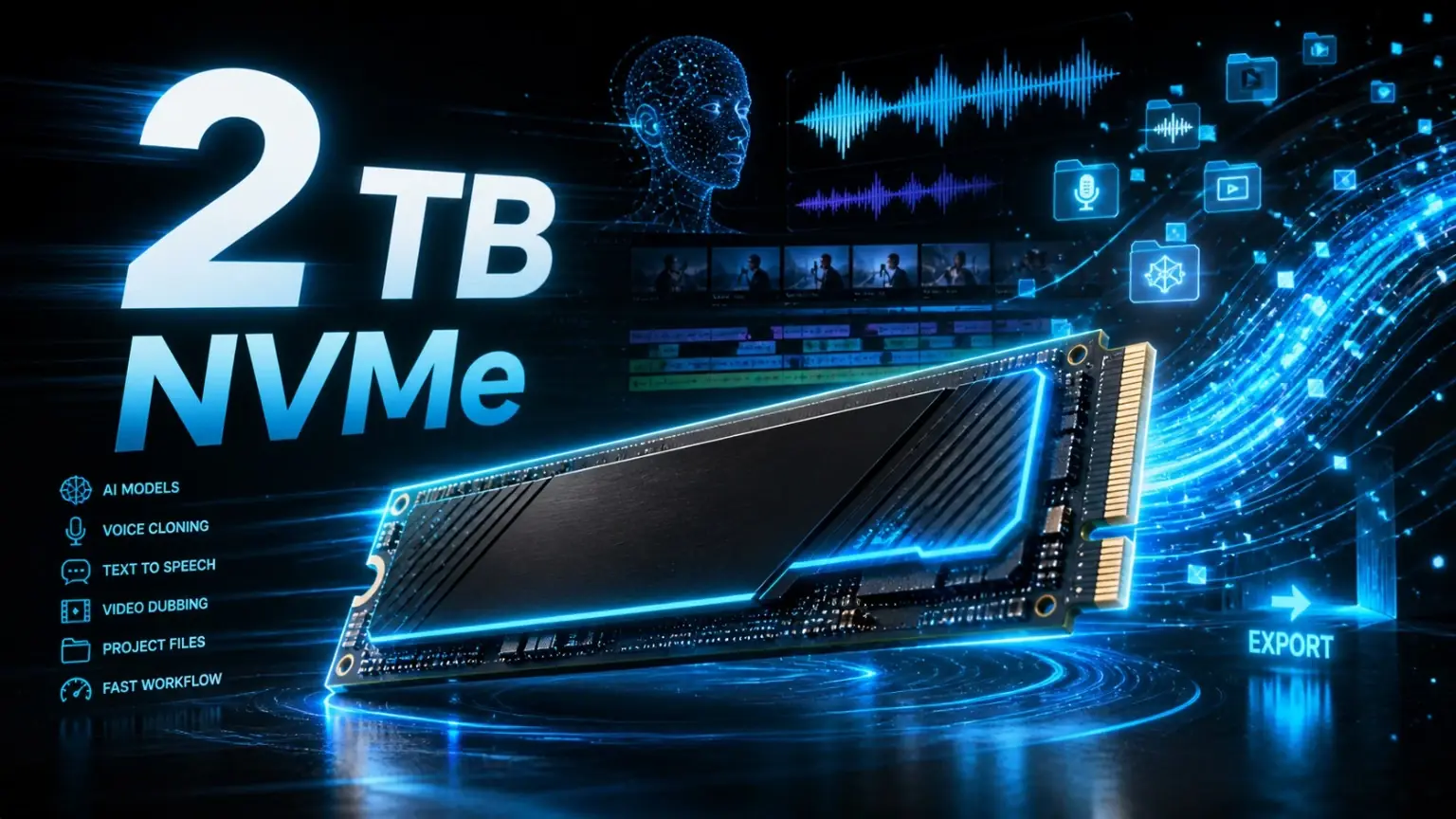
1TB NVMe SSD

A good entry point for the operating system, VANIV Studio, first models, short voiceovers and small text-to-speech projects. For video work and many local AI models, 1TB becomes tight quickly.

2TB NVMe SSD

The best sweet spot for creators. Enough room for system files, local AI models, audio data, video projects, exports, downloads and active VANIV workflows.

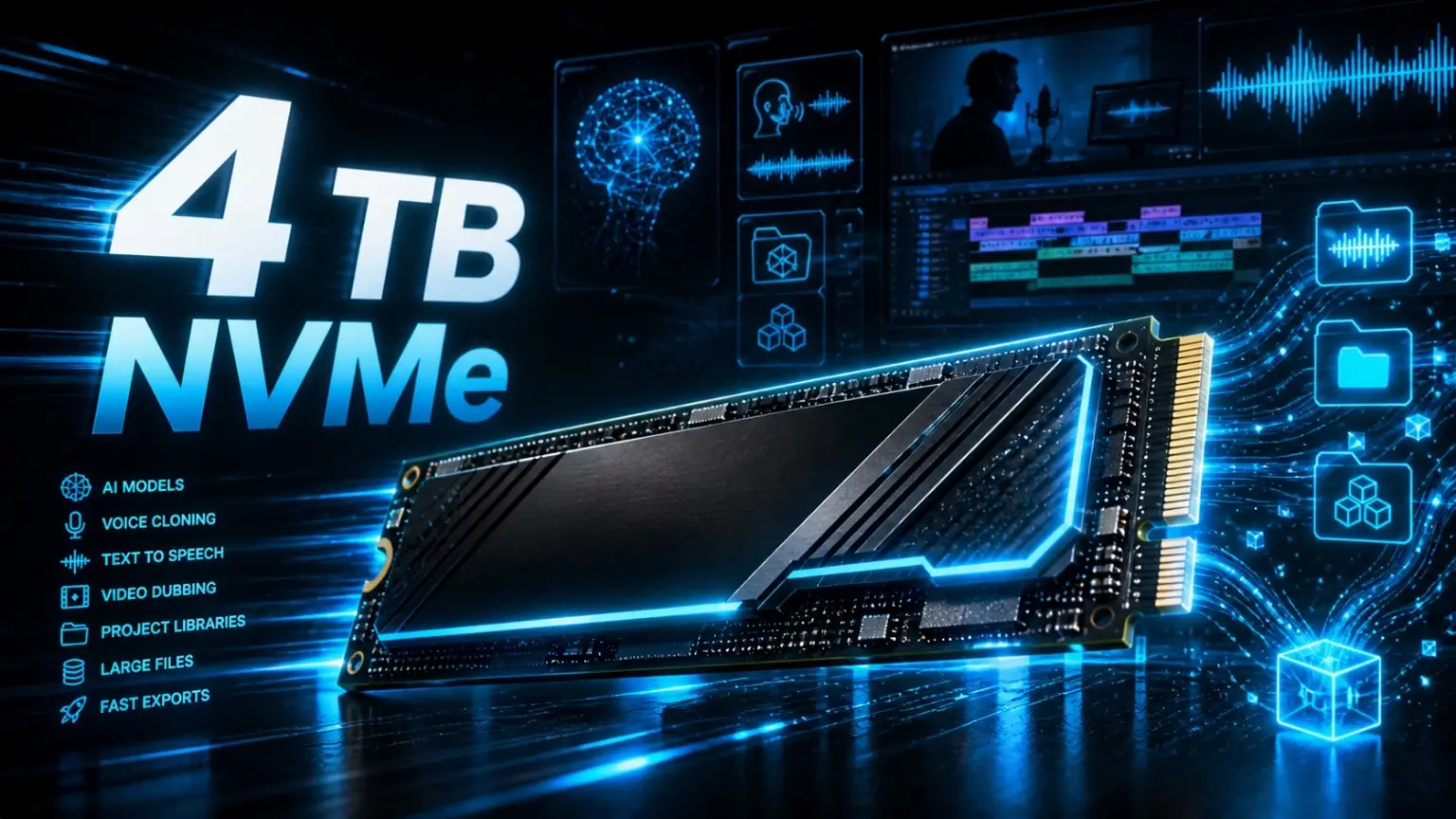
4TB NVMe SSD

Professional class for long video dubbing projects, agencies, multiple client projects, large source media and local model libraries.

Buying recommendation

Recommended NVMe SSDs for local AI

Three clear SSD classes for VANIV Studio: entry, creator sweet spot and professional workstation. The honest recommendation is 2TB. 1TB works, but local AI consumes storage faster than most people expect.

Entry1TB
1TB NVMe SSD for local AI entry workflows, voice cloning and text-to-speech

Samsung 990 EVO Plus 1TB

For the operating system, VANIV Studio and first local AI projects.

A sensible entry class if you want to test VANIV Studio, create short voiceovers and store your first local AI models. For video dubbing and larger project folders, 1TB becomes limited very quickly.

  • Good for first tests and short TTS projects
  • Enough for system, software and smaller folders
  • Not ideal as a long-term creator main SSD
View on Amazon
Pro4TB
4TB NVMe SSD for professional local AI workstations, agencies and large video dubbing projects

Crucial T500 4TB

For long videos, agency work and large projects.

4TB is strong when you want to keep many source videos, dubbing versions, voice files, exports and local model folders available at the same time. For simple tests it is luxury. For productive workstations it can be very comfortable.

  • For large media folders and long videos
  • Lots of room for local AI models
  • Professional upgrade, not a mandatory buy
View on Amazon

Affiliate note: These links point to Amazon.de. If you buy through them, VANIV Studio may earn a commission. Your price does not change. Please check current price and availability directly on Amazon.

Why an SSD matters more for local AI than many creators think

Local AI is not just the model itself. A real VANIV workflow stores many different files on your workstation: reference voices, source recordings, generated speech, subtitles, project files, translated scripts, source videos, temporary files, intermediate renders and final exports. The SSD is where all of this lives.

If your SSD is too small or too slow, you do not only notice it when copying large files. You notice it when loading models, opening projects, switching between media folders, exporting and cleaning up old versions. A fast NVMe SSD does not make your GPU more powerful, but it prevents the rest of the workflow from becoming a brake.

This matters especially for voice cloning and video dubbing. You do not want to stop after every project to decide which files to delete so the next export still fits. Storage stress is not creative. Storage stress is digital paperwork with fan noise.

SSD storage by VANIV workflow

This table is practical rather than theoretical. It shows why 2TB is usually much more comfortable than 1TB for local AI work.

WorkflowMinimumRecommendationWhy
Text-to-speech and short voiceovers1TB1-2TBAudio files are smaller than videos, but multiple takes, versions and exports still add up.
Voice cloning1TB2TBReference recordings, generated variants, project files and models need more room than expected.
Voice design and AI voice testing1TB2TBIterating through many voice ideas creates lots of outputs, previews and working files.
Local video dubbing2TB2-4TBSource video, extracted audio, subtitles, generated voice tracks, previews and final exports are storage-heavy.
Agency and client work2TB4TB or moreSeveral clients, multiple project versions and large source media need serious local headroom.
Budget decision

Which SSD size fits your real creator workflow?

The key question is not which SSD has the highest benchmark number. The better question is how often you produce content and how many local files you want to keep. A VANIV Studio project can create many file types: script, source video, extracted audio, reference voice, generated speech, subtitles, previews, final exports and sometimes several language versions.

If you only create short voiceovers, 1TB can get you started. But once you work with video dubbing, several languages or recurring YouTube workflows, 1TB becomes tight quickly. Then you spend too much time cleaning folders instead of producing. That is why 2TB is the honest sweet spot for most creators: enough room, still reasonable in price and much calmer in daily use.

4TB is not automatically the best choice for everyone. It makes sense when you keep lots of source videos locally, handle multiple projects at the same time or work for clients. For beginners it can be luxury. For serious creators it can be the difference between a clean workflow and constant storage Tetris.

Just testing VANIV?

Start with 1TB if your projects are short and you move old exports away regularly.

Creating regularly?

Choose 2TB. It is the best balance for voice cloning, TTS, video dubbing and normal creator projects.

Client work or long videos?

4TB gives you room for source files, versions, exports and several active projects without cleanup stress.

Before buying

SSD buying checklist for local AI

Many NVMe SSD product pages look the same: high read speed, large numbers and nice packaging. For VANIV Studio and local AI, practical details matter more than pure benchmark flexing.

Capacity before record speed

A good 2TB NVMe SSD is often more useful for local AI than a slightly faster 1TB drive. Running out of space hurts every day.

Check your motherboard

Make sure your board has enough M.2 slots and that the SSD fits your PCIe generation and layout.

Do not ignore cooling

NVMe SSDs can get warm during large transfers and long project sessions. A heatsink or board cooler is useful.

My honest recommendation: if you build a local AI PC for VANIV Studio today, install at least one fast 2TB NVMe SSD. A second drive for source media, exports and archive storage can follow later, but planning for it from the beginning saves headaches.

NVMe vs SATA SSD for local AI

If you are building or upgrading a local AI workstation in 2026, NVMe should be your default. SATA SSDs still work for archives or older machines, but a fast NVMe drive is simply the better choice for system files, applications, active projects, local AI models and exports.

NVMe is useful because local AI is a mixed workload. You load models, open project folders, read and write media, export files and sometimes move several large assets at once. The difference is not always a dramatic benchmark number. It is the feeling that the machine reacts quickly and does not hesitate every time a project becomes bigger.

A good setup is simple: use a fast NVMe SSD as the system and active project drive. Use a second large drive for archives if needed. Do not run your main local AI workflow from a slow external drive unless you enjoy unnecessary pain.

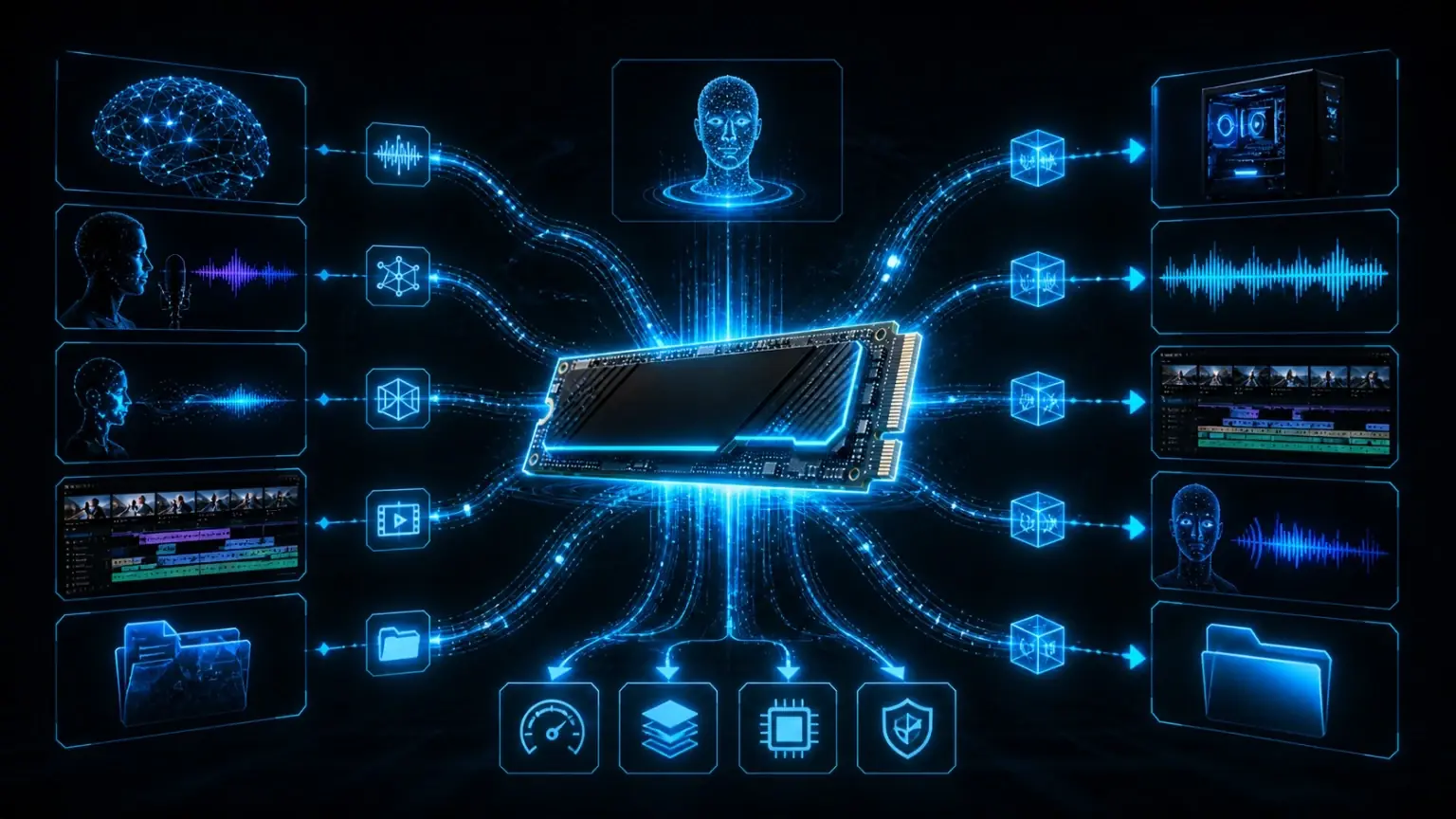
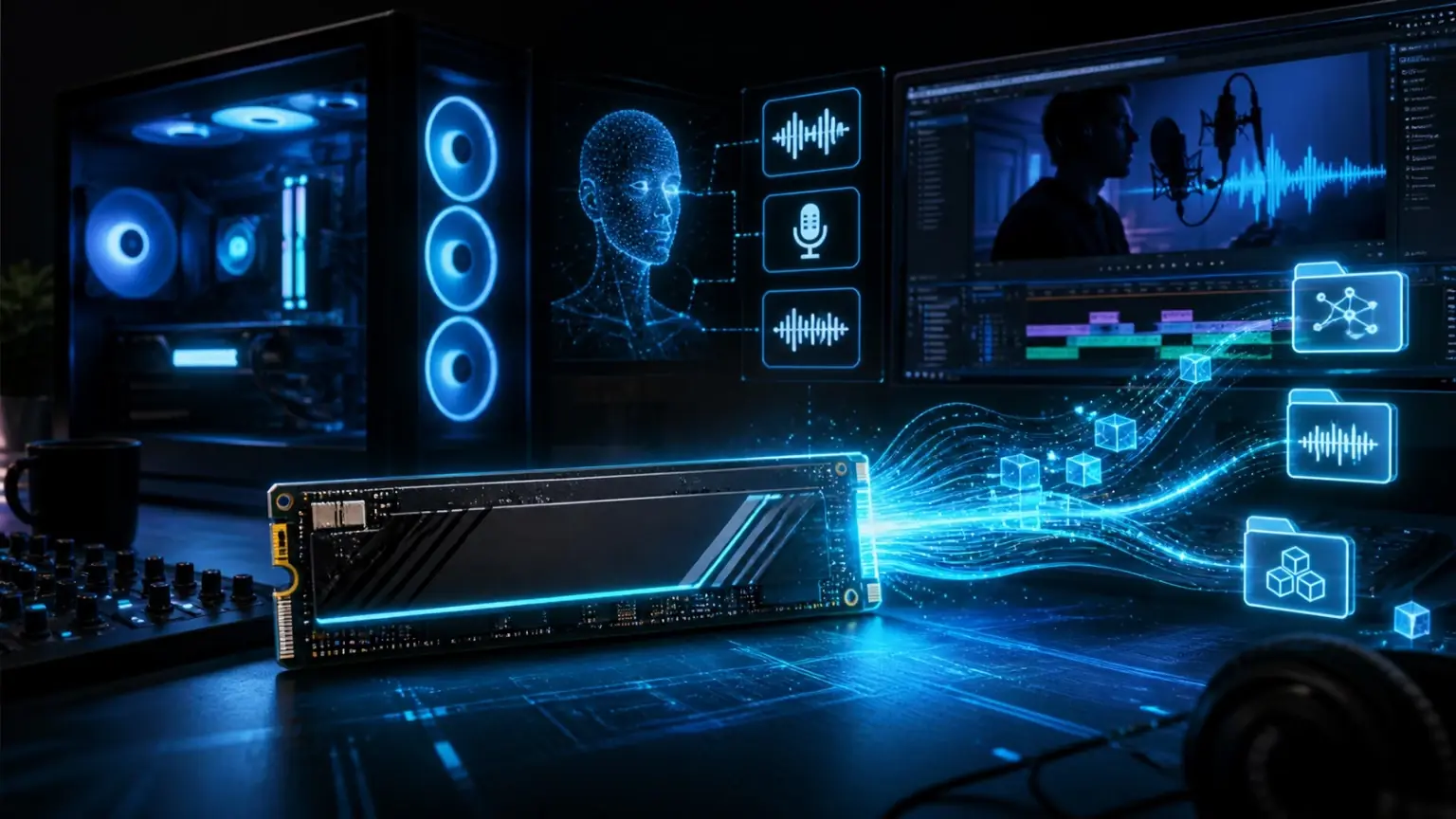
Local AI hardware workflow with NVMe SSD, RAM, GPU, VRAM and data streams for voice cloning and video dubbing

SSD, GPU, VRAM and RAM: do not build a one-sided workstation

The GPU gets most of the attention because it handles heavy AI computation. VRAM decides how comfortably larger models and intermediate results can live on the graphics card. RAM keeps the operating system, browser, editor and VANIV workflow responsive. The SSD stores the models, media, cache, projects and exports.

If one part is clearly too weak, the whole system feels worse. A fast GPU with a tiny SSD means you keep fighting storage. Lots of storage with too little RAM means the system starts swapping. Plenty of RAM with weak VRAM limits model comfort. A proper local AI workstation is a balanced system, not one expensive part surrounded by compromises.

Avoid this

Common SSD mistakes in local AI setups

Buying only 1TB because it looks enough

It looks enough until models, source videos, generated speech and exports land on the same drive. Then you start deleting things instead of creating.

Using one messy downloads folder

Local AI creates many files. Without clean folders for models, projects, sources and exports, your storage turns into a swamp.

Running active projects from slow external storage

External drives are fine for backups and archives. For active local AI projects, a fast internal NVMe drive is much nicer.

Practical tip: Keep your active VANIV projects on the fast NVMe drive. Move finished projects to archive storage only after export and backup are done.

How to organize SSD storage for VANIV Studio

The best SSD upgrade still becomes messy if everything lands in one folder. A clean local AI setup should separate the operating system, models, active projects, source media, exports and archive data. This makes it easier to back up projects, clean temporary files and find the right version later.

A simple structure is enough: one folder for VANIV projects, one folder for source media, one folder for exports, one folder for downloaded models and one archive folder for finished work. You do not need enterprise-level file management. You just need enough discipline that your future self does not hate you.

This is also why 2TB is so practical. It gives you enough room to stay organized instead of constantly compressing, deleting and moving files because the main drive is full.

Final recommendation: the best SSD size for local AI creators

If you are just testing local AI, a 1TB NVMe SSD is acceptable. It gets you started, especially when your projects are short and you do not store many source videos or models.

If you want a serious VANIV Studio creator setup, choose 2TB. It is the best sweet spot for local AI, voice cloning, text-to-speech, voice design and video dubbing. You get enough room for models, active projects, media files and exports without overspending.

If you work professionally, keep many projects locally or handle long video dubbing jobs, 4TB is the comfort choice. It is not mandatory for everyone, but it saves time, nerves and cleanup work when local AI becomes part of your daily production workflow.

FAQ

FAQ: SSD storage for local AI

Is 1TB enough for local AI?

For first tests, yes. For regular creator workflows, 1TB becomes tight quickly because models, source media, generated audio, subtitles and exports all live locally.

Is 2TB the best SSD size for VANIV Studio?

For most creators, yes. 2TB is the best balance between price, capacity and everyday comfort for voice cloning, text-to-speech, voice design and video dubbing.

Do I need 4TB for video dubbing?

Not always. For short videos, 2TB can be enough. For long videos, many source files, client work or keeping several projects locally, 4TB becomes very attractive.

Does a faster SSD make AI generation faster?

The GPU still decides most model computation. But a faster NVMe SSD can improve model loading, project access, caching, exports and overall workflow responsiveness.

Should I use an external SSD for local AI projects?

External SSDs are fine for archives and backups. For active projects, an internal NVMe SSD is usually more reliable and comfortable.