
Hardware
- modern Windows PC
- compatible GPU acceleration for demanding local AI workflows
- at least 32 GB RAM as a solid baseline
- fast NVMe SSD for videos, models and exports
- enough storage for raw videos, audio tracks and intermediate files
Translating a video with AI sounds simple: upload a file, choose a language and wait for the result. In real production, the translation alone does not decide the quality. You need transcription, speaker logic, timing, suitable voices, subtitles, audio mix and a clean export.
This guide explains step by step how a local AI video translation workflow works, when it is stronger than a pure cloud tool and why VANIV Studio brings this chain together as a local-first creator studio.
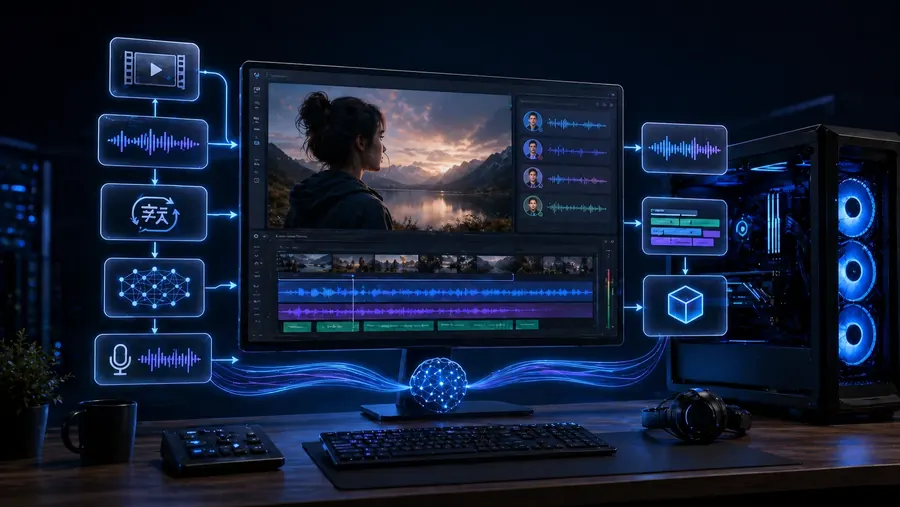
A local video pipeline can feel slow for very different reasons. Use one short reference clip, time each stage separately, then optimize the stage that actually dominates total runtime.
| Signal | Likely cause | Next useful test |
|---|---|---|
| ASR/transcription dominates | Model or backend is too heavy for the hardware | Test the same audio with a smaller/optimized model and verify the accelerator path |
| Translation dominates | Model size, RAM pressure or batches are too large | Reduce batch size and measure peak RAM on the same passage |
| TTS/voice cloning dominates | The generative speech stage is the bottleneck | Benchmark 10–20 seconds of output and verify the actual GPU/accelerator path |
| Export dominates after AI is finished | Codec, CPU or storage | Export the same finished timeline separately without rerunning AI |
Use the same reference clip after every change. Otherwise you are comparing different workloads instead of real improvements.
A local AI video translation workflow starts by analyzing the original video and its audio, creating a transcript, translating the text, assigning speakers and segments, generating new voices, checking subtitles and exporting a new audio track or a finished video.
The difference compared with many cloud tools is control. In a local workflow, project files, voices, intermediate versions and exports can stay on your own machine. That becomes especially valuable when you translate videos regularly, work with client material or want to reuse your own or authorized voice consistently.
Cloud tools are convenient. But once a test becomes a real production workflow, cost, control, repeatability, rights and quality matter more.
Many creators begin with the obvious route: upload a video to an online tool, activate automatic translation, choose a synthetic voice and hope the result is usable. For a first experiment, that is fine. For serious production, it is often not enough.
A professional AI video workflow has several building blocks. You need to understand what is being said. You need a translation that fits the target audience and the scene. You need a voice that does not sound like a generic robot. You need subtitles as a review layer. And you need an export that works on YouTube, in a course platform or in a client delivery.
If you only want to test a 30-second clip, do not work with sensitive material and standard voices are enough, a cloud tool can be faster. Local becomes interesting when you produce regularly, need reusable voices, have several speakers or do not want to push every raw video through external platforms.
You do not need a NASA workstation. But without suitable hardware, local video dubbing can quickly become slow and frustrating.
VANIV uses ONNX and supports compatible NVIDIA, AMD and Intel hardware. Available acceleration and performance depend on the model, drivers and execution provider, so test a representative clip on your current system before planning an upgrade.
The biggest mistake is to start with a 45-minute video in five languages and then wonder why the workflow becomes slow or messy. Start with a short excerpt. Check transcription, translation, voice, timing and export. Only scale to the full video when the small test works.
If you regularly use TTS, voice cloning or video dubbing, the GPU can be one of the most important comfort factors.
Read the GPU guide →For cost, credits and repeatability, an honest comparison is worth it.
Read the cost comparison →Every step has a practical purpose. Skipping source preparation, timing or review usually creates more correction work later.
Take the first 30 to 60 seconds of the video. Check transcription, translation, voice and timing. If this test sounds good, translate the full video. This prevents hours of rework when a problem was already visible in the first minute.
A video can be translated correctly and still feel artificial. The reason is usually the voice.
For simple explainer videos, a neutral AI voice can be enough. For creators, coaches, course sellers or YouTubers, that is often not enough. When viewers know a person, they expect recognition. A completely different standard voice can work, but it changes the brand.
Voice cloning is only clean when you have the required rights and consent. For your own voice or authorized speakers, it can be extremely useful. For other people's voices without permission, it is legally and ethically dangerous. No sugarcoating.
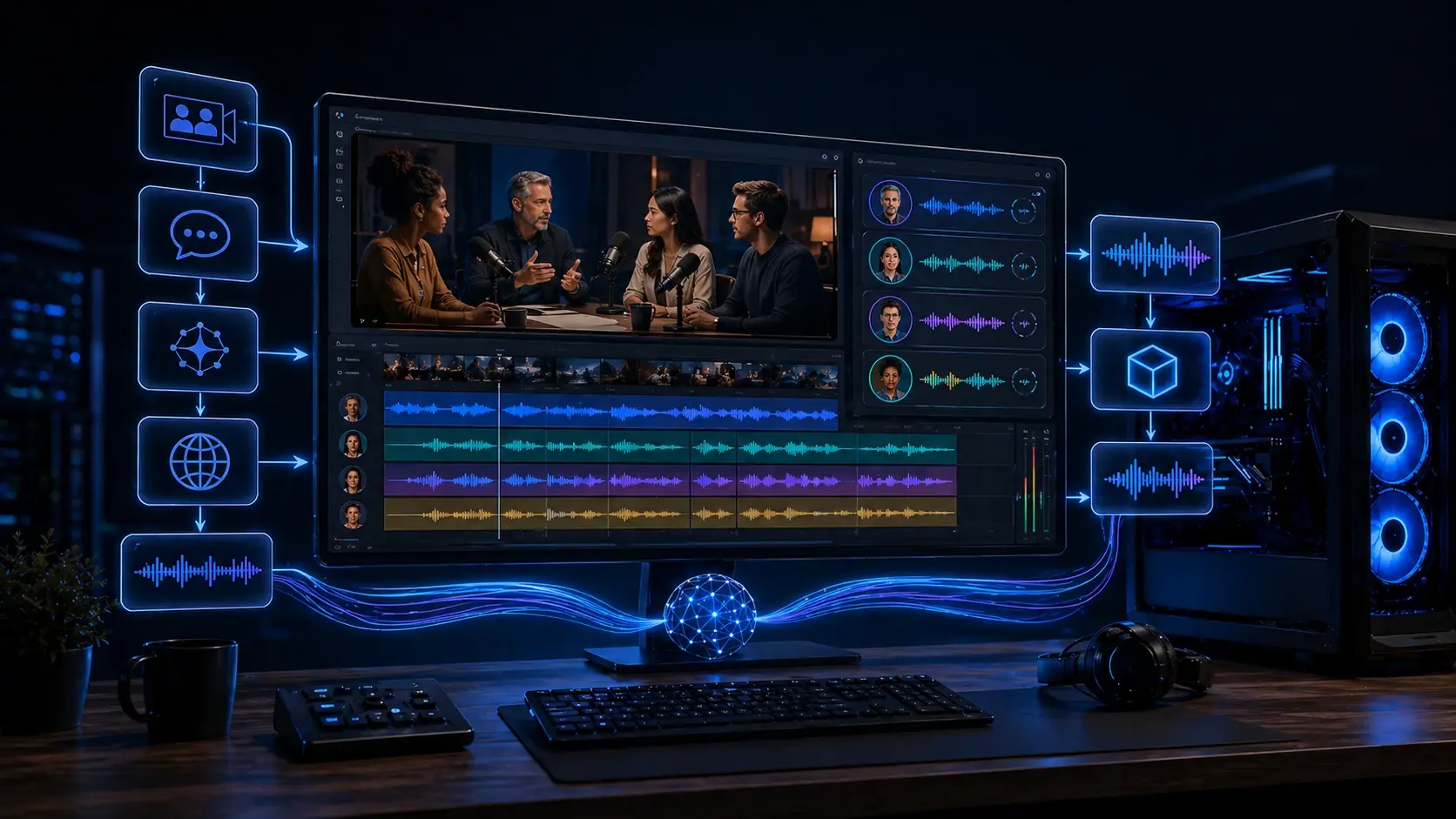
Multi-speaker videos are more demanding. Interviews, podcasts, discussions or scenes with several people need speaker recognition, consistent voices per role and clean segment boundaries. If speaker A suddenly sounds like speaker B, the illusion breaks immediately. A local workflow should therefore not only turn text into voice, but keep speakers, timing and project structure connected.
If you want to use your voice safely in creator workflows, start with the voice cloning guide.
Read the voice cloning guide →For dialogue, interviews and several speakers, you need a dedicated workflow.
Read the multi-voice guide →Treating subtitles as an afterthought wastes quality and reach.
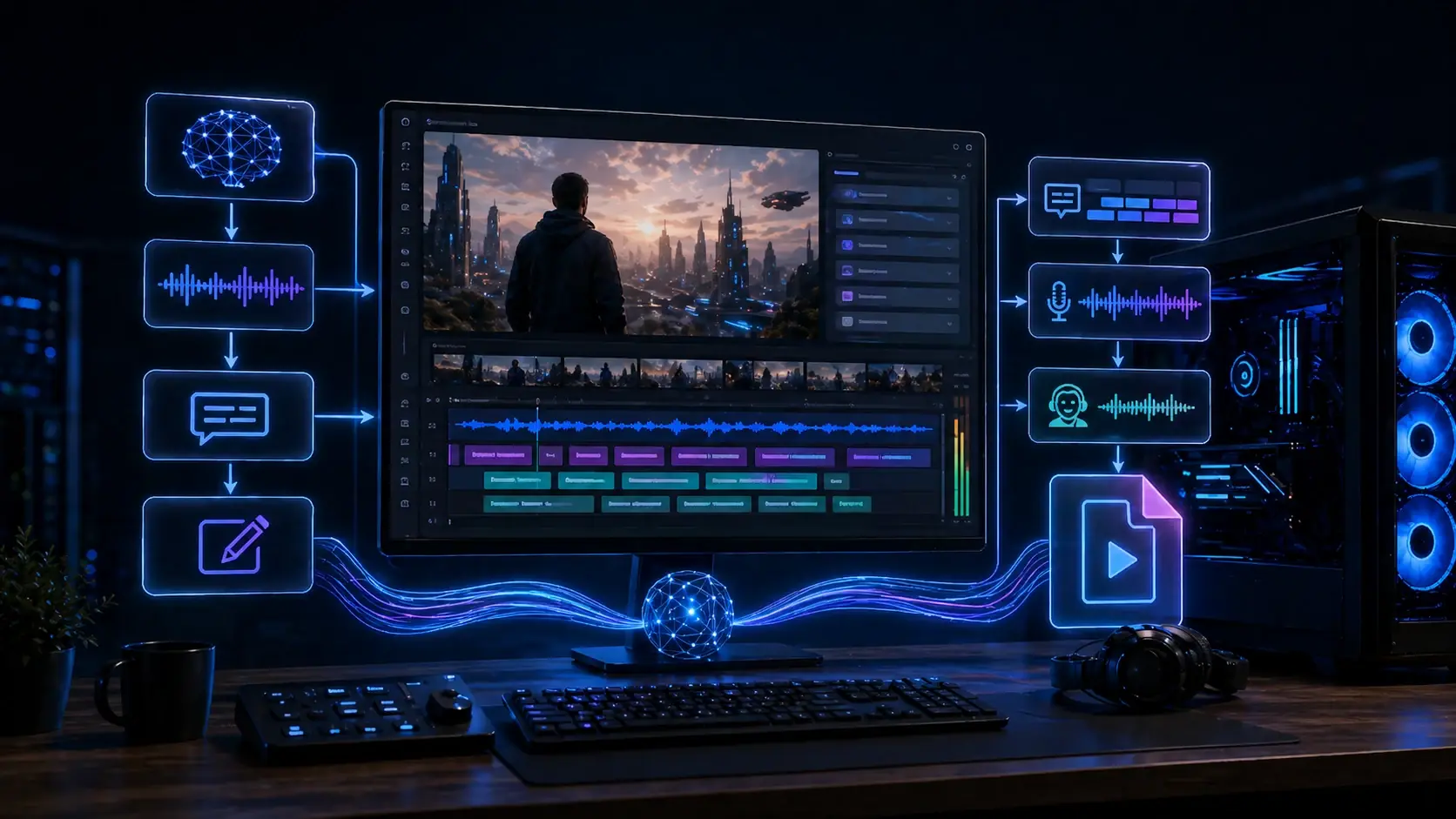
Subtitles are not only for viewers who watch without sound. They are also your best review layer. If a sentence already looks too long in the subtitle, it usually becomes even more difficult when spoken. If a term is translated incorrectly, you can spot it faster in text than in a finished export.
Separate subtitle files are ideal for YouTube, course platforms and flexible workflows.
For Shorts, Reels and TikToks, fixed subtitles can be useful because many users watch without sound.
Subtitles show whether the translated language still fits the existing scene.
Subtitles make content easier to access and increase the chance that viewers stay longer.
Many AI dubbing results do not sound bad because the voice is bad. They sound bad because the translation does not fit the scene.
Translated sentences are often longer than the original. A short English phrase can turn into a much longer sentence in another language. In a tutorial, that may be manageable. In dialogue, product demos or fast cuts, it can destroy the rhythm of the whole video.
Good AI dubbing therefore needs speakable translation, not blind literal translation. Sometimes a sentence must be shortened. Sometimes a side phrase has to disappear. Sometimes a freer version is better because it sounds natural and fits the available pause.
The export decides whether the result feels like a finished video or an AI demo.
Creators often underestimate this step. A good voice matters, but it has to sit inside the mix. If the new track is too loud, it feels pasted on. If it is too quiet, the video loses energy. If transitions cut hard, viewers can immediately feel that something was assembled too quickly.
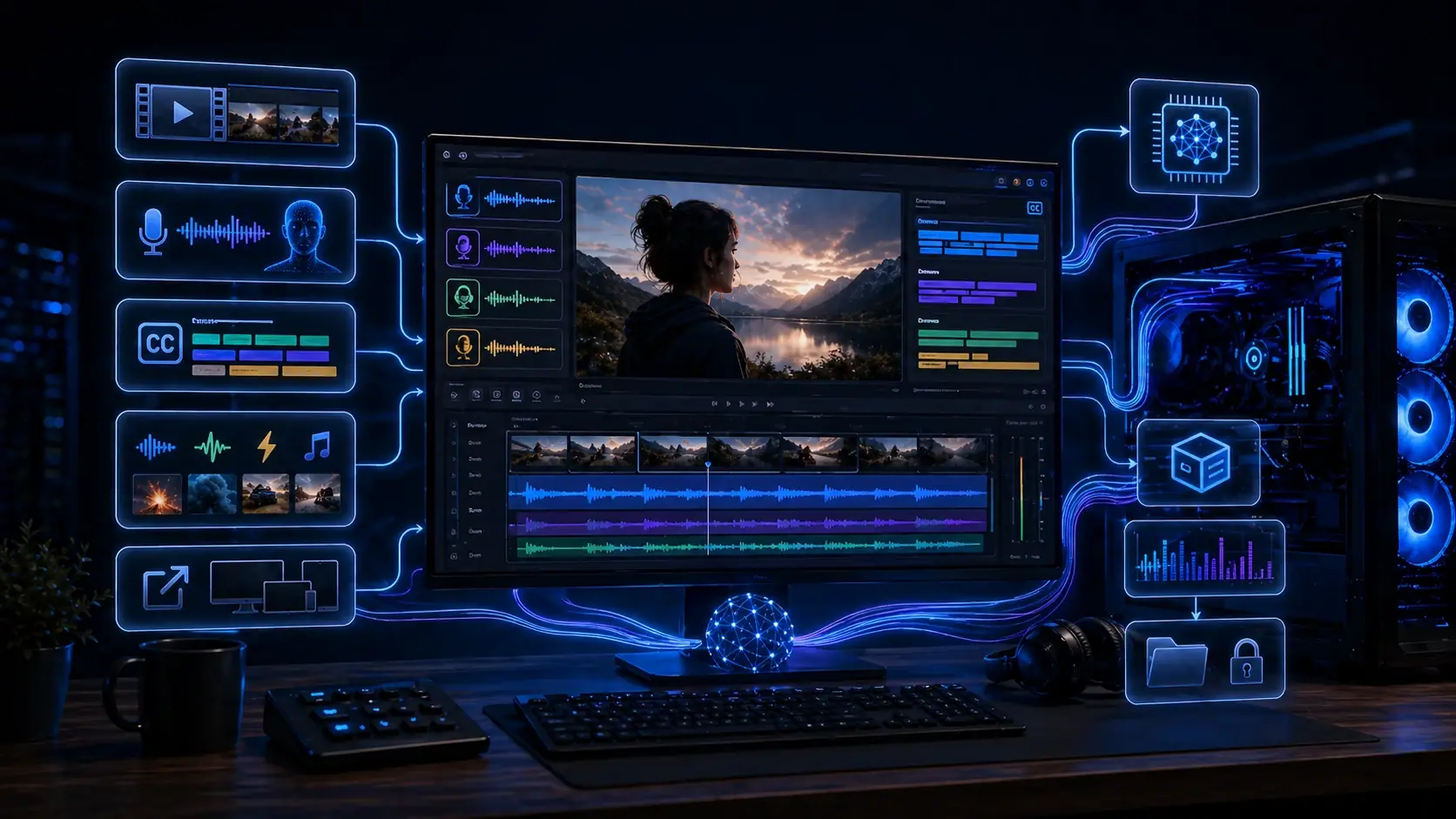
The best workflow depends on what you produce. A YouTube tutorial is different from an online course or agency production.
An English tutorial should become available in German. Important factors are correct technical terms, clear voice, useful subtitles and an export that can be used as a new upload or language version.
Focus: timing, technical terms, YouTube subtitlesA course creator wants to translate several lessons into other languages. Consistency matters: same voice, same terminology, same loudness and predictable exports.
Focus: repeatability and brand voiceAn agency produces product videos for clients. Sensitive scripts, raw videos and review versions should remain controllable. This is where a local workflow becomes especially interesting.
Focus: control, privacy, versionsMost problems do not come from “the AI”. They come from weak preparation or missing review.
Before publishing a translated video, do not only ask: “Is the text translated?” The better question is: “Would I watch this video myself without getting annoyed after ten seconds?”
A useful quality check starts with listening to the full video, not only isolated segments. Many problems only appear in context: a voice starts too early, a pause feels too long, one speaker suddenly sounds different or a technical term is translated correctly in one segment and incorrectly in another.
This is where a local workflow becomes especially useful. You do not have to jump between several browser tools just to review one project. Translation, voice, subtitles, SFX and export settings can stay connected. That reduces version mistakes: the wrong audio file, an old subtitle export, a test voice that accidentally stayed in the final mix or a video file that no longer matches the latest script.
This final review is not glamorous, but it separates usable creator content from AI tinkering. It is the difference between an interesting demo and a video you can actually publish on YouTube, inside a course or for a client.
The real product value appears when the steps are connected: video, translation, voice, dubbing, subtitles, SFX, mix and export.
Voices and speaker logic belong directly in the video workflow, not on a separate TTS island.
Subtitles help with review, timing, social publishing and final export.
A workflow is only done when the audio track, subtitles and output format can be exported cleanly.

VANIV Studio is in Early Access. Request a personal Early Access and check on your Windows PC whether local voice, dubbing, subtitle, SFX and export workflows fit your content.
Choose the next step based on whether your project needs translation, several speakers or a hardware reality check.
See how transcript, translation, voice, subtitles and export fit together on the main product page.
Multi-speaker dubbingFor interviews, podcasts and dialogue videos that need consistent speaker roles.
Test a 12GB GPU for YouTube dubbingA practical look at when 12GB VRAM is enough and when longer dubbing projects need more headroom.