1. You only need an occasional voiceover
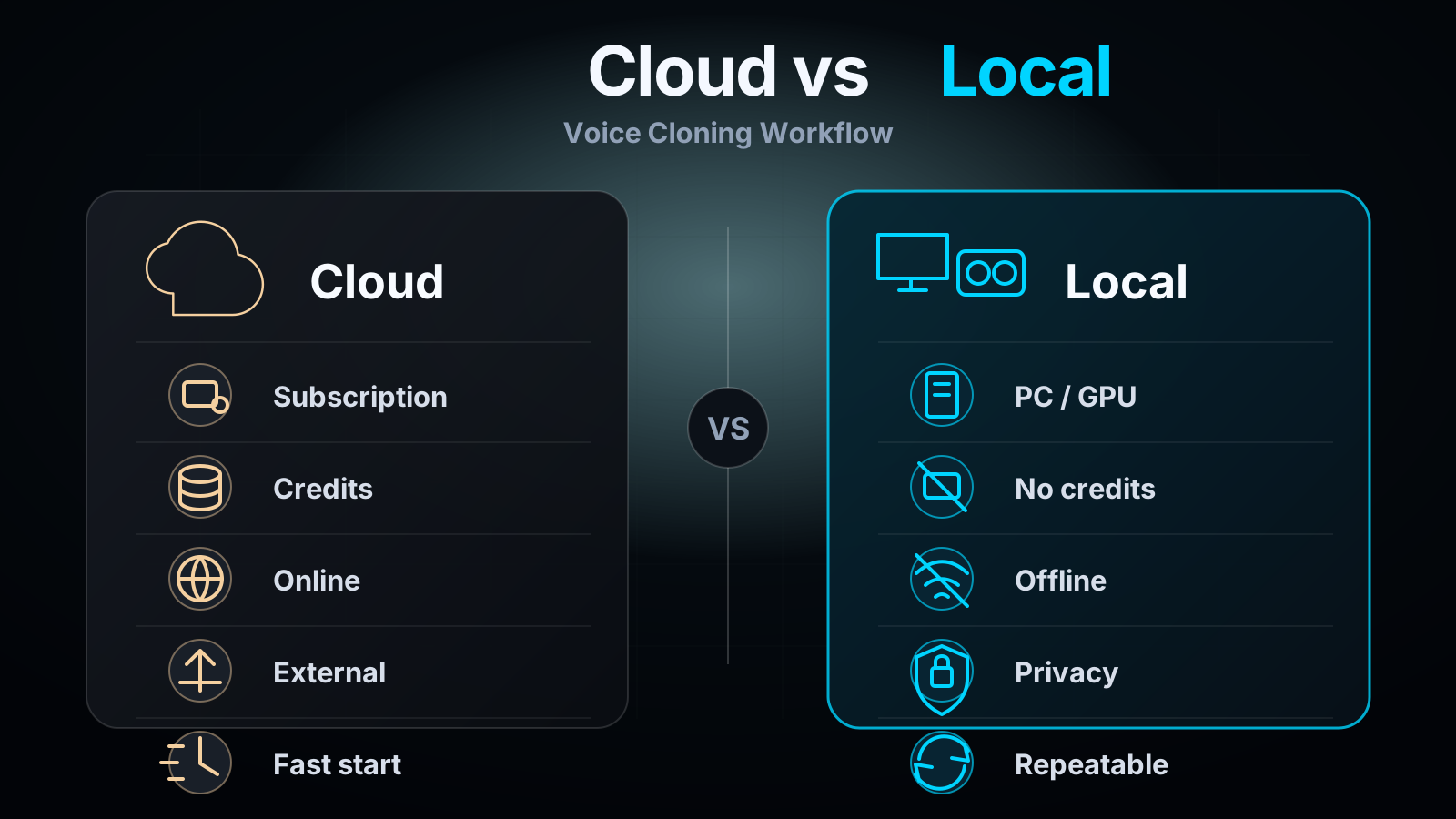
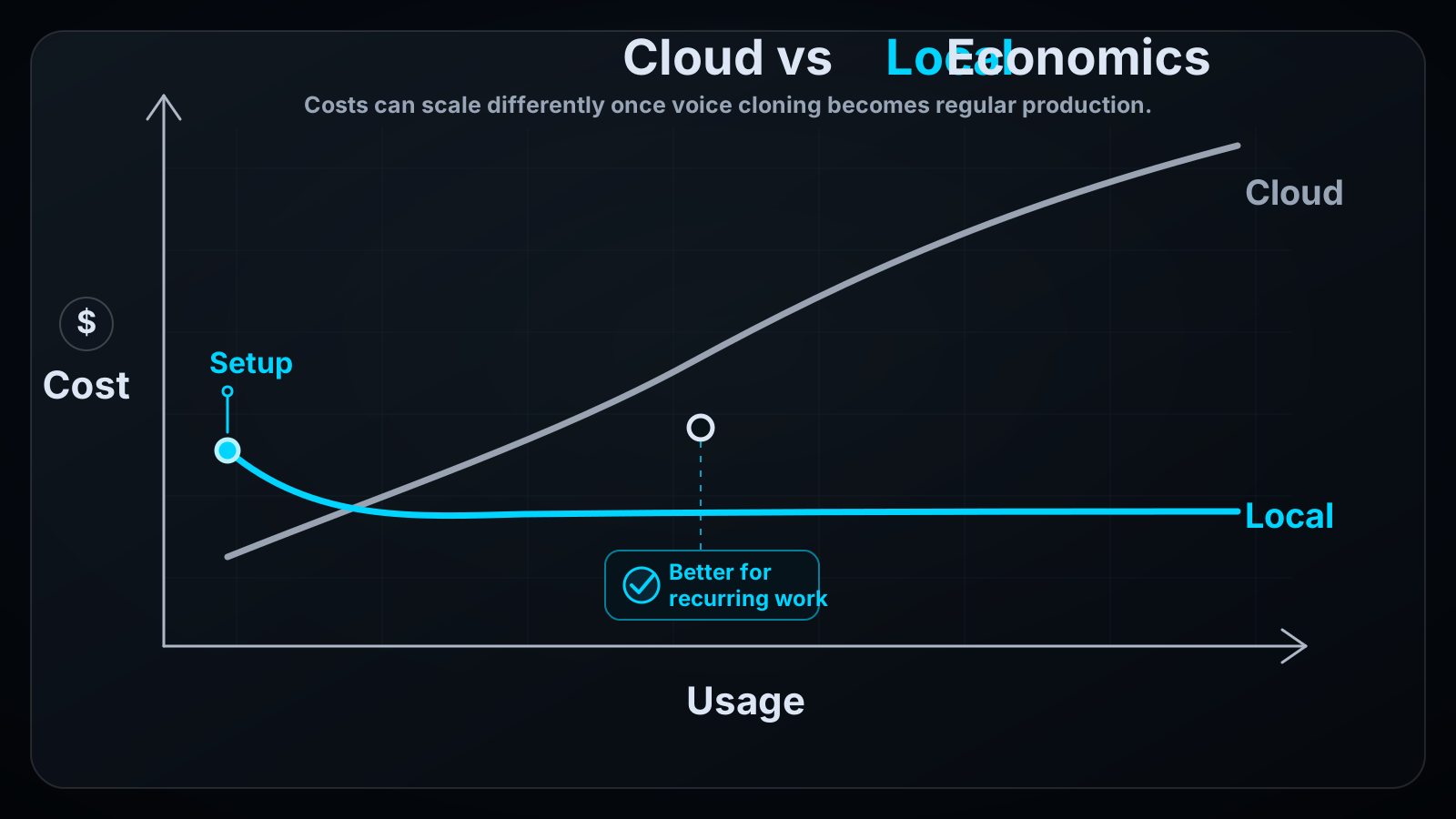
If you generate one voiceover every few months, a cloud tool is often the easiest entry point. You do not need to plan hardware, maintain a local setup or think about project structure.
In that case, local voice cloning without a subscription is not automatically the best choice. VANIV becomes more interesting when individual tests turn into a repeatable production process.
2. You publish YouTube videos regularly
With weekly videos, the situation changes. You need more than a voice. You need a repeatable workflow: prepare the script, test the voice, check timing, export audio, maybe create subtitles and produce variations for different platforms.
For YouTubers and faceless channels, local voice cloning is especially interesting because a recognizable channel voice can build trust over time. If every test consumes credits, creators often test less. A local workflow makes iteration feel more natural.
3. You build online courses or training material
Online courses need consistency. New lessons should not suddenly sound completely different from older modules. At the same time, course material can be sensitive: internal processes, client examples, product details, names or unpublished content.
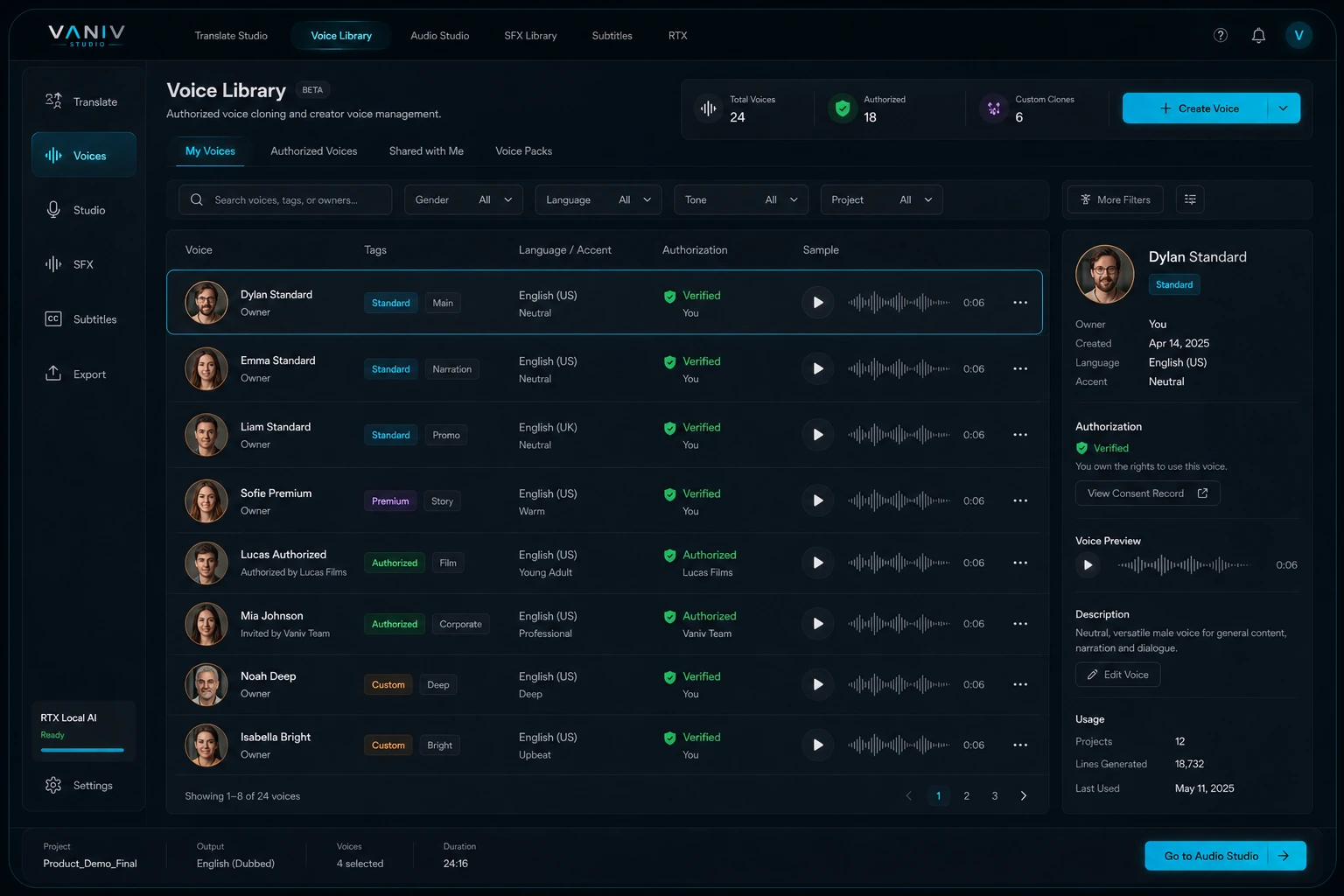
A local-first workflow helps you control such material more consciously. With VANIV, an authorized voice can be treated as a reusable profile, so later lessons can be added in the same style without rebuilding a new cloud workflow every time.
4. You create video dubbing or multiple languages
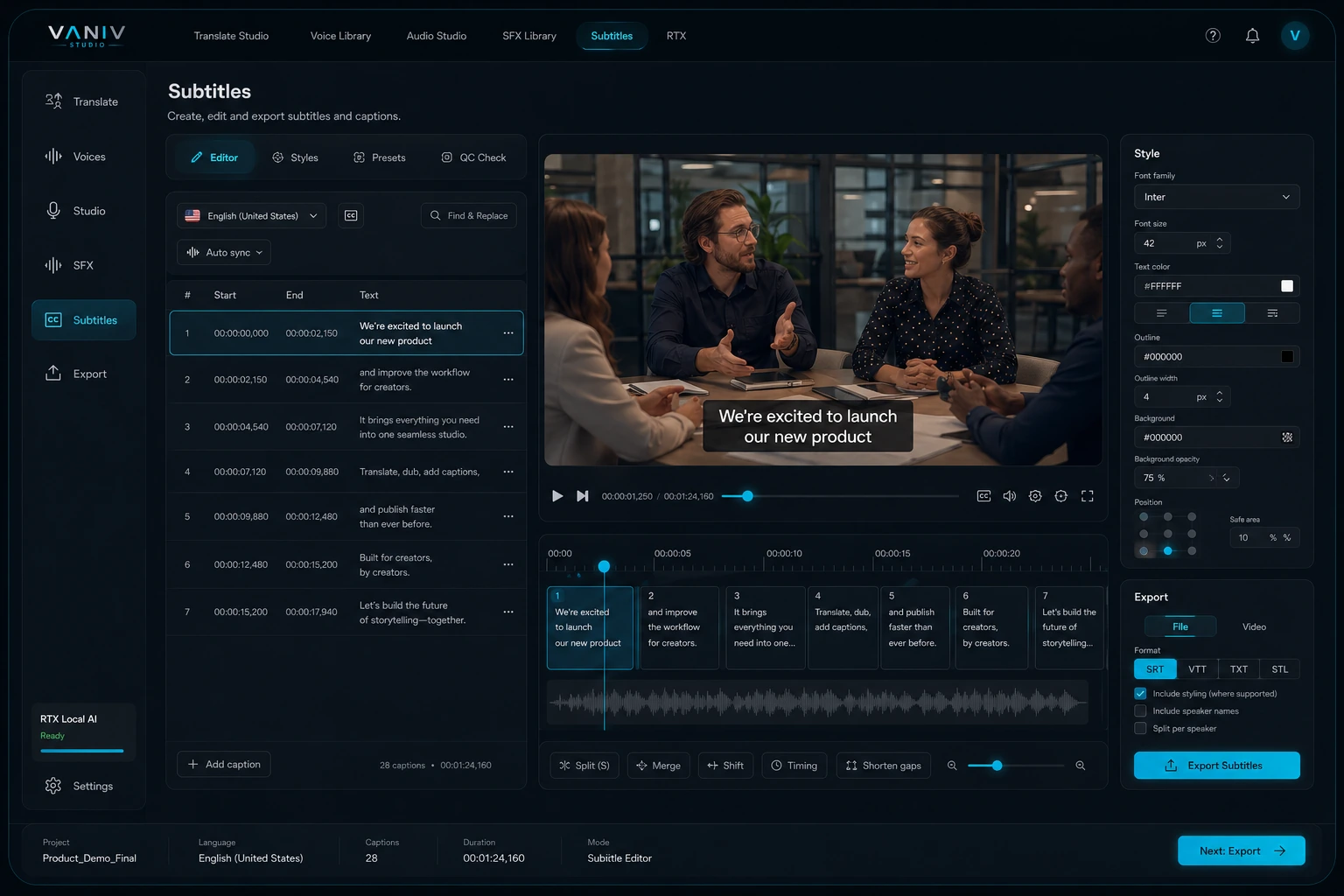
Once translation, dubbing and subtitles are involved, a single text-to-speech generator is not enough. You need to think about speaker roles, timing, sentence length, audio quality, subtitles and export together.
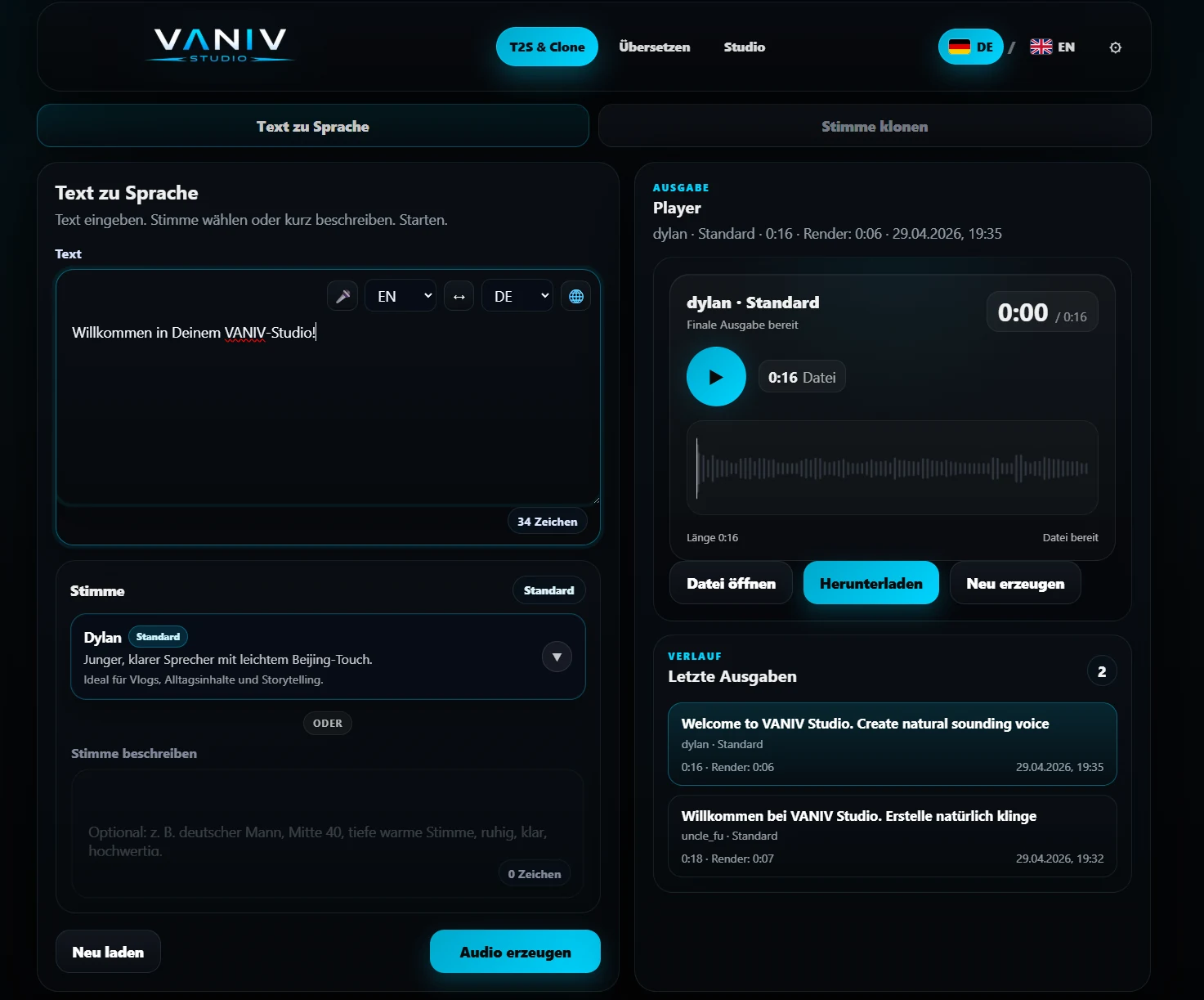
This is where VANIV becomes stronger than a pure voice cloning button. The value is not only in generating a local voice, but in connecting voice cloning, TTS, dubbing, SFX, subtitles and export into one production workflow.
Why this distinction matters
Many people search for “local voice cloning without subscription” and expect a simple yes-or-no answer. In practice, the decision depends heavily on your usage pattern. For rare one-off tests, cloud is convenient. For regular creator production, control becomes more important: local files, reusable voices, many test runs, clean project structure and predictable exports.
The strongest VANIV use case is not the one-time demo sentence. The strongest use case is a creator who publishes every week, tests different versions, wants to reuse voices long term and does not want to jump between ten disconnected tools.
If you only want to know whether AI voices work in principle, a quick test may be enough. If you want to build a real voice AI system for your channel, courses or client projects, a local workflow becomes a strategic decision.