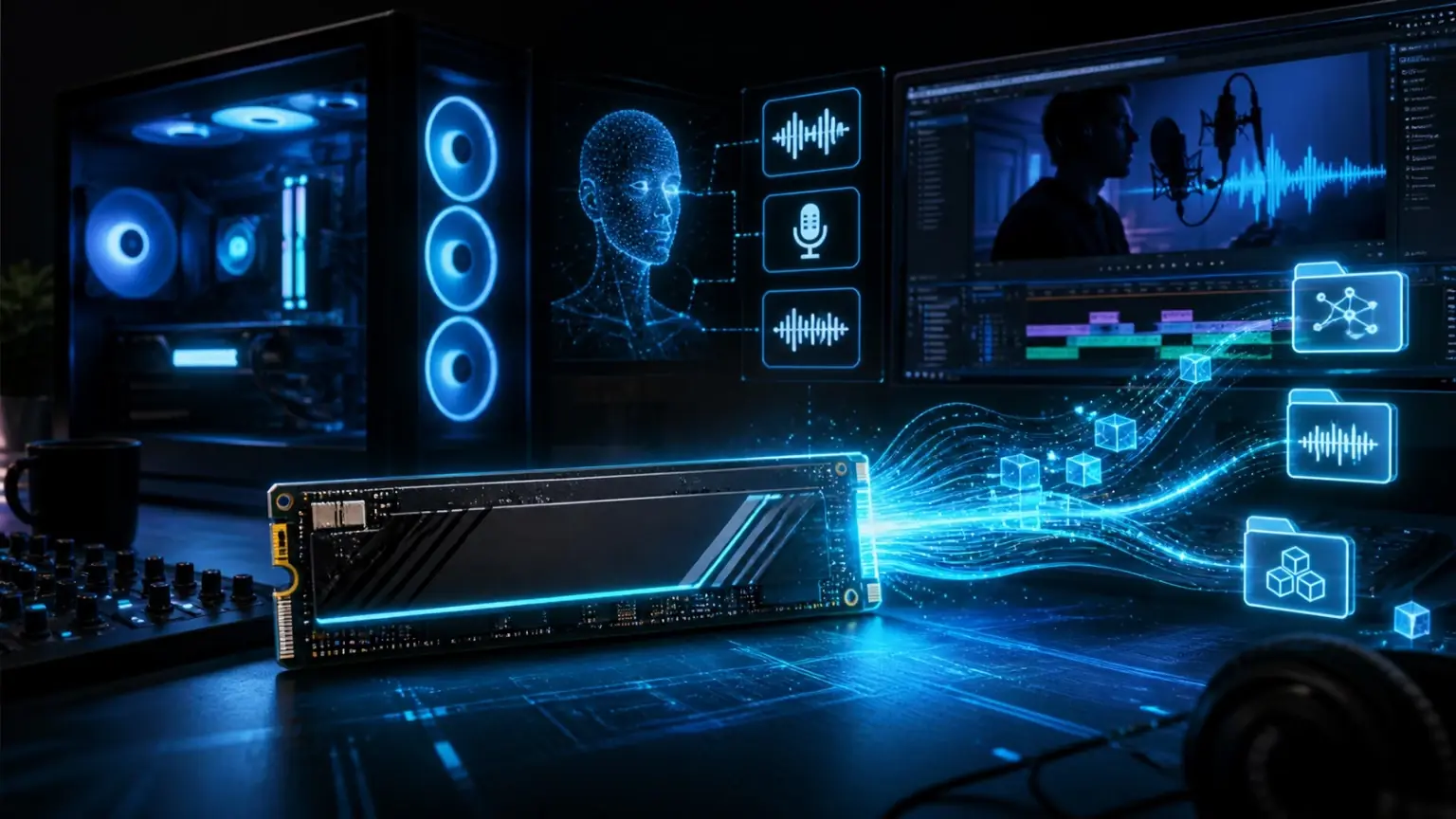
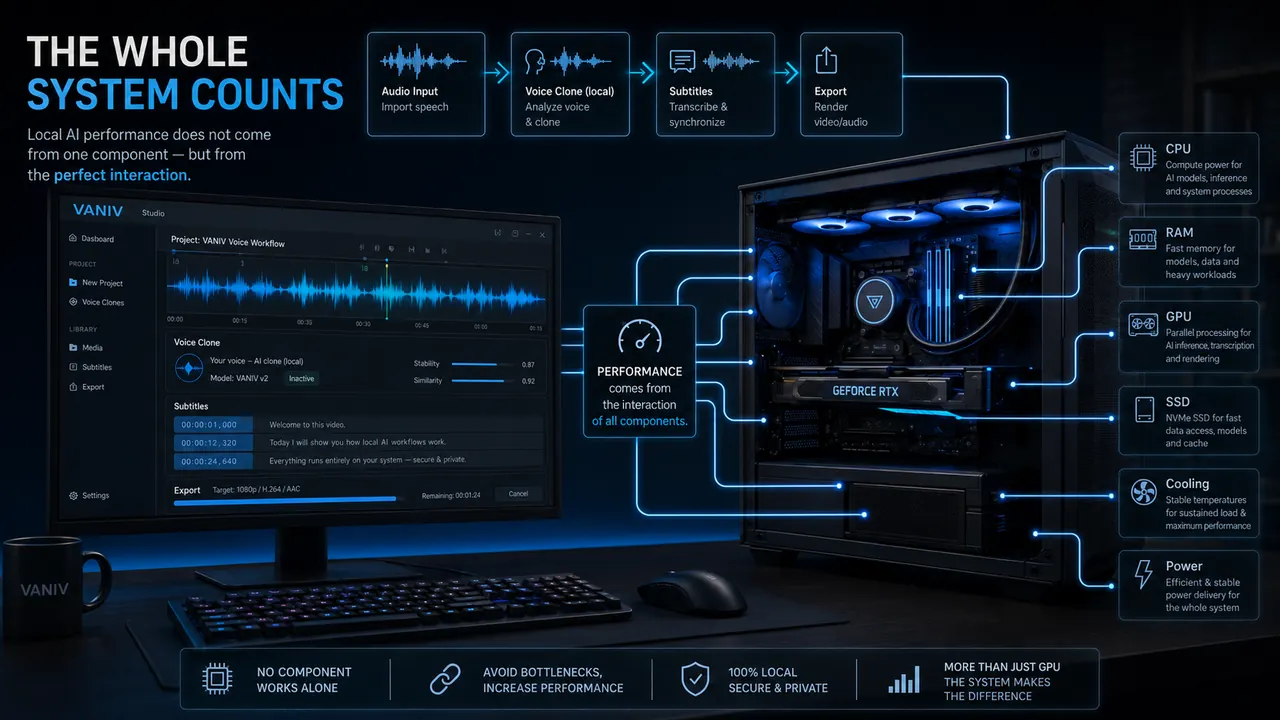
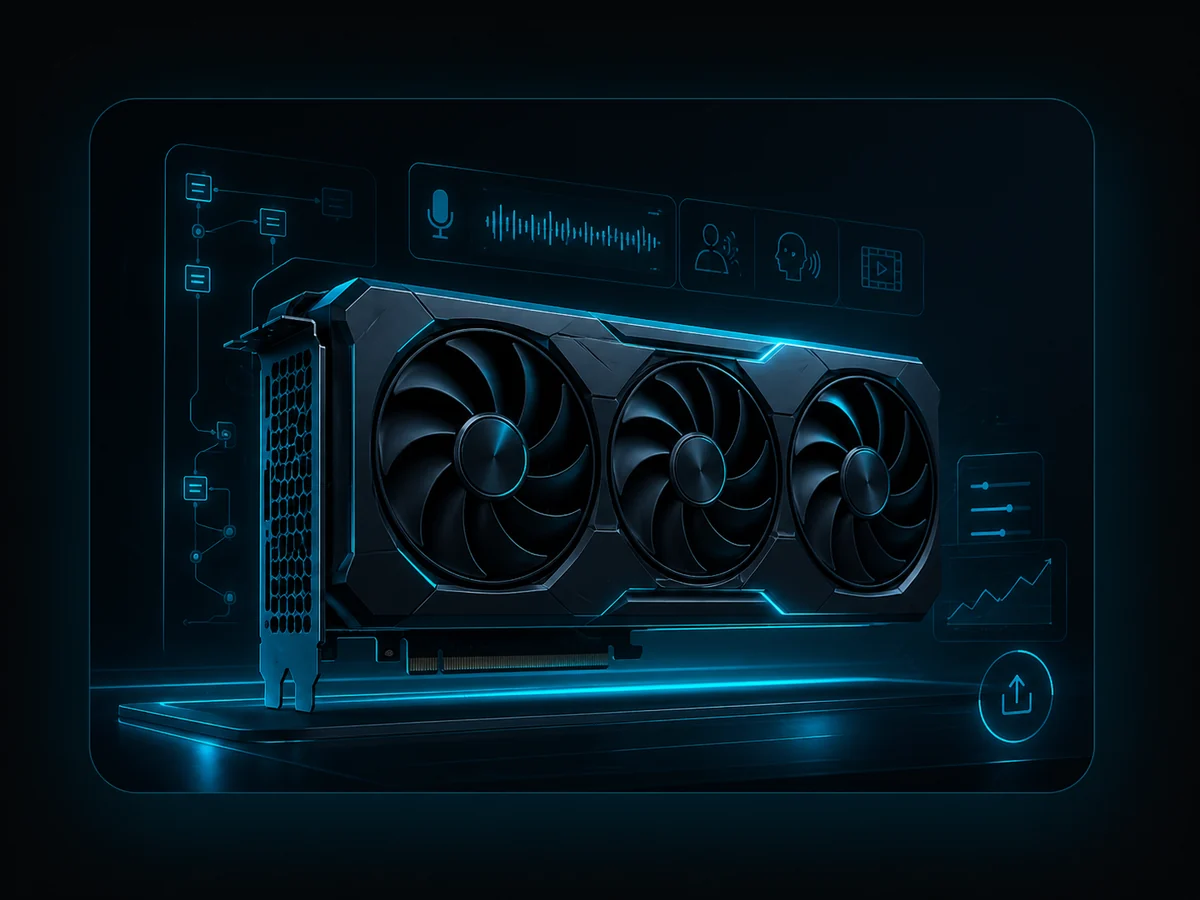
One component rarely decides everything. For local AI, the balance between GPU, VRAM, RAM, SSD, cooling and real project size matters.
Entry build: test first, upgrade later
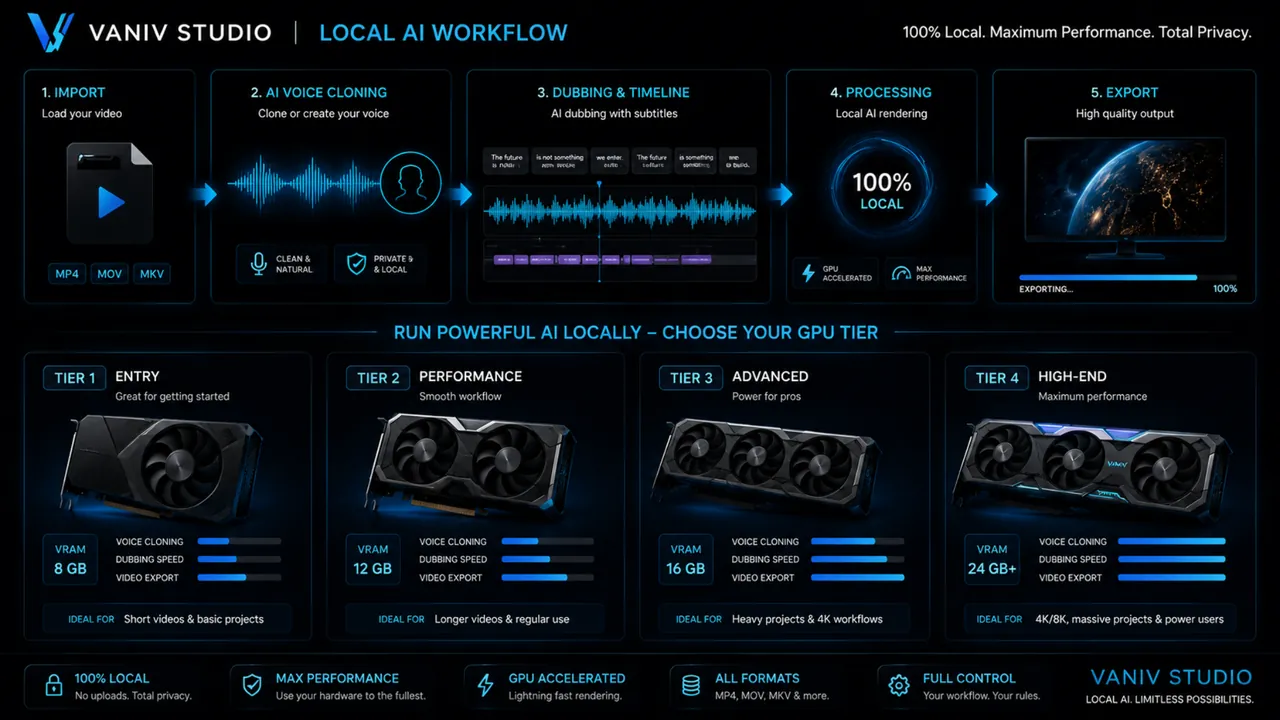
If you want to try VANIV Studio first, you do not need a high-end PC immediately. A solid RTX GPU, 32GB RAM and a fast NVMe SSD are enough for first AI voices, short text-to-speech projects, voice design and smaller tests. The goal here is not maximum performance, but a clean start without unnecessary spending.
This range fits creators who want to find out whether local AI belongs in their daily workflow. If you only create short voiceovers, small clips or first demos, a sensible entry setup is better than committing to a high-end workstation before confirming the need.
Creator build: the most sensible range for regular production
For YouTube, courses, product videos and recurring voiceover projects, a balanced creator PC becomes much more important. RTX 5070 Ti or RTX 5080, 64GB RAM and at least a 2TB NVMe SSD are much more comfortable. Not because the numbers look nicer, but because waiting time, cache, project files and parallel tools quickly become annoying.
This is probably the sweet spot for many VANIV users. You get enough headroom for voice cloning, local AI voices, video dubbing, subtitles and export without immediately moving into extreme workstation pricing.
Pro build: when local AI becomes part of your work
If you regularly work with longer videos, several speakers, several languages or client projects, more headroom becomes valuable. RTX 5080 or RTX 5090, 64 to 128GB RAM, several fast NVMe SSDs and strong cooling improve more than benchmarks; they make daily production more stable.
For agencies, power creators and technical users, this range can make sense because waiting time and failed runs cost real money. Still, the rule stays the same: test the workflow first, then buy hardware. High-end without real need is expensive, but not automatically more productive.
Upgrade order: where to spend money first
If you already have a decent PC, you do not need to replace everything. A useful order is often: check the GPU first, move RAM to 64GB, increase SSD capacity and only then think about CPU, power supply or case upgrades. A strong GPU is less useful if storage, cooling or power delivery makes the system unstable.
Use this hub to compare the main GPU classes, choose enough RAM, plan storage and build a stable supporting system. Upgrade the component that limits the workflow instead of replacing parts without evidence.