
Your own voice
The cleanest starting point when you would be willing to speak the content yourself and simply want to scale, translate or reuse your voice.
AI voice cloning can be legal, but there is no single worldwide rule. The safest starting point is your own voice or a voice you have clear permission to use. Risk rises quickly with celebrity voices, third-party voices, advertising, political content, impersonation and misleading synthetic audio.
This 2026 guide covers consent, the U.S. NO FAKES Act proposal, Tennessee’s ELVIS Act, EU AI Act Article 50, YouTube disclosure rules, celebrity and third-party voices, deepfake risk and practical rights-clearance for creators and agencies.
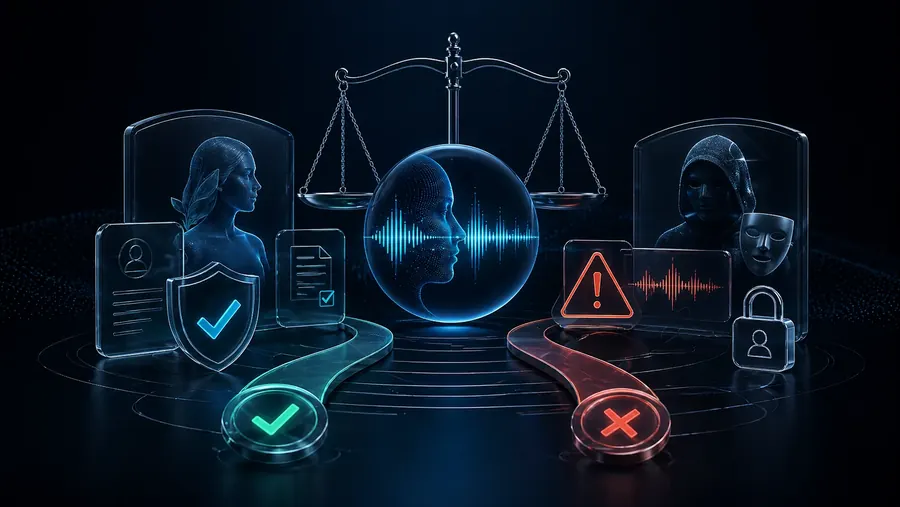
There is no single worldwide yes-or-no rule. Cloning your own voice or a clearly authorized voice is usually the lowest-risk path. Using another identifiable person’s voice can trigger consent, publicity, privacy, contract, consumer-protection, platform and AI-transparency rules. For public or commercial use, documented permission is the safest starting point, and high-risk cases need jurisdiction-specific legal advice.
This guide provides general information, not legal advice. Requirements vary by jurisdiction and use case.
The legal picture is becoming more specific, but it is still a patchwork. The U.S. does not yet have one nationwide voice-cloning statute covering every use, while state publicity and impersonation laws can apply. In the EU, Article 50 transparency obligations have applied since August 2, 2026.
This is general information, not legal advice. Rules can differ by jurisdiction, contract, platform and use case.
Is voice cloning legal? It can be, but the answer depends on whose voice you use, what permission you have, where the content is published and which laws, contracts and platform rules apply. Using your own voice or a clearly authorized voice is the safest starting point; software capability alone is never permission.
Cloning a client, colleague, public figure or another creator without permission can create privacy, publicity-rights, consumer-protection, contract and platform-policy problems. For advertising, political content, public figures or any disputed use, get legal advice for the relevant jurisdiction before publishing.
The technical part is only half the story. The important questions are whose voice you use, why you use it and whether that person agreed to that use.
Voice cloning creates or imitates a synthetic speaker voice from audio material. That can be completely legitimate when you are cloning your own voice for narration, courses, multilingual videos or accessibility. It becomes much more sensitive when you imitate another real person.
That is why you should separate the use cases clearly. Cloning your own voice is not the same as cloning a client, guest, colleague, actor, influencer or public figure. Designing a new AI voice for a role is also very different from trying to copy a real person as closely as possible.
The cleanest starting point when you would be willing to speak the content yourself and simply want to scale, translate or reuse your voice.
Useful for speakers, guests, clients and team members — but only with clear permission for purpose, duration, language and commercial use.
Risky, especially for ads, political content, celebrity-style content, client work or anything that could mislead the audience.
Often the better choice when you need a calm explainer, tech narrator, course voice or dubbing role rather than a real person.
This is not legal advice. For creators, the direction is clear: transparency around AI-generated and manipulated media is becoming more important, not less.
As of this review on October 7, 2026, the EU AI Act's Article 50 transparency obligations apply from August 2, 2026. Providers and deployers can have different duties. The rules include machine-readable marking obligations for certain generative-AI outputs and disclosure obligations for deepfakes and certain public-interest text. The Commission guidance says deepfake disclosure should be clear and distinguishable by first exposure; limited transition rules apply to some pre-August systems.
Platform rules can be more specific. YouTube currently lists cloning your own voice for voiceovers or dubs among examples that do not require its altered-content disclosure. Cloning someone else's voice for a realistic voiceover or dub is listed as an example that does require disclosure. That platform distinction does not replace consent, contracts or applicable law.
Voice cloning is not automatically unethical. It becomes professional when rights, purpose and transparency are handled properly.
You use your own voice for YouTube, tutorials, courses, product videos or multilingual versions. Start with the clone your own voice guide.
A speaker explicitly allows voice use for defined formats, platforms, languages and time periods.
A consistent voice for training, support, product demos or internal videos — but only with clear usage rights.
If you do not need a real person, a newly designed AI voice is often cleaner. See create an AI voice from text.
Not everything that is technically possible belongs in a serious creator workflow.
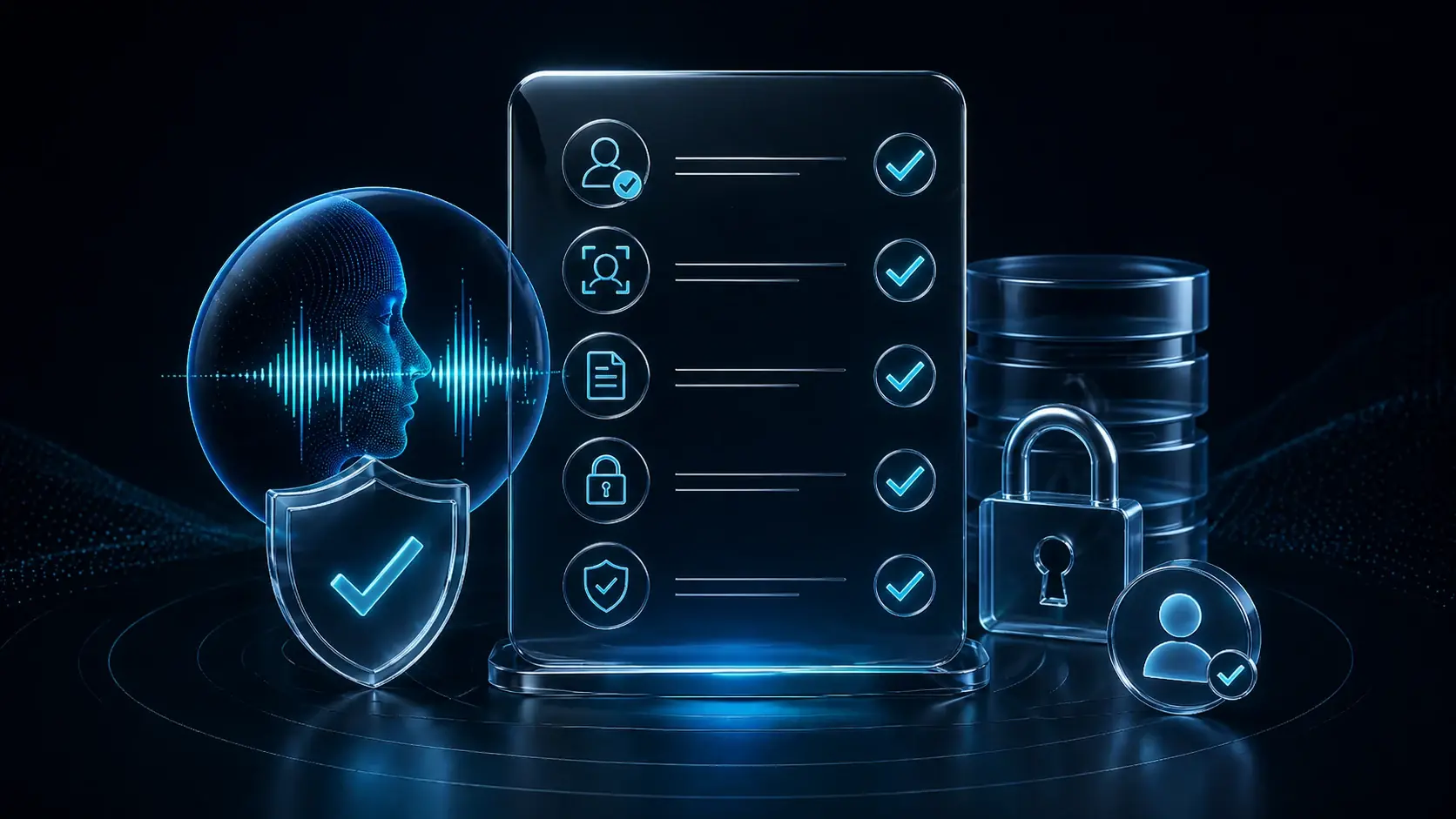
A casual “sure, that is fine” is too weak for professional projects. The more commercial the use, the clearer the documentation should be.
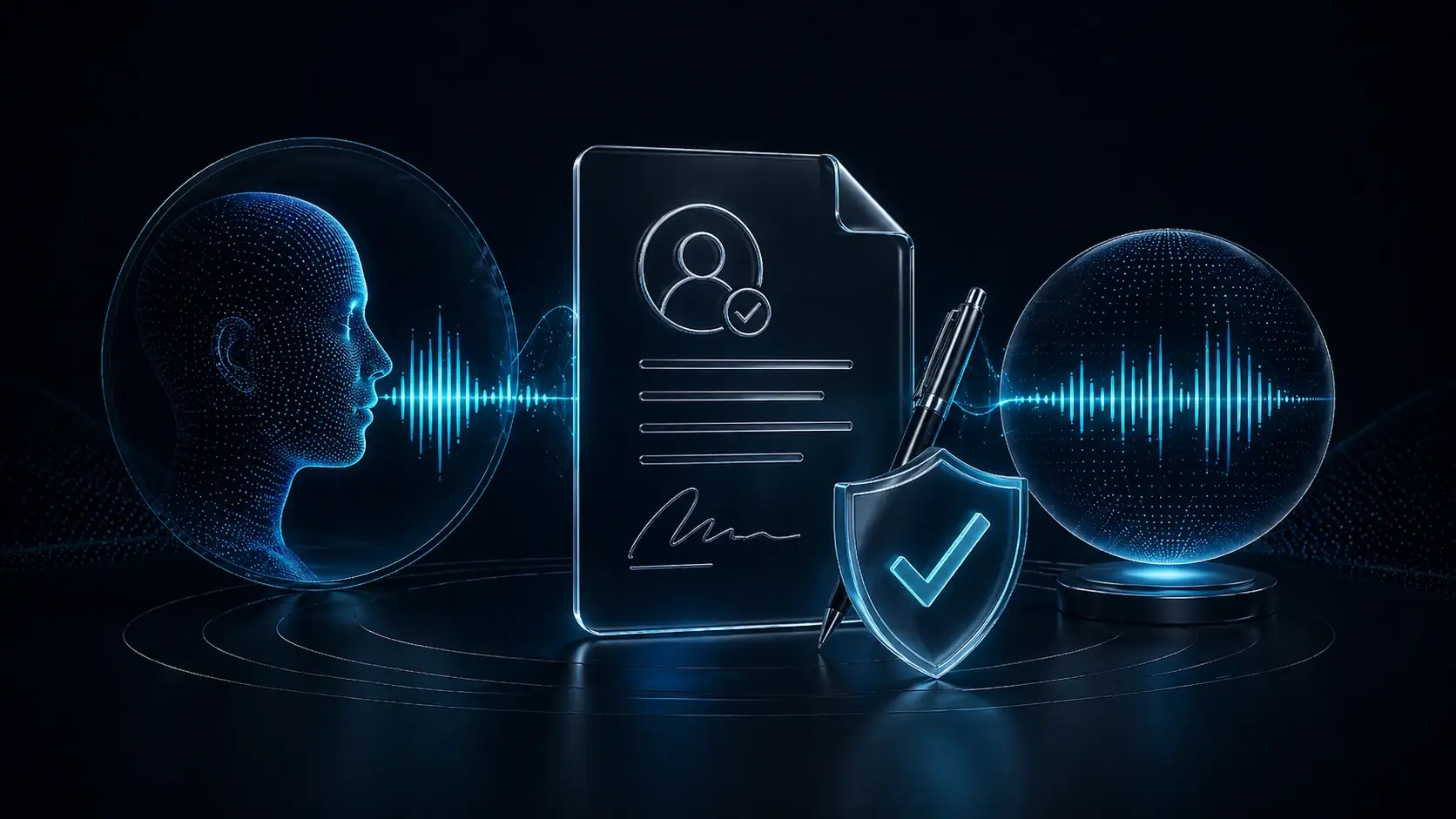
A good voice cloning permission does not simply say that a voice may be used. It should define what the voice may be used for, in which languages, on which platforms, for how long, whether commercial use is allowed and whether the voice may be reused for new content later.
Who is speaking? Who gives permission? Is the source material actually from that person?
YouTube, course, ad, podcast, dubbing, social media or internal training — the purpose should be explicit.
For translation and multi-voice dubbing, clarify whether the voice may be used in other languages.
How long does the permission last? What happens if the person wants to stop future use?
Local-first is not a legal shield. It is a control advantage.
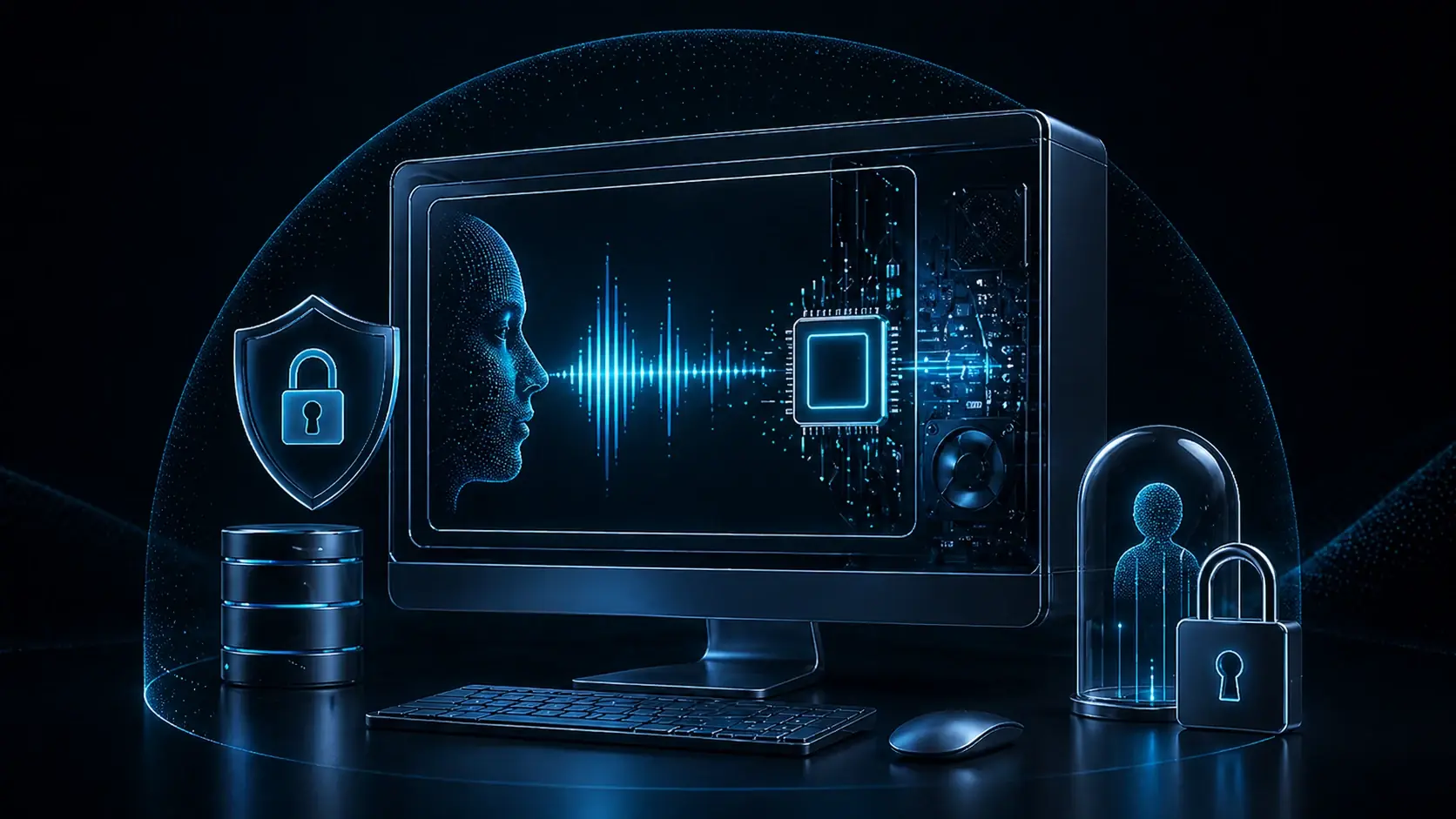
Voice cloning often involves sensitive audio: raw voice samples, speaker references, client material, unreleased videos, course content or internal training files. The more tools and uploads are involved, the more copies, exports and dependencies you create.
A local-first workflow can reduce that friction. You work closer to your project files, keep more control over intermediate outputs and avoid pushing every iteration through multiple browser tools. But rights, consent, disclosure and privacy remain your responsibility.
In the EU, an audio file is not automatically special-category biometric data. Article 9 of the GDPR specifically covers biometric data processed for the purpose of uniquely identifying a person. Voice files may still be personal data and remain subject to privacy, security and contractual obligations even when that narrower biometric category does not apply.
Official GDPR text on EUR-Lex →For the business side, read the cloud vs local AI cost comparison and the guide to local voice cloning without a subscription.
Professional voice cloning is not a single button. It is a process: purpose, rights, voice quality, testing, disclosure and export review.
Most voice cloning questions become clearer when you frame them as real production workflows.
You clone your own voice to create narration faster or publish additional language versions. That can be a strong use case when you stay transparent with your audience.
A guest’s voice should not automatically be reused for new modules or translations. Get permission or use a neutral voice design instead.
Commercial use needs especially clear rights. Who may use the voice? For which campaign? How long? In which markets and languages?
Multi-voice dubbing needs a clean rights basis for every speaker role. See local multi-voice dubbing.
This is not a professional strategy. If you want a style or vibe, design a new voice instead of imitating a real person.
Internal use still needs clarity. “Only internal” does not automatically make voice cloning harmless.
The Tennessee ELVIS Act is a useful example of how voice and likeness protections are developing around AI-generated replicas. It is not the whole U.S. legal picture, but it shows the direction clearly.
Tennessee Government on the ELVIS Act →Many creators do not need to imitate a real person. They only need a useful speaker role.
If you need a calm course narrator, a friendly tech explainer, a documentary voice or a neutral product voice, you do not need to clone a real person. Voice design can create a new speaker profile that fits the role without copying someone’s identity.
That is often the cleaner ethical choice. You avoid imitation risk, shape the voice around the format and still work with reusable speaker profiles. For faceless content, dubbing roles, product videos and international versions, it can be more useful than trying to sound like a famous or private person.
If you need a real person, you need rights. If you only need a role, voice design is often the better starting point.
Read the voice design guide →The biggest mistakes are rarely technical. They usually come from weak assumptions about rights, consent and transparency.
The more realistic AI voices become, the more important consent, disclosure and traceable workflows become.
Creators, agencies and companies will increasingly need to explain how synthetic voices were made, who approved their use and whether the content was properly disclosed. Platforms, clients and audiences are becoming more sensitive to deepfakes, scams and identity misuse.
That is not a reason to avoid voice cloning. It is a reason to use it professionally: with your own or authorized voices, clear documentation, realistic expectations and a workflow that gives you control instead of chaos.
For ads, client projects, public figures, political content or sensitive use cases, get professional legal advice for your specific situation.
VANIV can help you organize voice, dubbing, subtitle and export workflows locally and more transparently. VANIV cannot replace consent, clear rights or a legal review of your project.
The safest practical approach is simple: use your own or clearly authorized voices, document permissions, disclose realistic AI voices when needed and use voice design when you do not need a real person.
If you want to use voice cloning responsibly, these are the logical next steps.
The clean starting point for creators who want to work with their own voice.
Read the guide →When you do not need a real person, voice design is often the cleaner option.
Understand voice design →Why local workflows matter for control, iteration and sensitive voice projects.
View the local workflow →How to assign several speaker roles in translated videos more deliberately.
Read multi-voice dubbing →The complete workflow from transcription and translation to voice and export.
View video workflow →Why control, repeatable production and tool switching matter economically too.
Compare costs →VANIV Studio is built for creators who want to work with their own or authorized voices in a more controlled local production workflow.