VANIV Studio demo

Turn one video into a publishable dubbed version — locally.

VANIV Studio is designed for creators who want a practical local AI video dubbing workflow: import a source video, keep the speaker structure understandable, translate the dialogue, generate new AI voice tracks, add subtitles and export a localized version without depending on a cloud dubbing platform.

This demo page shows the workflow behind the product. It is not just about one isolated text-to-speech button. The goal is a complete creator pipeline for YouTube videos, tutorials, product demos, education content, podcasts, short-form clips and agency localization work.

Local AI video dubbingVoice cloning workflowSubtitle exportCreator-ready pipeline

Honest status: VANIV Studio is in early access. The page explains the intended real-world workflow and helps you decide whether local AI dubbing fits your creator setup before you spend money on cloud tools or expensive hardware.

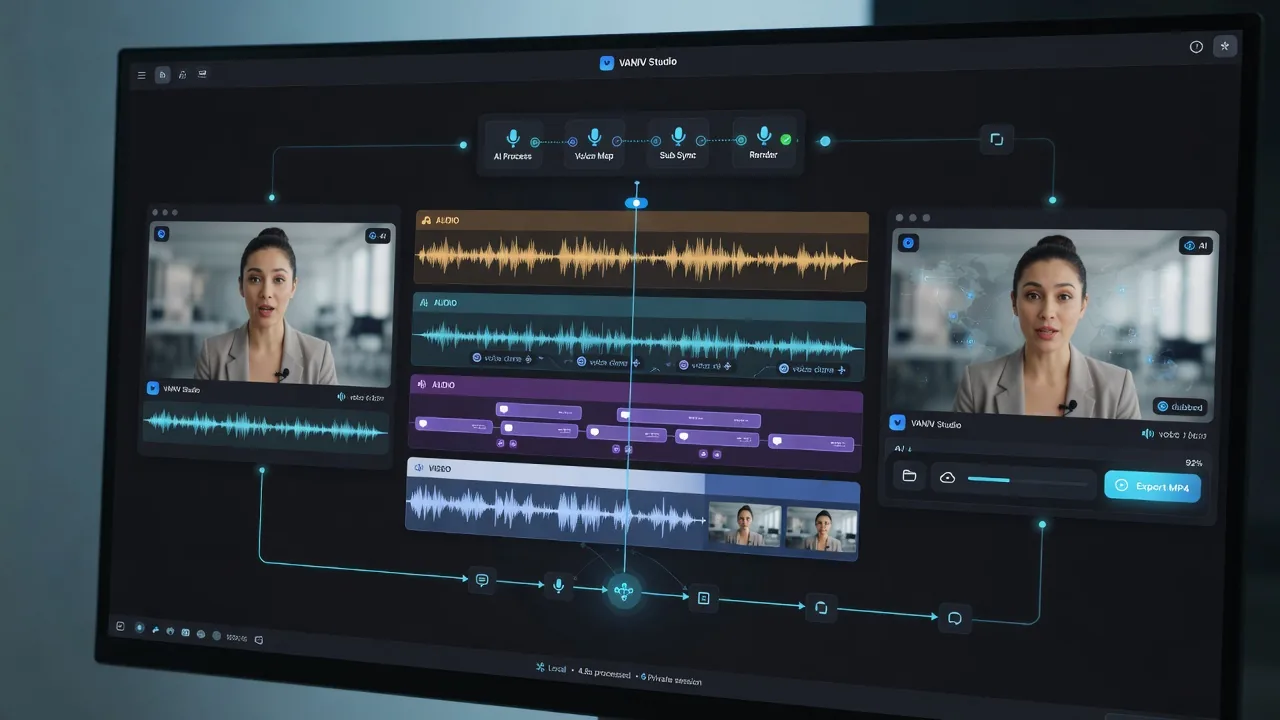
VANIV Studio demo showing a local AI video dubbing workflow from source video to localized export
Workflow preview: source video, translated dialogue, generated voice track, subtitles and export.
Why this demo matters

A dubbing demo should show the whole workflow, not just a synthetic voice.

Many AI audio tools look impressive for ten seconds. The harder question is whether they help you finish an actual video. VANIV focuses on the practical chain from source content to a usable localized export.

For creators

You want to translate YouTube videos, explainers, tutorials or course modules into more languages without rebuilding the entire project by hand. VANIV keeps the workflow centered around video production, not around disconnected AI tricks.

For local control

Local AI workflows are attractive because you control files, voices and exports on your own machine. That matters when you work with client material, unpublished videos, sensitive scripts or creator assets that should not travel through random cloud tools.

For repeatable output

The real value is not one funny generated clip. The value is a repeatable process: import, structure, translate, dub, review and export again for the next video. That is where a studio workflow becomes useful.

5-step workflow

From source video to localized version

A local AI dubbing workflow needs clear steps. VANIV is designed to reduce the mess between transcription, translation, voice generation, timing and export.

1

Import source material

Start with a video or audio file. The workflow is built around real creator files, not just a text box. This is important for YouTube creators, educators and agencies because the final deliverable is usually a video, not a loose audio sample.

2

Structure dialogue

The audio is prepared for transcription and speaker-aware editing. For simple voiceovers this is straightforward. For interviews, podcasts or multi-speaker videos, the structure becomes much more important because timing and speaker changes affect the final experience.

3

Translate the script

The text can be translated into a new target language while keeping the meaning usable for spoken video. A good dubbing workflow does not just translate words; it must create lines that can be spoken naturally and fit into the rhythm of the original.

4

Generate AI voices

VANIV is designed around AI voice generation, voice cloning and voice design workflows. The goal is to produce a new voice track that feels consistent enough for creators, tutorials, demos and educational content.

5

Review, subtitle and export

The last step is the difference between a gimmick and a tool. You need review options, subtitle handling and export paths so the final result can actually be published, shared with a client or used as a draft for manual finishing.

Repeat the workflow

Once the process works for one video, you can repeat it for additional languages, future videos and recurring creator formats. That is the business value: the same production logic can scale to more content.

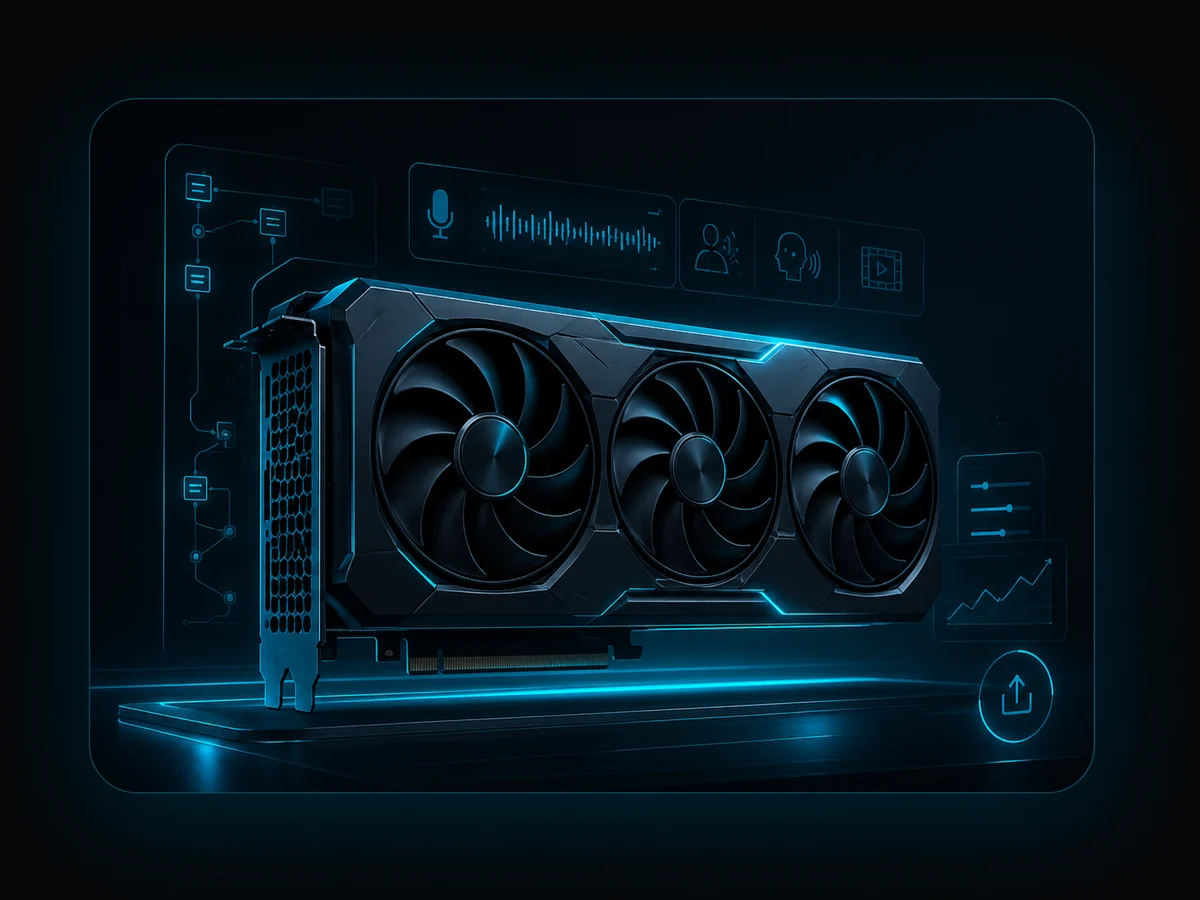
RTX GPU workstation for local AI video dubbing and voice cloning with VANIV Studio
Local AI hardware

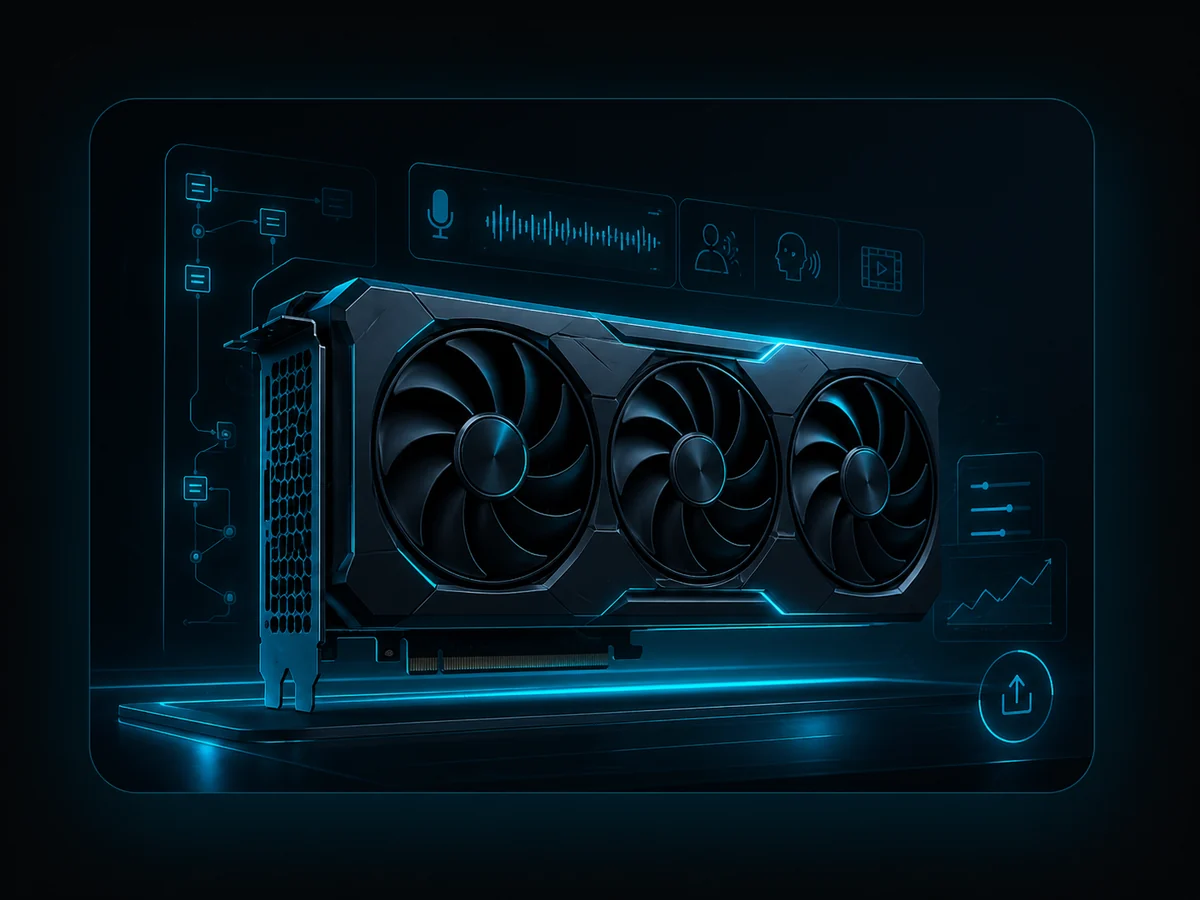
Local dubbing depends on your PC — especially the GPU.

Cloud platforms hide the hardware from you and charge for access, minutes, credits or subscriptions. A local-first workflow is different. Your own Windows PC becomes the production machine, so GPU, VRAM, RAM, SSD speed and cooling matter.

For short tests, you do not need to buy the most expensive graphics card first. But if you want to translate longer videos, clone voices, generate multiple audio tracks and export regularly, a modern NVIDIA RTX GPU makes the experience much smoother. The GPU is often the biggest practical difference between a workflow that feels experimental and a workflow that feels usable.

  • RTX 5070: good entry point for testing and shorter clips.
  • RTX 5070 Ti / RTX 5080: stronger creator sweet spot for regular local AI production.
  • RTX 5090: high-end workstation class for heavy users and large projects.
Use cases

What creators can use VANIV Studio for

The best demo is not a polished fake. It should make it obvious where the tool fits into real work.

YouTube localization

Translate an existing video into English, German, Spanish, French, Italian or another target language. This is useful if your channel already has content and you want to reach new viewers without recording every language manually.

Courses and tutorials

Educational content often has a long lifetime. If one tutorial performs well, a localized version can be worth far more than the time it takes to produce it. VANIV is built for that kind of reusable production workflow.

Product demos

Software demos, onboarding videos and product walkthroughs often need multiple language versions. A local AI dubbing workflow can speed up drafts, internal reviews and early marketing versions.

Podcasts and interviews

Multi-speaker material is harder than simple narration. Speaker changes, timing and natural phrasing matter. VANIV is moving toward workflows that respect that structure instead of flattening every voice into one generic track.

Agency localization

Agencies need repeatable workflows and clear deliverables. A local-first pipeline can help prepare drafts, language versions and voiceover exports while keeping source files under tighter control.

Short-form repurposing

Short clips can be tested in multiple languages faster than full productions. This makes them useful for validating audiences before you spend time localizing a long video or entire course.

Local vs cloud

Why a local AI dubbing workflow is different

Cloud dubbing tools can be convenient, but the trade-off is usually dependency. You upload files, follow the pricing model, accept limits and often work inside a platform that decides what is possible. VANIV Studio takes a different direction: your own machine becomes the studio. That does not magically make everything free or instant, because local AI still needs strong hardware and careful workflow design. But it gives you more ownership over the process.

For creators, this matters because dubbing is not a one-time experiment. If a channel starts producing content in five languages, the cost and control questions become serious. A subscription, credit model or per-minute workflow can become expensive quickly. A local-first workflow shifts the investment toward your own setup and your own production rhythm. It is not the right answer for everyone, but it is a powerful direction for creators who want to build a repeatable system.

WorkflowCloud dubbing platformVANIV local-first workflow
FilesUploaded to a third-party serviceProcessed locally on your own PC
CostsOften subscriptions, credits or minutesHardware-driven local workflow
ControlLimited by platform featuresMore control over files, review and export
Best fitQuick cloud convenienceCreators who want repeatable local production
48-hour early-access trial

What you can test in VANIV Studio

The point of a trial is not to stare at screenshots. The point is to see whether local AI dubbing makes sense on your own PC, with your own content and your own expectations. A 48-hour trial is enough to test a short workflow and identify whether your bottleneck is GPU, RAM, source audio quality or project complexity.

  • Create a local AI voiceover from text.
  • Test voice cloning or voice design workflows.
  • Try a short video dubbing or translation workflow.
  • Check subtitle and export handling.
  • Measure whether your PC is fast enough for regular use.
Creator workstation GPU for VANIV Studio local AI voice cloning and video dubbing demo
Release & expectation

Why the VANIV demo matters before release

VANIV Studio v1.0 is planned for release on June 17, 2026. That makes the demo page more than a product teaser. It should help users understand who the local AI workflow is actually for.

For early testers

Early-access users should not just open a nice interface. They should test whether VANIV can generate a voice, prepare a short video workflow, handle subtitles and create a usable export on their own PC.

For creators with real content

The best testers are not just curious visitors. They are creators with videos, tutorials, podcasts or product demos who want to know whether those assets can become multiple language versions.

For smarter hardware decisions

The demo helps avoid expensive guesses. Once you know real waiting times, voice quality and export behavior, GPU, RAM and SSD decisions become much clearer.

Quality check

What you should actually test in a VANIV demo

A demo is not successful just because an AI voice comes out. The real question is whether the workflow is usable in daily creator work. With local AI, many small things matter together: project loading, voice consistency, timing, correction effort, subtitle handling and export reliability.

For video dubbing, a short wow moment is not enough. A creator needs repeatable output. If every sentence needs manual rescue, that is not a studio, that is a construction site with neon lighting. VANIV should help users build a workflow they can repeat across multiple videos and languages.

Voice

Does the generated voice sound consistent enough for explainers, tutorials and recurring formats?

Timing

Does the dubbed version roughly follow the rhythm of the source, or does it feel delayed and unnatural?

Export

Do you get a result you can review, edit further or publish?

FAQ

Questions before testing VANIV Studio

Is VANIV Studio already a finished public product?

VANIV Studio is in early access. The goal is to test real local creator workflows, polish the happy path and move toward a stable product instead of pretending everything is already perfect.

When is the planned release?

VANIV Studio v1.0 is planned for release on June 17, 2026. Until then, the demo, trial flow, website, workflow and product promise need to stay aligned.

Is this only text-to-speech?

No. Text-to-speech is only one part of the bigger workflow. VANIV is designed around voice cloning, voice design, local video dubbing, translation, subtitles and export.

Can I use it for commercial creator content?

The intention is creator and commercial production, but you must only clone voices and translate content when you have the necessary rights and consent. For client work, get permission in writing.

Do I need a powerful GPU?

For serious local AI work, yes. A strong NVIDIA RTX GPU makes the experience much better, especially for longer videos and repeated dubbing tasks. You can still test the workflow first before buying hardware.

Why not just use a cloud dubbing tool?

Cloud tools are convenient, but they create platform dependency. VANIV is for creators who want local control, repeatable workflows and a path that does not rely only on subscriptions, credits or uploaded source files.

What should I test in 48 hours?

Use a short real video, not just a random sentence. Check voice quality, timing, subtitle handling, export, waiting time and whether your PC feels comfortable enough for repeated use.

Who is the demo not ideal for?

If you expect a fully managed cloud platform without local hardware, setup or technical awareness, VANIV may not be the easiest path. The focus is control, local workflow and creator production.

Next step

Test the workflow before you judge the idea.

The honest test is simple: take one short video, run it through the local workflow, check voice quality, timing, subtitle handling, export and speed on your own PC. Then you will know whether VANIV Studio belongs in your creator stack.