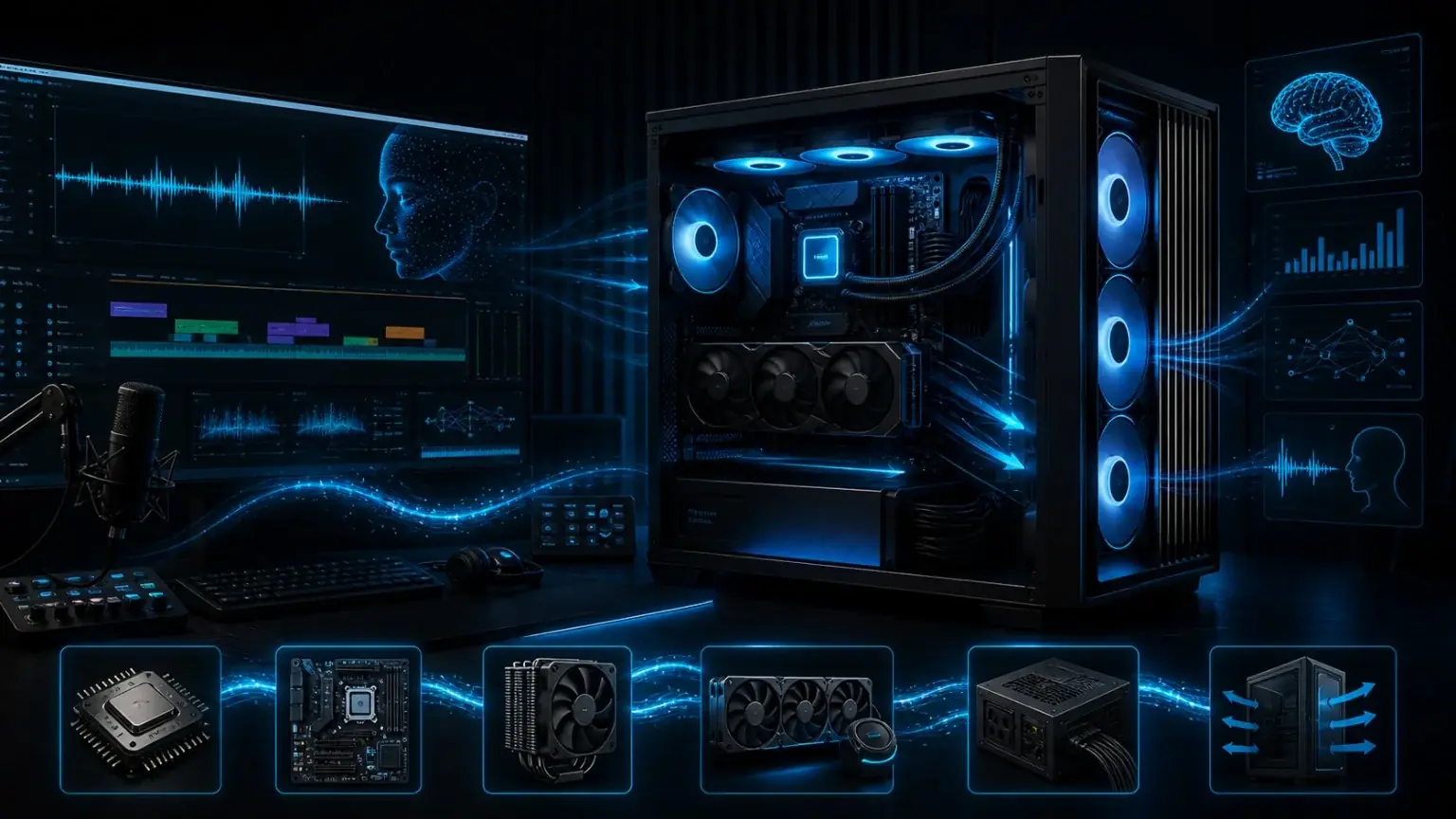
The product cards above are only the short version. For a local AI workstation, it is not enough that a part looks fast on paper. What matters is whether CPU, GPU, VRAM, RAM, SSD, motherboard, cooling, power supply and case airflow work together in a real VANIV workflow.
AMD Ryzen 7 9700X: entry-level local AI without unnecessary overkill
The Ryzen 7 9700X is a sensible starting point if you want a modern creator PC for local AI without spending too much of the budget on the CPU. For short text-to-speech projects, simple AI voices, first voice cloning tests, smaller VANIV projects and normal desktop work, this class is often enough.
The honest part: a Ryzen 7 does not turn a weak GPU into a fast local AI machine. If your main goal is voice cloning, voice design or video dubbing, your budget should first go into a suitable RTX GPU, enough VRAM, 64 GB RAM and a fast NVMe SSD. The CPU keeps the workflow clean, but the GPU usually makes the biggest speed difference.
The Ryzen 7 9700X is best for users who want to test VANIV Studio, create short voiceovers, prepare blog and YouTube workflows or build an efficient PC with moderate power draw. For agencies, long dubbing projects or many parallel tools, it is not wrong, but it is not the most comfortable choice either.
AMD Ryzen 9 9900X: sweet spot for creators, voice cloning and multitasking
The Ryzen 9 9900X is the stronger and more interesting option for many creators. If you do not only test VANIV Studio but produce regularly, multitasking quickly becomes important. Browser, editing software, audio files, subtitles, exports, project folders, reference voices and AI tools often run at the same time.
This is where a Ryzen 9 CPU improves comfort. Not because it performs every AI calculation by itself, but because the entire system stays more responsive. Voice cloning and video dubbing create many supporting tasks: files are read, audio is prepared, segments are processed, subtitles are managed and exports are written. A good CPU prevents the PC from feeling sluggish during these surrounding tasks.
The Ryzen 9 9900X is therefore the most logical middle ground: strong enough for serious creator workflows, but not as expensive as the absolute high-end processors. Combined with an RTX 5070 Ti or RTX 5080, 64 GB RAM and a fast 2 TB NVMe SSD, it creates a very balanced local AI PC.
AMD Ryzen 9 9950X3D: premium all-rounder for local AI, creator work and gaming
The Ryzen 9 9950X3D is not a magic AI accelerator. That has to be said clearly. Many heavy local AI steps run on the GPU. For voice cloning, text-to-speech and video dubbing, RTX performance and VRAM are often more important than more CPU cache.
Still, the 9950X3D is very interesting when your PC is not only a VANIV machine, but a complete high-end workstation. Creators who work locally often also edit video, game, render, stream, transcode or run several tools in parallel. In this mixed scenario, X3D becomes attractive because the CPU is a strong premium all-rounder.
My honest recommendation: the Ryzen 9 9950X3D is worth it if you intentionally build an upper-tier platform. For pure beginners, it is too expensive. For creators who combine long projects, gaming, many apps, a strong GPU, 128 GB RAM and large SSDs, it is a very attractive flagship option.
MSI MAG B850 Tomahawk WiFi: the motherboard as a stable platform
The motherboard is where many people save money in the wrong place. They invest in CPU and GPU, then choose any cheap board. That is risky because the motherboard is the platform for everything else: CPU, RAM, NVMe SSD, GPU, USB devices, networking, BIOS, fan control and future upgrades.
For local AI, a solid AM5 motherboard matters because a creator PC can grow over time. Today you may use one GPU, 64 GB RAM and one SSD. Tomorrow you may add more storage, a stronger graphics card, extra drives, an audio interface, capture hardware or more monitors. A good B850 board is usually a better choice than a cheap board with tight limits.
An X870E board is not automatically required. For many VANIV users, a good B850 motherboard is the sweet spot: modern, stable, well equipped and more reasonable in price. The saved money is often better spent on GPU, VRAM, RAM or SSD.
Noctua NH-D15 G2: premium air cooling for long local AI sessions
When people think about cooling, many immediately think about liquid cooling. It looks impressive, but it is not automatically better. For local AI, reliability matters. When a voice cloning job, a video dubbing project or an export runs for a long time, you want stable temperatures, low noise and as few failure points as possible.
A premium air cooler like the Noctua NH-D15 G2 is therefore a very sensible option. No pump, no liquid, no radiator placement, no pump noise. It is not the flashiest TikTok cooling setup, but that boring reliability is worth a lot when you actually work with the machine.
Important: check case height, RAM clearance and motherboard compatibility. Large air coolers need space. If everything fits, premium air cooling is one of the most robust solutions for many local AI workstations.
Arctic Liquid Freezer III 360: AIO for sustained load and large systems
A 360 mm AIO makes sense when you intentionally build a strong workstation with Ryzen 9, sustained load, a large case and clean airflow. During long exports, high CPU load, video processing and parallel creator tools, a strong AIO can keep temperatures under control very well.
But an AIO is not automatically more professional. It has more parts, needs radiator space and must be mounted correctly. If the case airflow is poor or the radiator position is wrong, liquid cooling will disappoint. For local AI, the most important question is not how cool the PC looks, but whether it still runs quietly and reliably after three hours of load.
The Arctic Liquid Freezer III 360 is therefore a good alternative to air cooling, not a requirement. For many creators, air cooling is simpler. For high-end setups with a large case and Ryzen 9, the AIO can be very useful.
be quiet! Straight Power 12 1200W: power headroom instead of risky planning
The power supply is not an exciting component. That is exactly why people underestimate it. For local AI, that is a mistake. A strong RTX GPU, Ryzen 9, multiple NVMe SSDs, fans, USB devices and long load phases need stable power delivery. If the PSU is too tight, noise, instability and future upgrade problems can follow.
1200 watts is not mandatory for everyone. For smaller systems, it would be overkill. But for a high-end workstation with RTX 5080 or RTX 5090 class hardware, lots of RAM, several SSDs and later upgrades, power headroom makes sense. Especially in local AI workflows, you do not want a tight power plan while a longer dubbing export is running.
The key message: do not treat the PSU as an afterthought. A good power supply is the foundation of stability. Saving money on the PSU after buying an expensive GPU is the kind of decision that creates annoying problems later.
Fractal Design North XL: airflow, space and a quiet creator look
The case has a bigger impact on daily work than many people think. A local AI PC generates heat. GPU, CPU, RAM, SSDs and PSU can run under load much longer than during normal office work. If the case cannot breathe, everything becomes louder, hotter and more annoying.
A large airflow case has several advantages: large GPUs fit more easily, cables can be routed cleanly, radiators or large air coolers have space, and the fans do not need to run at their limit all the time. For voice cloning and video dubbing, that may sound secondary at first, but it is the difference between a pleasant workstation and a loud heater under your desk.
The Fractal Design North XL fits the VANIV positioning well: professional, calm, premium and not overly playful. For creators who take their workspace seriously, that is often more attractive than a pure RGB gaming case.