
A course voice does more than read a script. It guides learners through difficult ideas, makes updates feel consistent and has to remain trustworthy over time. Learn how to prepare authorized voices, localize lessons and review every release.
VANIV is designed for local-first creative workflows. This article is educational information, not legal advice; review permission and production responsibility before using any voice reference.
Course production and release workbook
Use these six fields as a compact handover between subject owner, production and release. They make clear what was decided for a lesson and what remains open before publication.
Record the learning outcome first
Before narration, write one sentence describing what participants should be able to do after the segment. It prevents a voice track from merely reading copy while the screen, demonstration and exercise aim at something else. In review it becomes a concrete test: can someone complete the task from audio, visuals and captions together?
Treat authorization as production data
Connect permission to the module, language editions, allowed changes, duration and release owner. A folder containing a general consent is not enough when a new audience, course or promotional element is added later. The decision must remain traceable against the specific release.
Plan reference recording realistically
Do not record only polished sample lines. Technical terms, numbers, transitions and typical warnings belong in the sample because they will occur in the course. The person behind the voice should hear a test segment before it becomes a reusable reference for further lessons.
Link script, screen and sound
Mark timecodes and visible controls in the script. Every instruction needs a moment when its related action can be seen. When localization needs more room, do not blindly speed it up; adapt the segment so learners can still follow.
Approve from two perspectives
Keep subject review separate from language and audiovisual review. The first checks the claim, product state and learning goal; the second checks pronunciation, clarity, captions and timing. Both leave comments on the precise segment, creating an auditable path rather than a vague approval.
Keep learning after release
Assign questions, support cases and test feedback to the published version. Recurring uncertainty shows whether the script, visual guidance or narration needs improvement. That is a more trustworthy quality signal than a general statement about whether AI audio sounds good or bad.
Where VANIV fits into this E-learning workflow
VANIV Studio is being built for this kind of local production chain: prepare authorized voices, use voice cloning or voice design, translate or dub video, and keep project media on the local system. The point is not to automate approval; it is to bring the technical steps into one coherent local workflow.
VANIV does not replace consent or subject-matter review. Responsible people still approve the voice, copy, language and release; VANIV is intended to make repeatable production and later updates easier to manage.
01Why a course voice is a learning tool
Learners may spend hours with the same voice across a course.
It explains unfamiliar terms, slows down at a difficult moment and gives the material a recognizable rhythm.
That makes voice a part of instructional design, not a finishing touch.
When the voice changes between modules, speaks unclearly or suddenly sounds different after an update, attention is lost even if the slides are accurate.
Voice cloning can be useful when a real, authorized voice needs to remain available for a living course.
It does not remove the speaker's rights and it is not a shortcut for arbitrary imitation.
Used responsibly, it creates a repeatable starting point: an instructor can update a corrected explanation without re-recording an entire module, and a team can use an approved course voice for carefully reviewed additions.
The important question is therefore not whether an AI can generate a voice.
It is whether the use improves the learning experience and has been explicitly authorized.
This guide covers both sides: recording quality before the model, localization beyond word-for-word translation, and practical data control instead of vague privacy promises.
02Choose deliberately: fresh recording, voice design or voice cloning
Not every course needs a cloned voice.
A short, personal lesson is often best served by a fresh recording.
A new program without an established instructor may benefit from a designed synthetic voice.
Voice cloning becomes useful when a recognizable, authorized instructor voice is part of the learning experience and lessons are updated, expanded or adapted repeatedly.
Choose based on the production problem, not the novelty.
Do you update a curriculum weekly?
Do you need copy approval before narration is produced?
Are there several authorized instructors whose roles must stay distinct?
Or is the lesson so personal that only a new human take can carry it?
These questions keep a technical option from becoming an unnecessary shortcut.
A hybrid model works well in practice: record welcome messages, sensitive feedback and personal stories fresh; use a reviewed voice setup for recurring explanations, release notes and authorized updates.
The course keeps its human character while small corrections do not require an entire studio day.
03Authorize use and define roles before recording
A clean reference recording is not consent.
Before recording, document who provides the voice, which course products may use it, whether translations and edits are included, how long the use lasts and who approves releases.
With guest instructors or clients, this belongs in a traceable production process rather than an informal message after a call.
Useful consent describes the purpose precisely: named course modules, approved updates, defined target languages and agreed distribution.
It should also state what is excluded: unapproved advertising claims, unrelated products, fabricated emotions, training outside the agreement or sharing reference files.
Clear boundaries protect both the speaker and the course team.
This guide is not legal advice, but it makes the production questions visible before work begins.
If rights or personality considerations are unclear, pause the workflow here.
Read the existing voice-cloning law and ethics guide for the underlying principles before choosing any model or setting.
Review points
- The authorized use, source copy and target version are documented.
- A responsible person approves the release.
04Prepare reference material: quality starts before the model
For an instructional voice, clarity matters more than a dramatic studio sound.
Record in a quiet room, keep microphone distance and level steady, and avoid music, room echo and heavy processing.
A short test using typical technical terms quickly reveals whether pronunciation, pauses and speed fit the course.
Your reference should represent the calm explanatory tone learners will actually hear.
Treat the session like a teaching sample.
Include short and medium sentences, numbers, product names, abbreviations and transitions between slides.
Speak naturally rather than artificially slowly.
If the program needs different tones – an introduction, a safety warning and a motivating recap – capture them intentionally.
That creates an honest foundation for review instead of extrapolating an entire course from one polished promotional line.
Organize files and approvals from day one.
Clear naming, a recorded consent date and separate locations for raw recordings, approved reference material and exports prevent teams from using the wrong version.
The linked guide to cloning your own voice covers the recording and testing mechanics; this article focuses on the e-learning use case.
05Turn one lesson into a repeatable production workflow
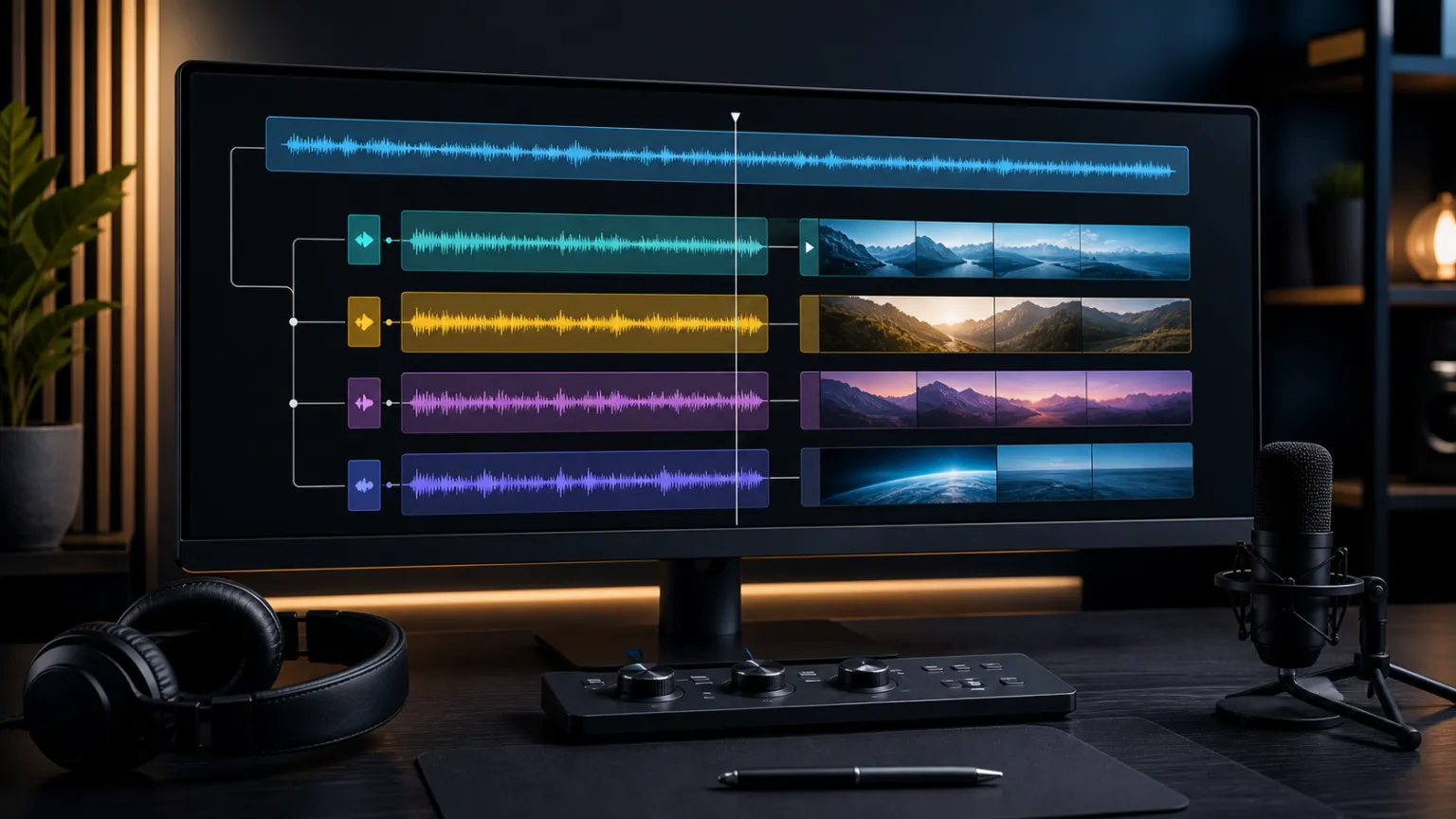
A reliable workflow starts with approved copy, not audio.
Give each lesson a version, mark specialized terms, visible screen text and moments where audio must match a demonstration.
Narrate only after content, order and approval are clear.
This reduces correction loops and makes every audio export explainable.
Produce short, reviewable segments.
A paragraph or defined chapter block is easier to check against visuals, captions and learning objectives than a thirty-minute monologue.
Keep the text, voice track and export together as one version.
When a software step changes, replace the relevant segment, review its transition and avoid publishing an unnoticed mixture of old and new claims.
Course video introduces a second layer: picture and speech must explain the same action at the same moment.
Use a controlled local video-translation workflow for existing video and multi-speaker dubbing for dialogues or role plays.
Voice cloning is one component; the learning result comes from script, timing, visual guidance and review together.
06Localize courses without losing instructional value
Course localization is not line-by-line translation.
Examples, units, forms of address, tone and sentence length affect whether learners can follow.
Start with a terminology list: product names, commands, abbreviations and terms that must not be translated.
Assign a subject-matter reviewer for every target language before speech is generated or video is exported.
Create a small pilot first: one lesson with an introduction, a demonstration and a recap.
It shows whether the target voice feels natural, pauses fit slide changes and captions match the spoken message.
Scale only after that pilot works.
This is how you avoid a complete library that is translated but not usable for learning.
Keep language editions traceable as separate course versions.
A source script can need a different length or a different example in another market.
A consistent voice supports recognition, but it cannot replace local review.
The separation also makes updates manageable because you can see which edition needs a revised chapter.
07Quality assurance before release
Do not review a lesson only at the editing desk.
Listen on headphones, ordinary speakers and, if the course is used on the move, a typical phone.
Check transitions, names, numbers, emphasis, breaths and sentences interrupted by visuals.
A voice can be technically clean yet rush an important instruction or make a key concept sound flat.
Create a fixed approval pass: subject-matter review of the copy, authorization review, audio review, sync with picture, caption check and final release approval.
Each role catches different issues.
Experts find a wrong term, the speaker recognizes an unsuitable delivery and production finds a timing problem.
Skipping those steps saves time only on paper.
Measure the learner's point of view too.
Ask test learners where the next action became unclear, which wording had to be replayed and whether the voice felt trustworthy for the subject.
Those answers are more useful than a vague judgment about AI quality.
They improve the next lesson and its underlying script.
Review points
- The authorized use, source copy and target version are documented.
- A responsible person approves the release.
08Local workflow, data control and maintenance
Course material often includes more than public knowledge: unreleased product plans, internal procedures, client information, voice references or employee training.
Review where every file travels.
Local tools can make control of media and intermediate files easier, but they do not replace access controls, backups, retention rules or clear ownership.
Decide who can access raw recordings, where they are stored, how approvals are recorded and when reference material is deleted or renewed.
Separate testing material from approved production material.
A traceable process reduces privacy risk and prevents an old model or expired reference from silently appearing in a new course release.
Treat maintenance as part of the course.
An update can require a new audio segment, changed screen capture, localized term and caption package.
When those artifacts are connected by version, the work stays small.
When they are scattered, every correction becomes a release risk.
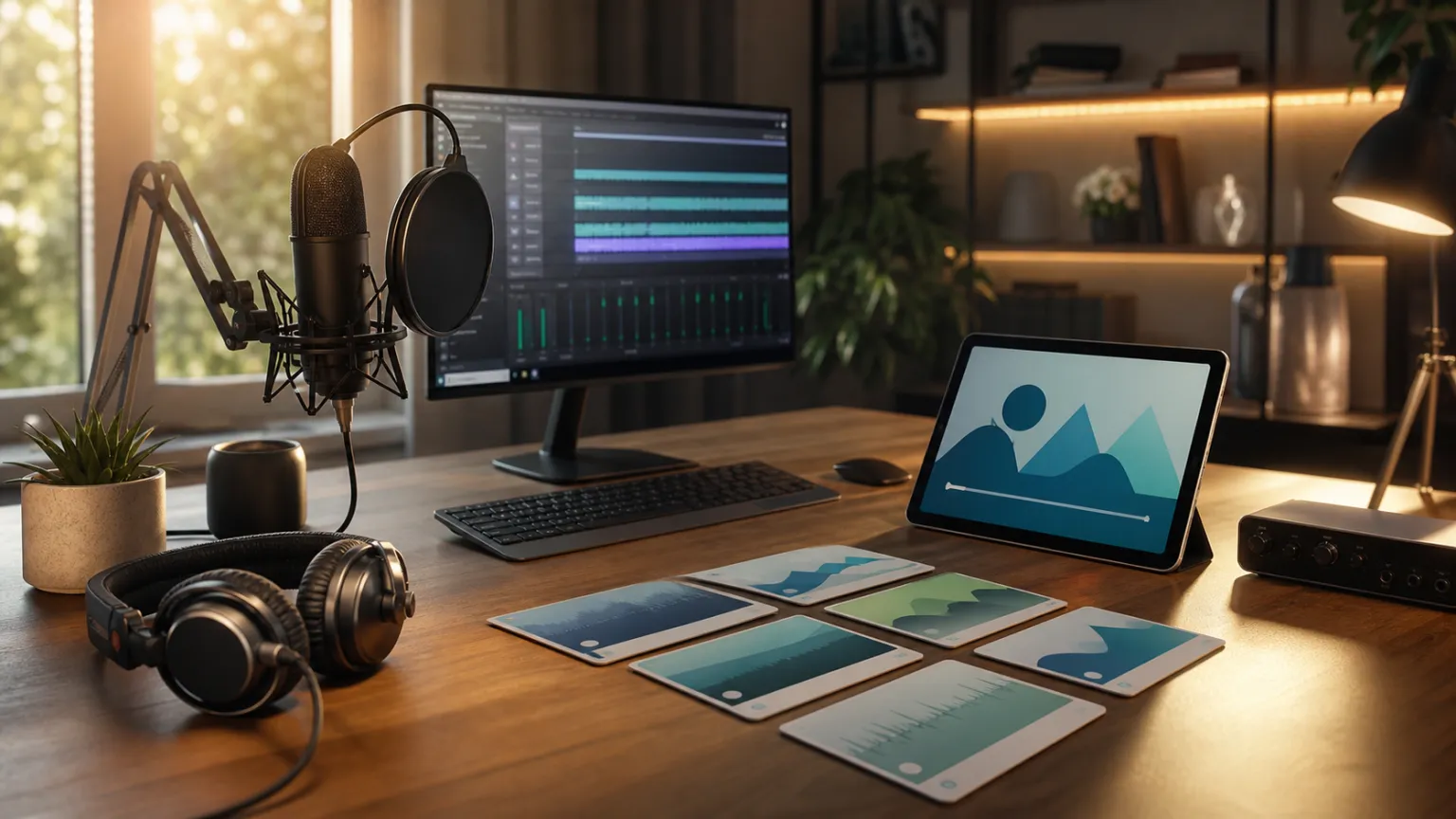
09Start with a pilot module, then scale
Do not test on a throwaway aside.
Choose a module that includes a real explanation, a specialized term, a visible step and a short recap.
Produce an authorized reference, voice track, captions and full export.
Record how long each stage takes and where human judgment is needed.
A pilot answers the practical business question better than a demo clip: how many updates are realistic, who needs to approve them, which formats actually benefit and when a fresh human recording remains the better choice?
Only then is it sensible to scale across a curriculum or multiple languages.
If you want to assess the workflow with your own material, request a non-binding VANIV Early Access test.
The goal is not automated mass production at any cost; it is a workflow that fits your course, permissions and quality standard.
10The release playbook: from a change to a published lesson
Treat every course update as a small release, not as a loose audio file. Give it a ticket or version number, record the instructional reason for the change and link the affected learning segment. Those three details prevent a correctly produced voice track from ending up in the wrong lesson, language or course version. They also make later questions from learners or the voice contributor answerable.
First, decide the content. The subject owner checks whether the information truly needs to change, whether the screenshot and instruction still agree, and whether learners need a note about an earlier version. Only then should the sentence be polished for speech. This order avoids a highly polished explanation that is no longer accurate or calls for a click before the relevant interface is visible.
Second, verify authorization. The issue is not simply whether someone consented once. Check whether the voice is approved for this exact course product, copy change, target language and delivery channel. Flag cases such as new calls to action, pricing claims, health statements or safety instructions. They deserve explicit approval rather than an assumption that an earlier permission covers them.
Third, prepare the script for listening. A slide can carry a long sentence; a voice track may not. Split instructions into audible units, resolve unclear pronouns and replace purely visual wording such as 'click here' with a clear description of the control. Make sure numbers, URLs, commands and proper names are written in the way they should be spoken.
Fourth, make a short reference export before producing the whole lesson. Pick a moment with a specialist term, screen change, number and conclusion. The instructor, subject reviewer and producer can then hear whether pauses, emphasis and tone guide learning as intended. If that segment fails, improving the script or reference material is much less costly than revising twenty minutes of audio.
Fifth, connect voice and visuals with timecodes. Do not only check whether the audio has roughly the right duration. It should name an action when the related interface, object or example is visible. Add a deliberate pause where needed instead of speeding up video or speech unnaturally. Learners need time to connect an explanation with what they see.
Sixth, review captions as a publication layer of their own. The spoken line, caption and on-screen copy must not conflict. Check line length, reading time, terminology and whether a sentence is split by an edit. This is especially important in localized courses: a sound translation can be too long for the picture or shift the meaning of a demonstration.
Seventh, separate subject and language approval. Subject review checks the claim, example and currency. Language review checks pronunciation, clarity and audience fit. Both perspectives are necessary: someone may know how a command works without noticing that its spoken form is confusing. Put comments against the precise segment rather than in a broad message.
Eighth, test like a real learner. Open the lesson in the actual course environment, on a normal connection and on the device your audience mostly uses. Follow a demonstrated task with only the audio and captions. When a tester has to guess which button is meant, the problem is often the relationship between script, visual and learning objective rather than the voice itself.
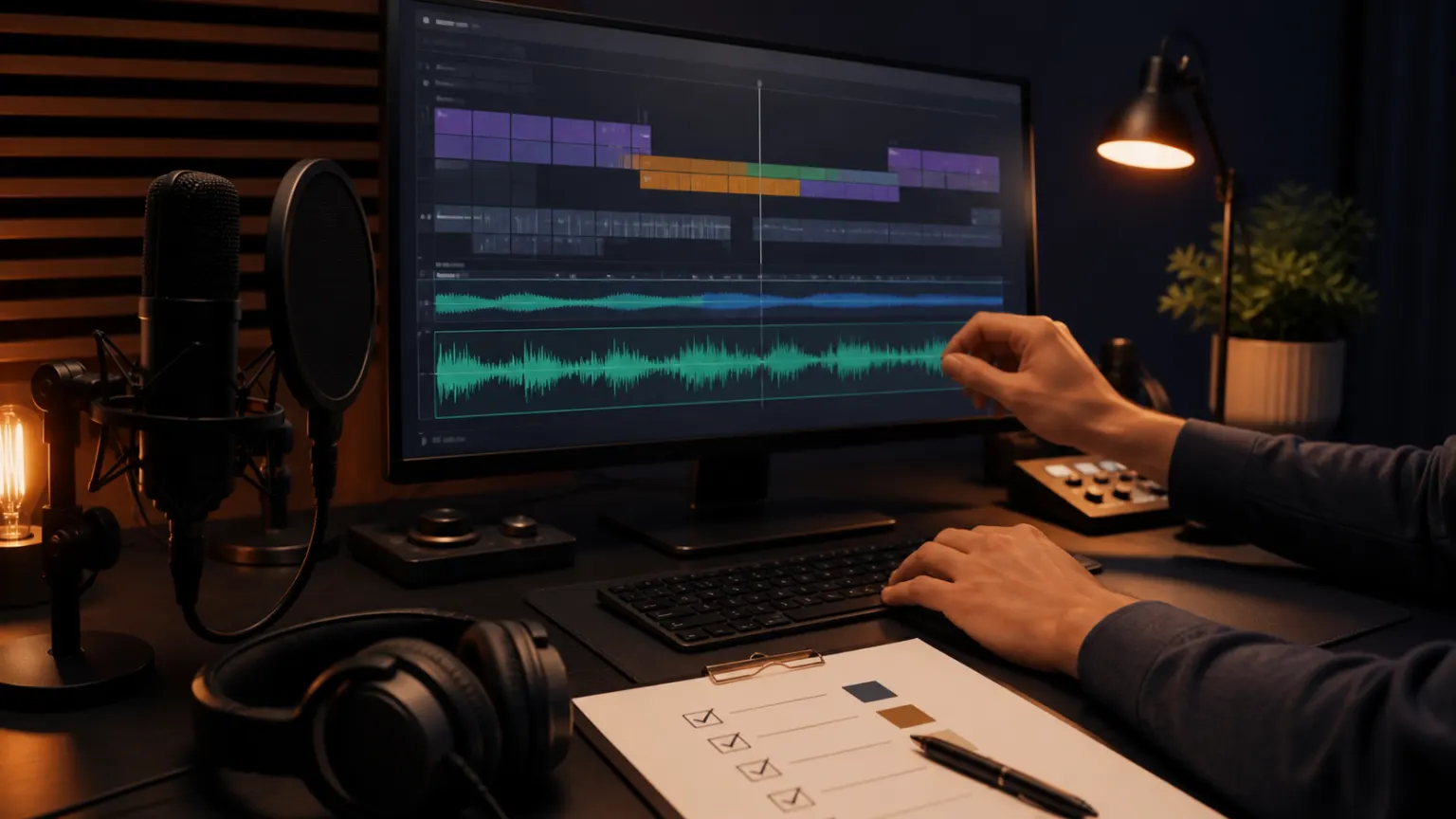
Ninth, prepare a safe rollback. Keep the previous published version, script state and approval decision where they can be found without searching. This is not an excuse to keep old errors. It is protection in case a product update is reversed, an authorization changes or a factual error becomes visible after release.
Tenth, measure more than production time: measure quality cost. Record whether corrections originated in the script, authorization, pronunciation, timing, translation or captions. After three to five updates, a real pattern emerges. You can see which sections suit an authorized voice reference and which content continues to benefit from a fresh human recording.
Eleventh, plan localization as its own release. A target language has its own script, timecodes, subject review and sign-off. Use the German edition as a clear source of meaning, not as a finished template. This preserves brand consistency across languages without making local examples, timing or tone an afterthought.
Twelfth, close a release only after learning from it. Gather support questions, drop-off points and course feedback, then assign them to the exact version. A recurring comment about an unclear passage is a signal for the next revision. That is how voice cloning becomes a controlled building block for better, maintainable learning content rather than an end in itself.
Add a short handover note for every module. It contains the approved export link, language edition, responsible person, date and any observations from the test. The note does not need to be long. Its value is that another team member can still understand months later why a specific edition went live and which assumptions need to be checked in the next update.
A good workflow deliberately allows exceptions. When a lesson contains a personal story, an apology or particularly sensitive feedback, a fresh human recording can be the better instructional and professional decision. Document that exception as carefully as an automated step. The technology then stays subordinate to the learning goal, and teams retain human presence where it genuinely matters.
Finally, choose one course metric that is genuinely useful: less time to a correct update, fewer questions about a step or a better clarity rating in a test. Do not turn it into a broad claim about AI. It only shows whether the agreed workflow helps this course. If it does not, improve the script, approval or visual guidance first instead of simply producing more audio.
Keep the metric visible to the people who write, review and publish the lesson. A small monthly review of completed updates turns isolated production work into an evidence-based practice. It also creates an early warning when a new tool, voice reference or localization process adds friction instead of helping learners reach the intended outcome.
Before work starts, create a short impact map for the change. Mark the chapters, screenshots, exercises, downloads and language versions that are affected. Not every copy edit needs new audio, and not every new recording requires a complete re-export. The map helps the team choose the smallest correct scope without missing a dependent asset.
Link source materials to the final export. For each version, keep the script, pronunciation notes, voice reference, captions, visuals and approval decision discoverable. They do not need to live in one file, but the relationship must remain clear. When a question appears later, the team can inspect the original decision instead of reconstructing history from scattered copies.
Add accessibility to normal QA. Meaning should not depend only on colour, motion or audible emphasis; captions and on-screen text should support the key instruction. Check that learners can pause, replay a segment and still understand the next step. This also improves clarity for people in noisy environments, on small screens or learning in a second language.
Assign roles clearly before serial production begins. Someone owns subject accuracy, someone can confirm permission to use the voice, and someone accepts the final export. In a small team these may be the same people, but the decisions should still be recorded separately. That keeps speed and accountability from dissolving between writer, editor and course owner.
Test the release through the real delivery path, not only inside the editor. After uploading to the LMS, verify the language, audio track, captions, module and link against the approved version. This post-publish check matters especially when the platform caches media or serves several device types. A technically correct file does not guarantee the learner receives the approved experience.
Keep evidence of the final decision without collecting unnecessary personal data. It is enough to record who approved content, rights and export, when that happened, and where the matching version is stored. This supports internal review and handover and prevents publishing based on the vague assumption that somebody probably checked the file.
After a meaningful update, tell learners what changed when the task, interface or expected result is affected. A short note in the course or module reduces confusion between old and new demonstrations and creates a useful feedback channel. Version communication then becomes part of the learning experience rather than only an internal production task.
FAQFrequently asked questions
Is voice cloning suitable for every online course?
No. It is especially useful for courses with recurring updates and a clearly authorized instructor voice. Highly personal, emotional or one-off lessons often benefit more from a fresh recording.
How much reference material does a course voice need?
The right amount depends on the system and the quality required. What matters most is clean, representative material in the explanatory tone you will actually use.
Can I use a guest instructor's voice?
Only with clear, documented authorization for the intended use. Review contracts, rights and the release process as well.
Can a course edition be adapted into other languages?
Yes, but translation, timing, technical vocabulary and the target voice need review in every language. A synthetic voice cannot replace subject-matter localization.
✓Next step
Build one authorized pilot lesson, measure the review effort and scale only after learners and responsible stakeholders approve the result. Request VANIV Early Access.